Image
Pixel and Character Intervention in a Photography Poster
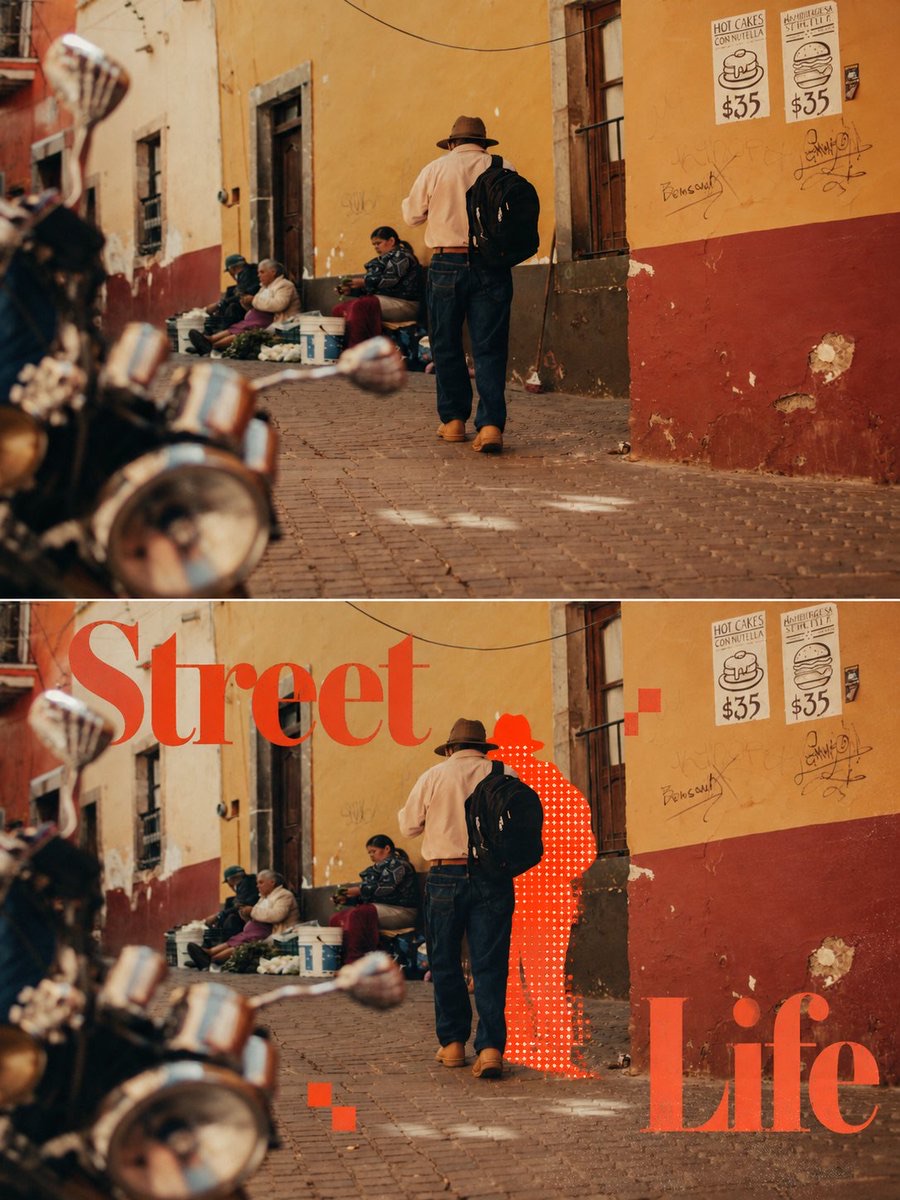
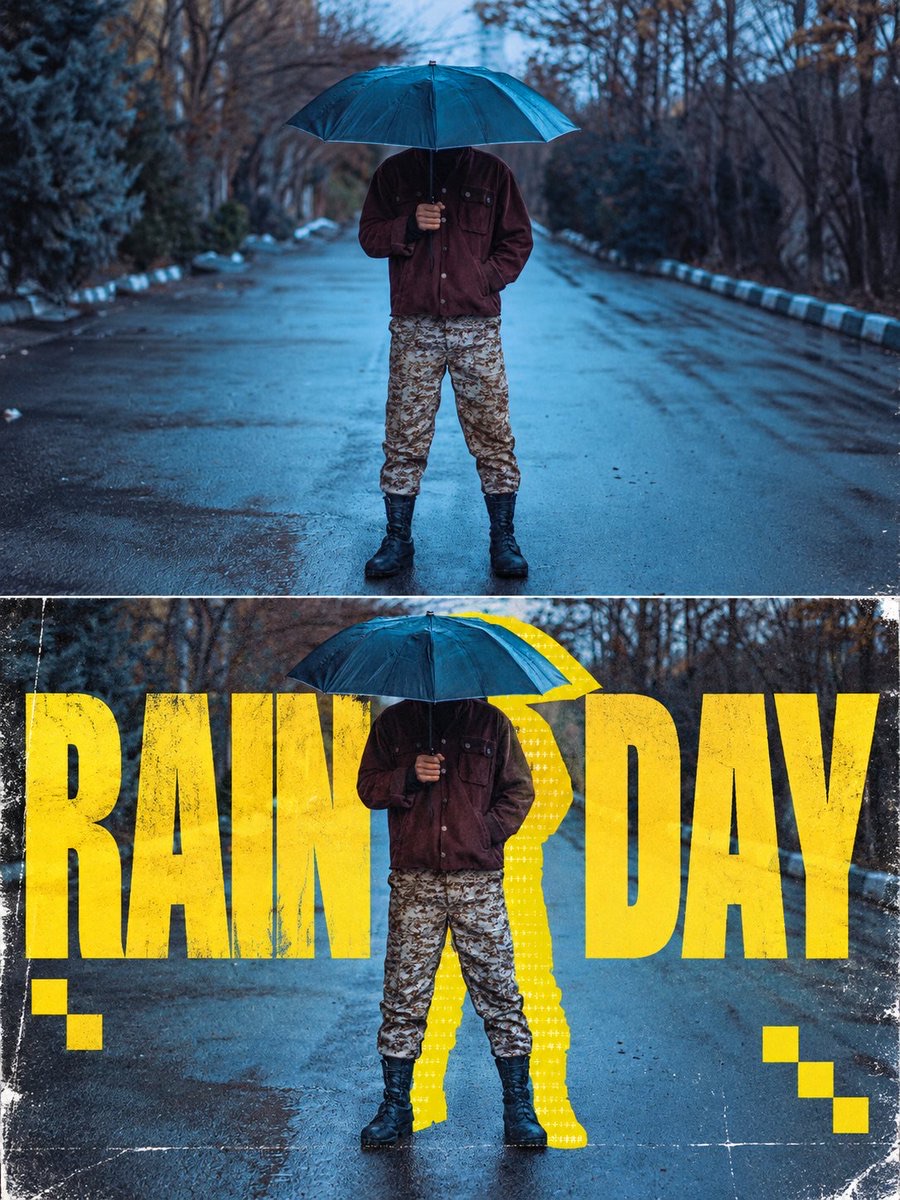
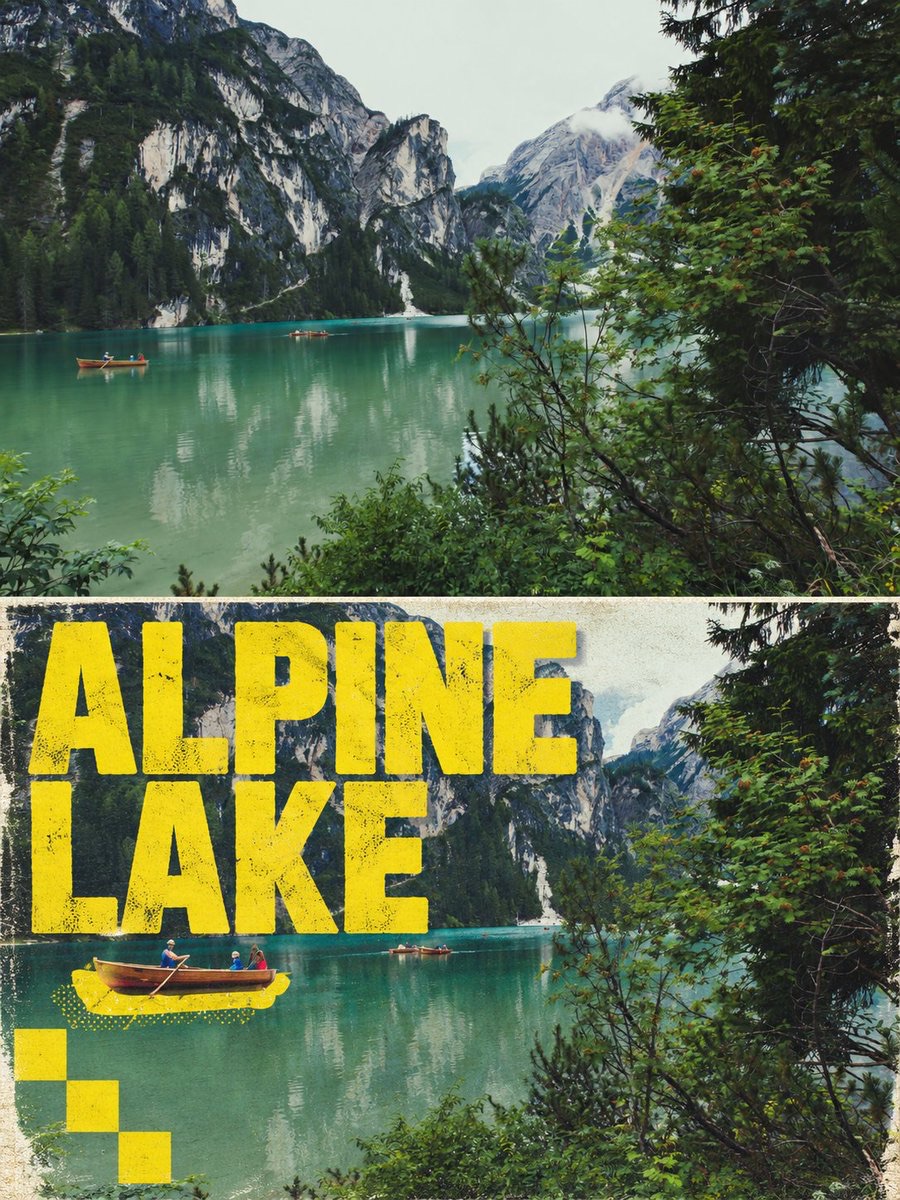
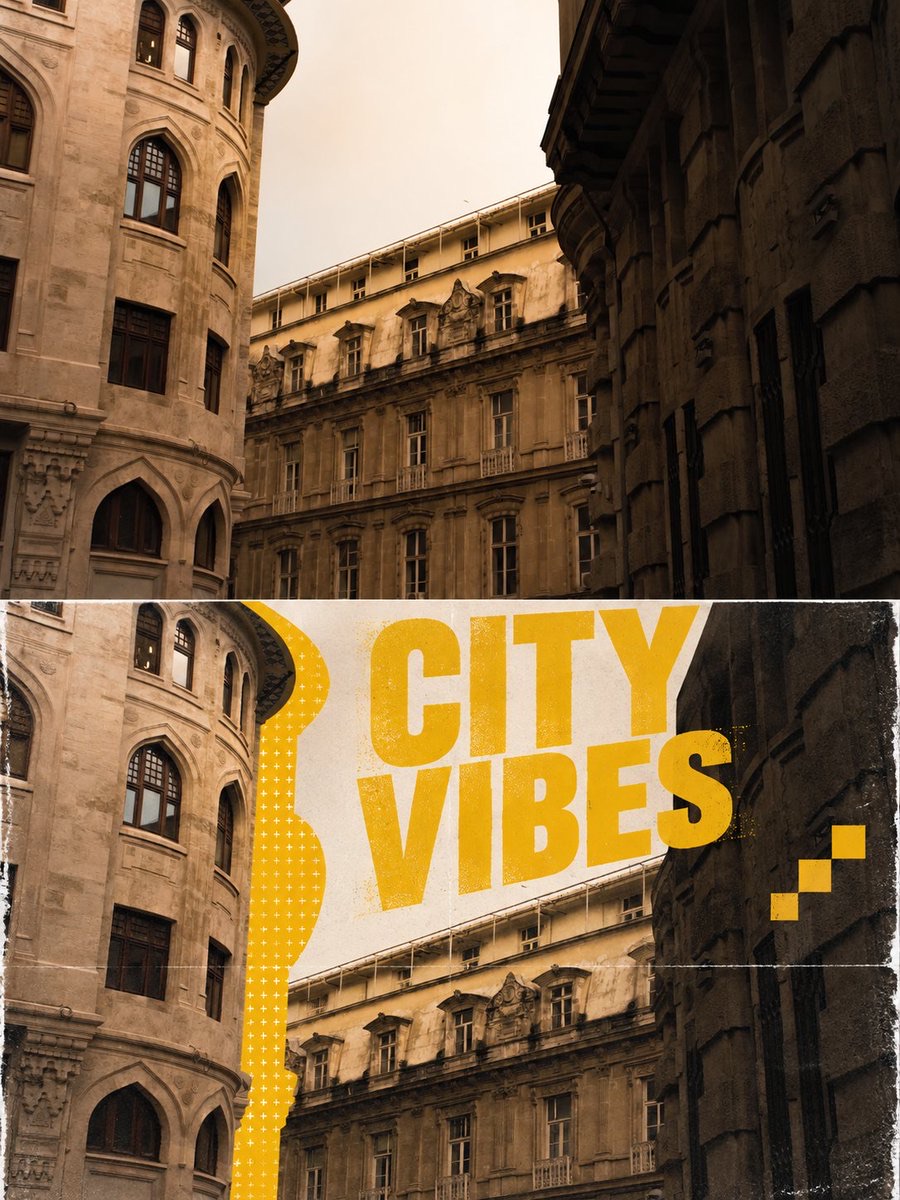
Transform an input photo into a vertical top-and-bottom comparison poster, preserving its authentic photographic texture while adding a misregistered spot-color silhouette, localized ASCII characters, giant lettering, and an aged print texture.
 蛋黄堡@Hamburgerai
Prompt
Turn the input photo into a vertical 3:4 experimental photography poster with a top-and-bottom comparison.

In the upper half, fully preserve the input photo's authentic photographic texture, subject identity, original composition, and colors, with no stylization.

In the lower half, continue using the same photo as a realistic photographic base. Identify the photo's main real-world subject and visually separate it from the background, preserving the subject's complete, clear, realistic photographic details.

Behind the subject, add a highly saturated spot-color silhouette generated along its actual outer contour. Shift the silhouette slightly to one side to create an obvious but irregular print-registration offset. Only inside this colored silhouette, locally fill areas with dense ASCII characters, plus signs, hash marks, and monospaced symbols. Embed the characters in the color block like printing ink; do not cover the real subject or turn the entire photo into characters or pixels.

Automatically generate a short English title based on the atmosphere of the original photo. Set it across the lower half in an oversized, heavy, condensed sans-serif font. Part of the text is obscured by the subject's actual outline, and part extends beyond the image edges, creating a dimensional effect in which the photographed subject appears in front of the lettering.

Use the original photo's color palette and additionally choose one highly saturated, strongly contrasting spot color for the giant title, offset silhouette, and a few decorative squares. Add a few deliberately misaligned, stair-step pixel blocks around the edges, and overlay subtle aged-poster paper grain, scratches, wear, and print-registration shifts across the composition.

Emphasize the visual tension of real photography × giant typography × localized character-filled silhouette × misregistered printing. People, animals, buildings, vehicles, plants, or objects can all serve as the subject; always adapt automatically to the input photo.

No full-frame ASCII conversion, no large areas covered in garbled characters, no pixelated subject, no changing the photographic background into an illustration, no adding new subjects, no side-by-side layout, no nine-panel grid, and no decorative corner badges.
将输入照片制作成一张竖版 3:4 上下对比实验性摄影海报。
上半部完整保留输入照片的真实摄影质感、主体身份、原始构图与色彩,不进行任何风格化处理。
下半部继续使用同一张照片作为真实摄影底图,识别照片中最主要的真实主体,将其从背景中视觉分离,保留主体完整、清晰、真实的摄影细节。
在主体背后添加一层沿其真实外轮廓生成的高饱和专色错位剪影,剪影向一侧轻微平移,形成明显但不规则的套印错位效果。仅在这层彩色剪影内部,局部填充细密的 ASCII 字符、加号、井号与等宽符号,字符像印刷油墨一样嵌入色块,不覆盖真实主体,不将整张照片字符化或像素化。
根据原照片的场景氛围自动生成一个简短英文标题,以超大、粗重、紧缩的无衬线字体横跨下半部画面,部分文字被主体真实轮廓遮挡,部分文字超出画面边缘,制造摄影主体穿插于文字前方的立体层次。
使用原照片的色彩体系,并额外选择一种对比鲜明的高饱和专色,同时用于巨大标题、错位剪影和少量装饰方块。画面边缘加入少量故意错位的阶梯像素块,整体叠加轻微旧海报纸张颗粒、刮痕、磨损和印刷套色偏移。
整体强调真实摄影 × 巨型字体 × 局部字符剪影 × 错位印刷的视觉张力。人物、动物、建筑、交通工具、植物或物件均可作为主体,始终根据输入照片自动适配。
禁止全画面 ASCII 化、禁止大面积乱码覆盖、禁止主体像素化、禁止将摄影背景改成插画、禁止额外创造主体、禁止左右并排、禁止九宫格、禁止装饰性角标。
How to use
Usage suggestion: Upload a photo with a clear subject that can be separated from the background. Generate an English title based on the photo's mood, and check that characters appear only inside the spot-color silhouette.
Details
More from 蛋黄堡
-
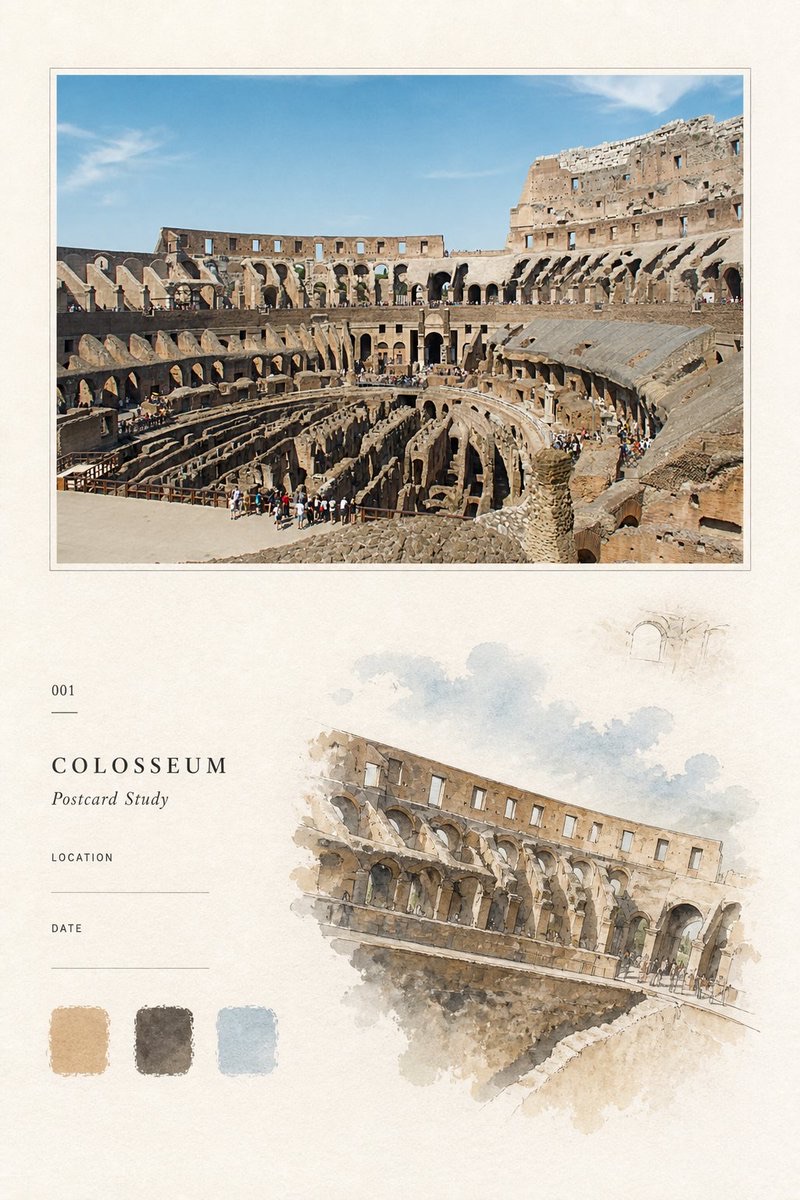
Travel Palette Watercolor Study Poster
-
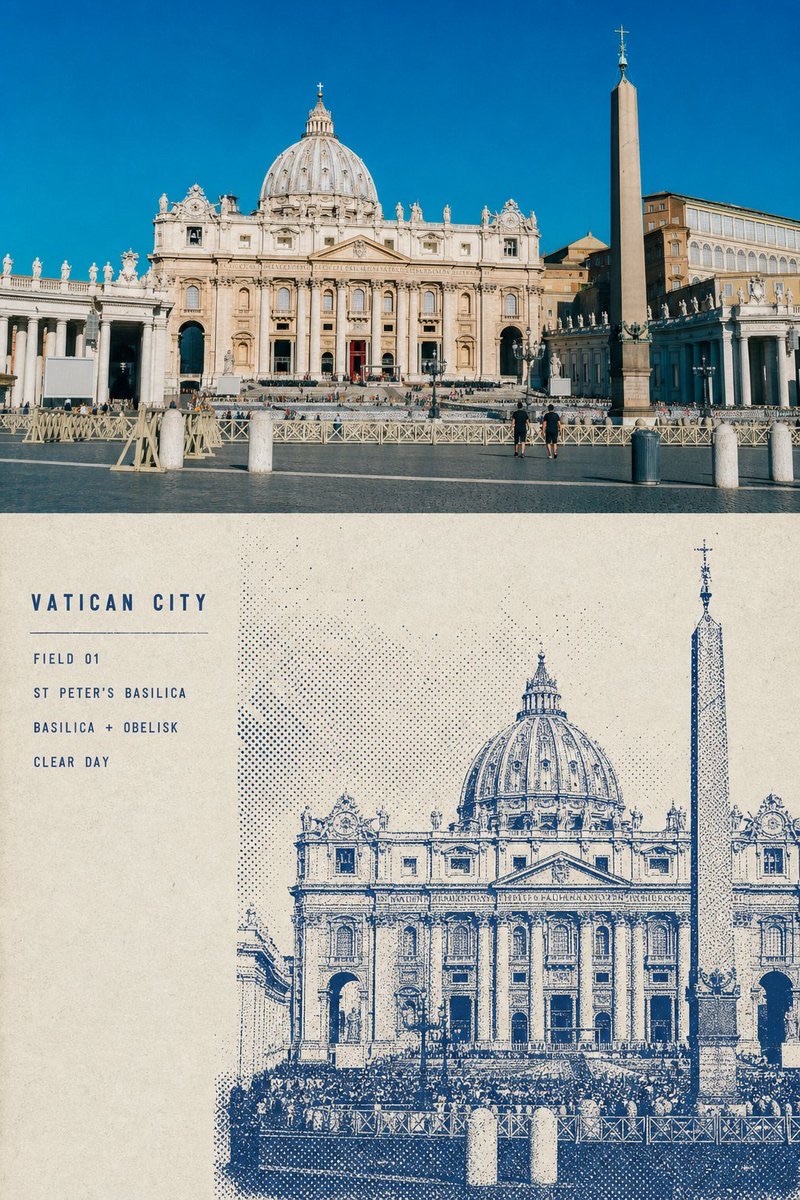
Blue Halftone City Archive
-
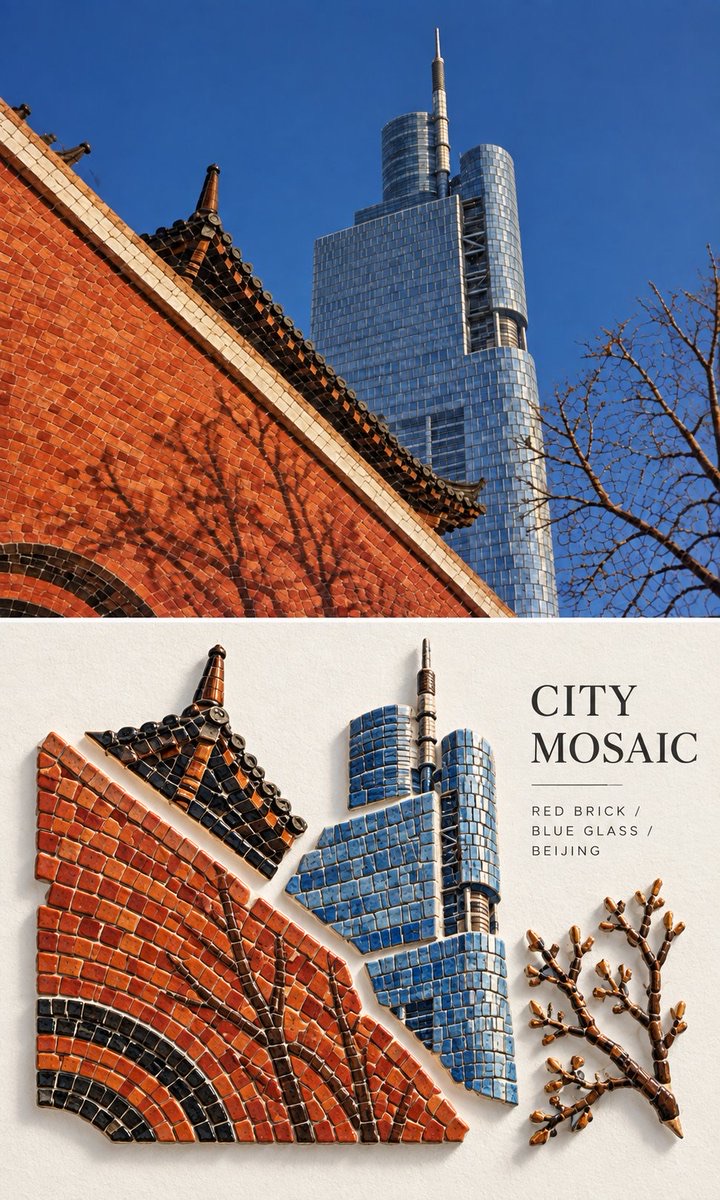
Travel Photo to Glazed Mosaic Relief Poster
-
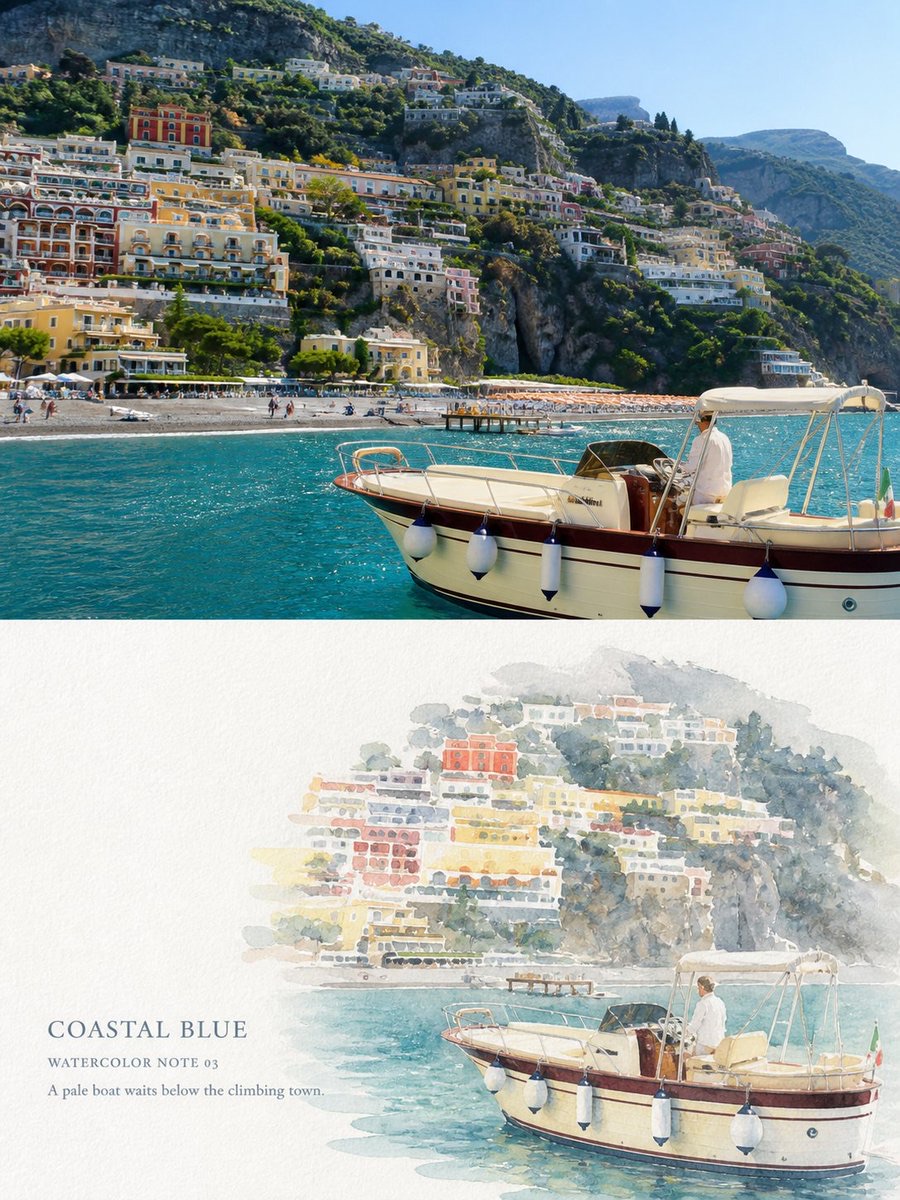
Clear White-Paper Travel Watercolor Editorial Poster
-
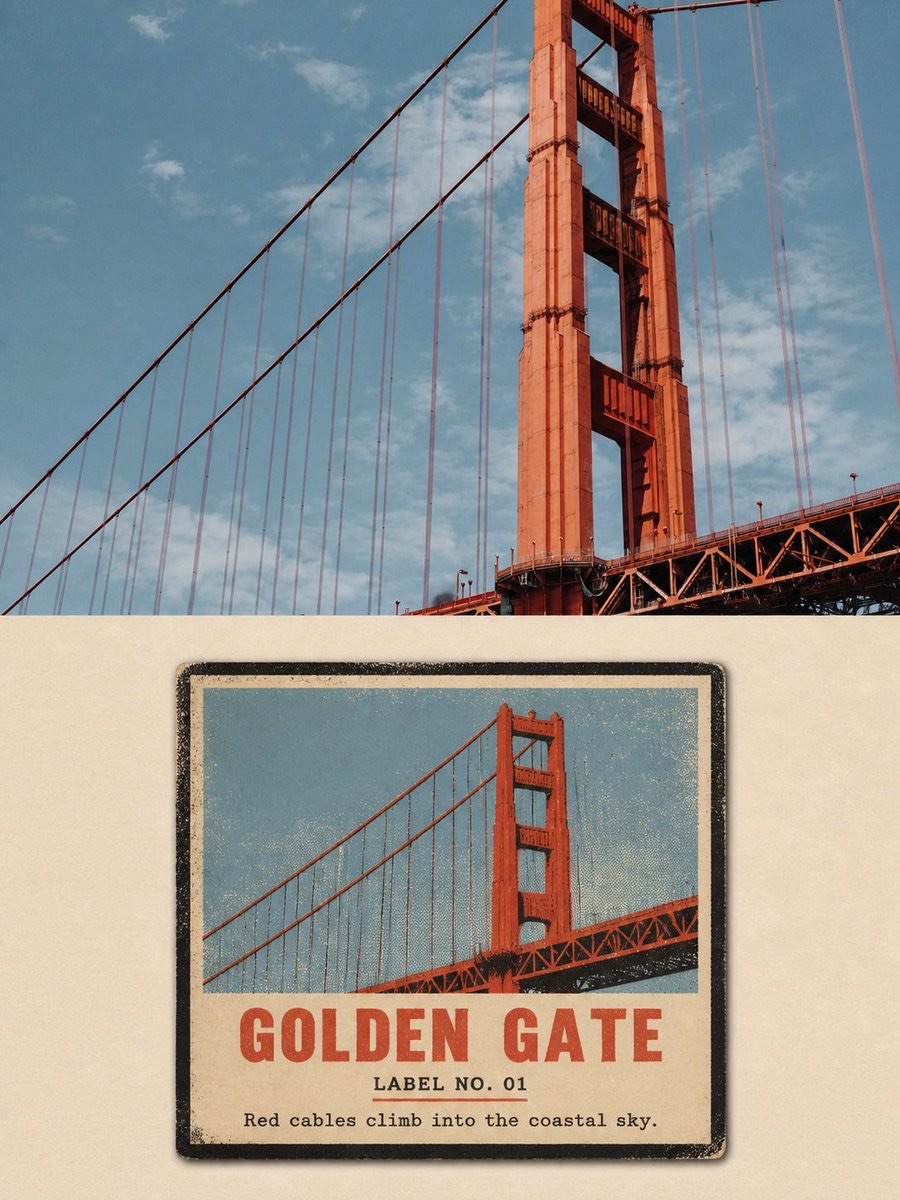
Vintage Matchbox Travel Label Poster
-
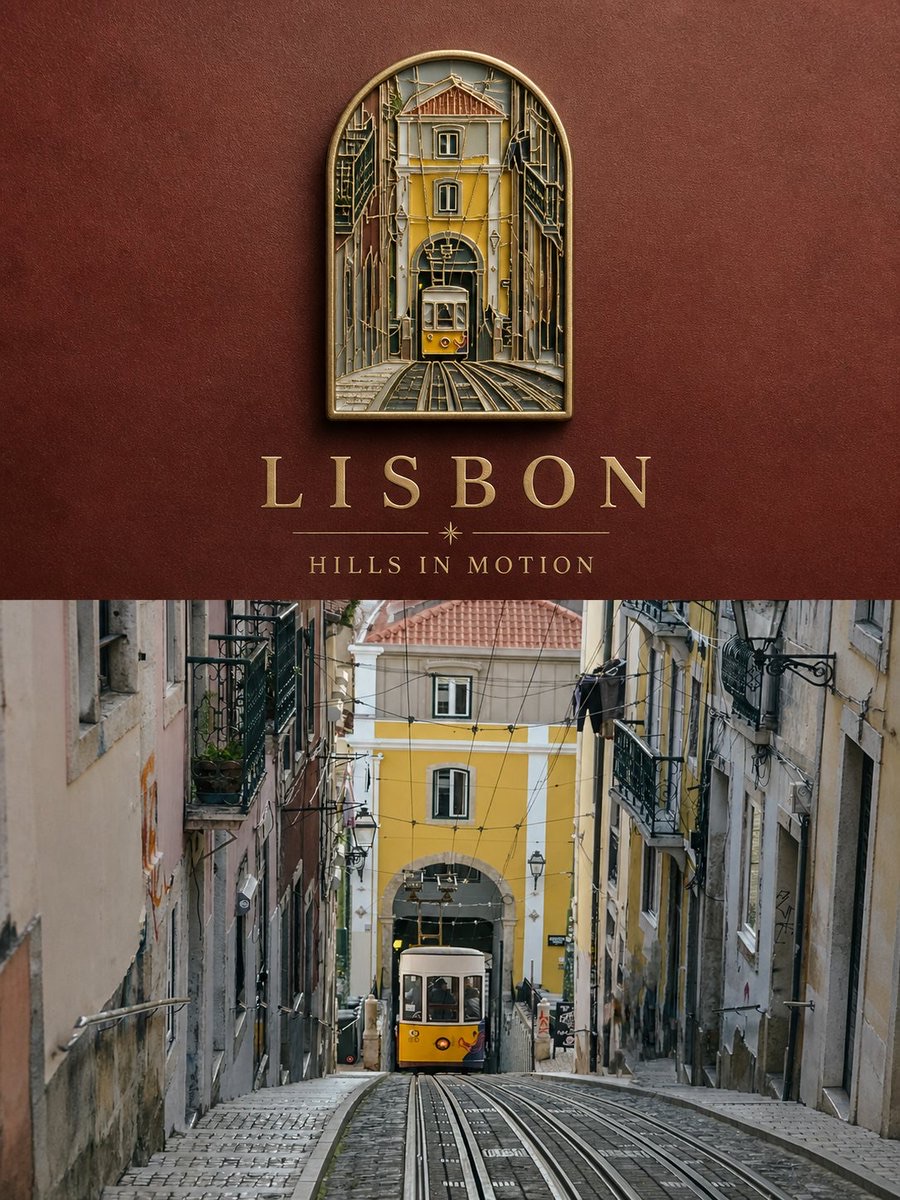
Travel Enamel Fridge Magnet Souvenir Poster
-
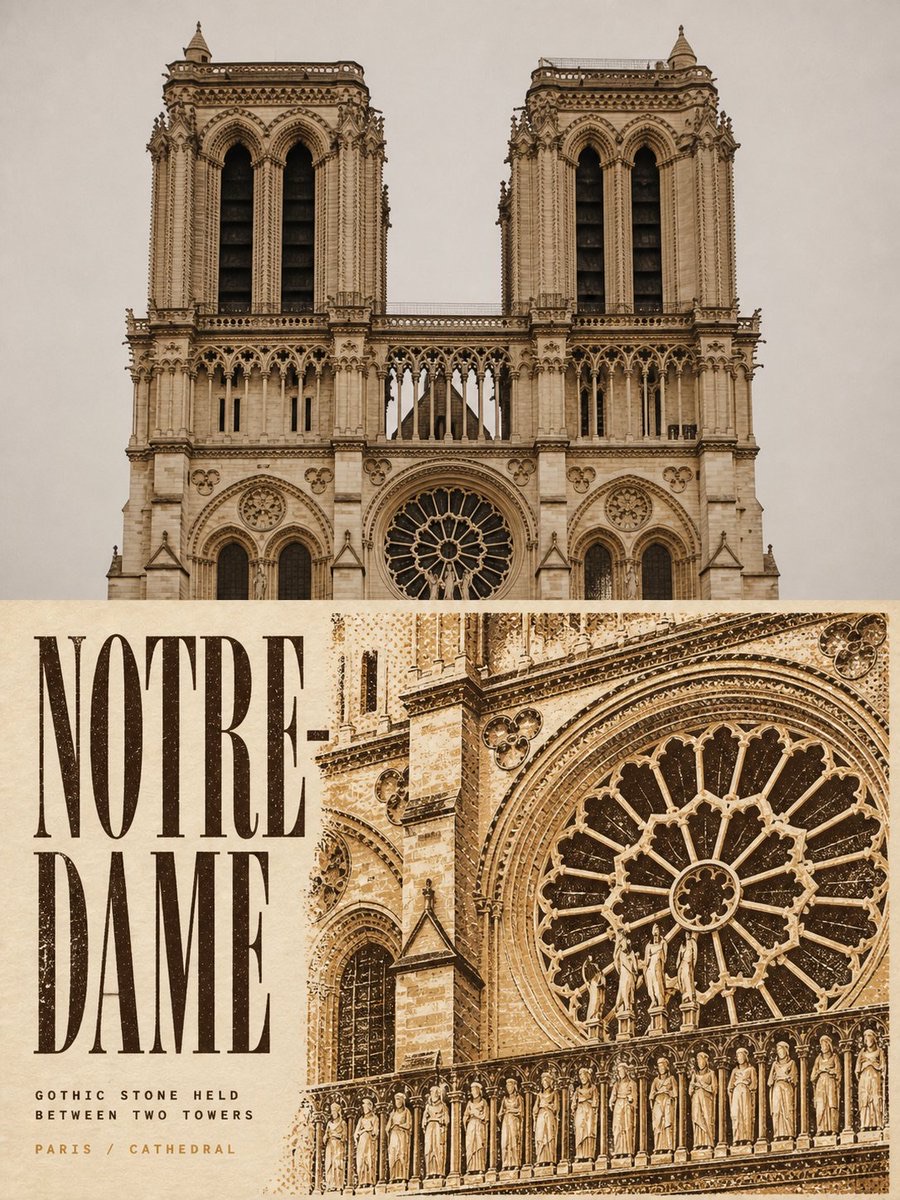
Two-Color Cultural Landmark Editorial Poster
-
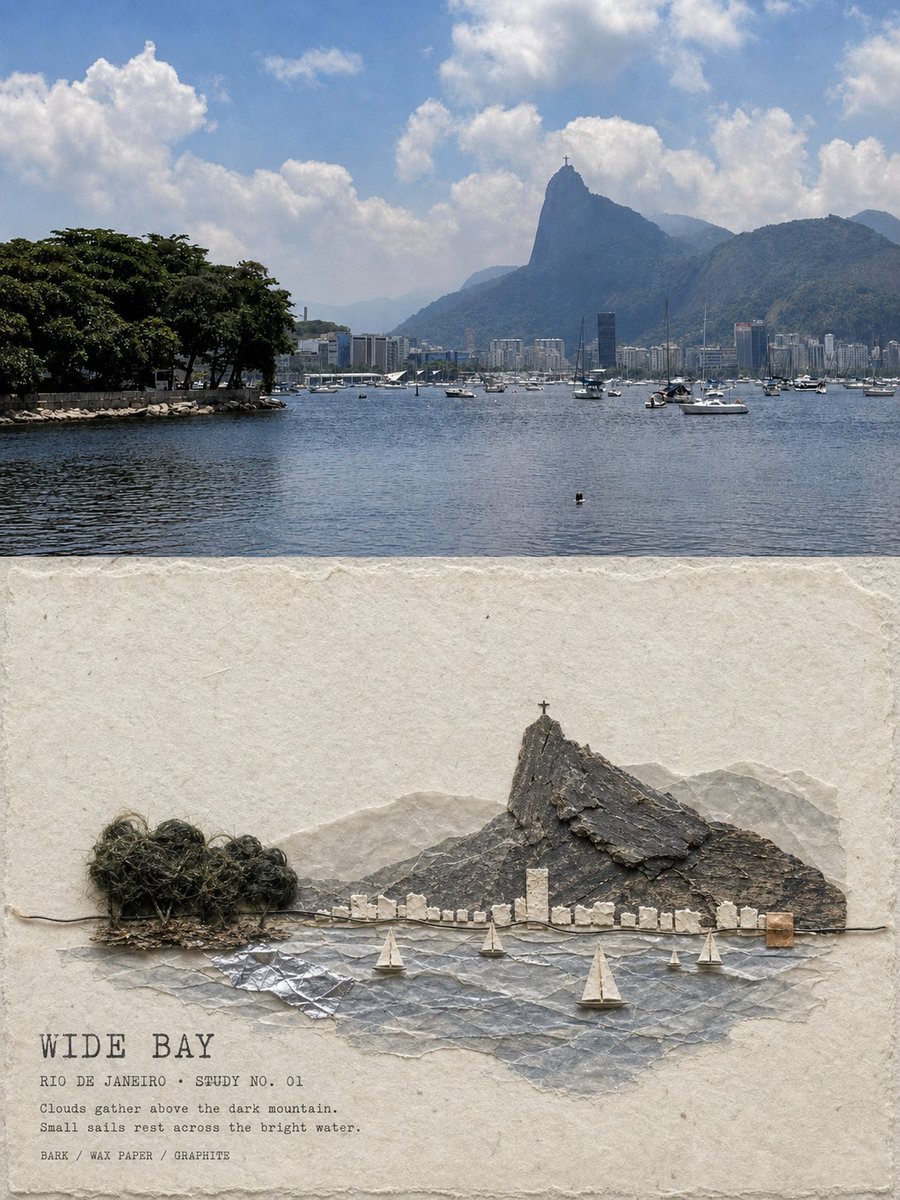
Material Assemblage Contrast Poster from a Travel Photo