Image
Turning a Real Photo into a Negative-Space Specimen Page
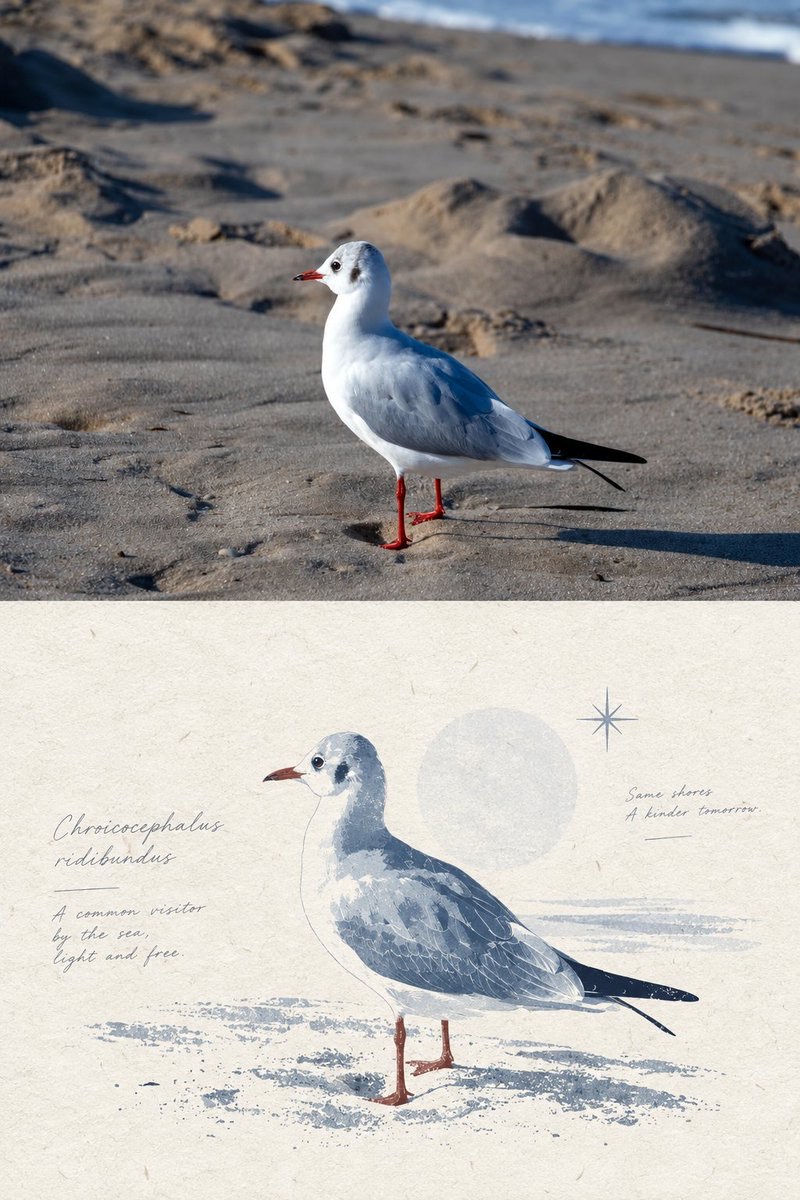
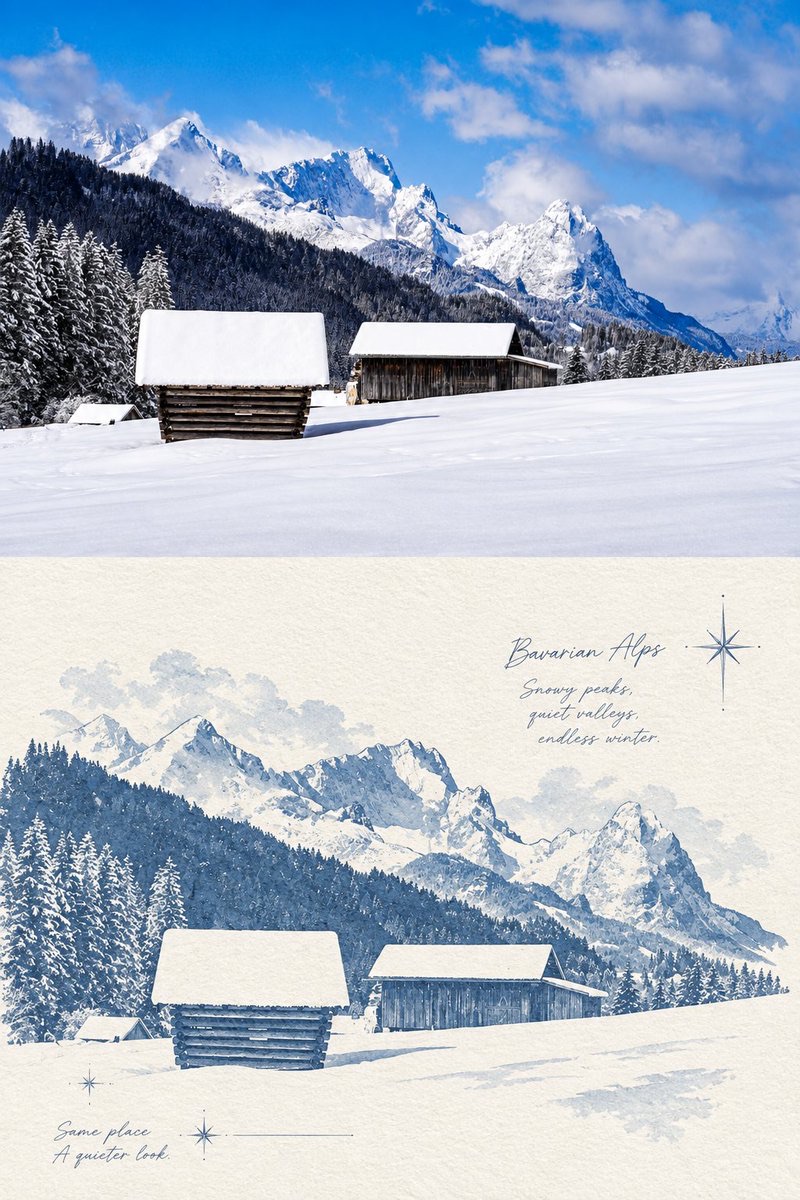
Keep the user-provided real photo as the upper-half photographic image, and in the lower half rebuild it as a quiet specimen page combining blue-gray negative-space silhouettes with paper texture.
 蛋黄堡@Hamburgerai
Prompt
Applicable to any real photo, not limited to ocean, fish, or natural subjects. Translate the input image into a top-and-bottom divided picture with the quality of a "specimen page."

The upper half retains the original photo's real photographic properties, including the natural textures, reflections, light-dark gradations, true colors, and spatial relationships of the subject and environment, so that it reads as a visual fact directly captured or preserved. Do not over-filter; do not weaken the realism of the original image.

The lower half, on a creamy white or warm white paper surface with coarse fiber texture, is rebuilt from the outlines of the original photo's subject as a blue-gray negative-space silhouette composition. The number, size proportions, directional relationships, density rhythm, and overall distribution of the subjects should echo the original image, but the expression shifts to "outline placeholding within white space," so that the subjects look distilled into a quiet, restrained specimen form.

The focus is not on depicting detail but on using subject outlines, empty areas, and the breathing room of the paper surface to establish a layout order. The image should retain a large area of quiet white space so that the lower half has the display-like feel of an exhibition label, catalogue, or observation sample page. A very small number of auxiliary graphic elements may be added, such as tiny screen-print-style sparkle stars, light translucent overlapping color blocks, or slender handwritten captions and annotations, but they must be restrained and sparse, not overshadowing the main subject.

The overall color scheme should adapt naturally to the input photo, harmonizing the upper and lower zones within a unified low-saturation, light-mist system. The lower half is dominated by calm cool tones such as blue-gray, gray-white, and mist-teal. The overall mood should be quiet, light, and generous in white space, as if "real image" and "negative-space specimen on paper" are juxtaposed on the same page.

Avoid: direct poster-like decoration, excessive graphic elements, corner tabs, information boxes, heavy collage, overly strong ocean-theme hints, realistic outlined illustration, arbitrary changes to the subject count or direction, and a lower half that is too full or loses its breathing room.
适用于任意真实照片,不局限于海洋、鱼类或自然题材。将输入图像转译为一张具有“标本页”气质的上下分区画面。
上半部分保留原始照片的真实摄影属性:包括主体与环境的自然纹理、反光、明暗层次、真实色彩和空间关系,使其像被直接截取或保留下来的视觉事实。不得过度滤镜化,不削弱原图的真实感。
下半部分在一张乳白或暖白色、带粗纤维质感的纸面上,以原图主体的轮廓为基础,重建为蓝灰色系的负空间剪影构图。主体的数量、大小比例、方向关系、疏密节奏和整体分布,应与原图保持呼应;但表达方式转为“留白中的轮廓占位”,让主体像被提炼成一种安静、克制的标本形态。
重点不是描绘细节,而是利用主体轮廓、空白区域和纸面呼吸感建立版式秩序。画面应保留大面积安静留白,使下半部分具有展签、图录或观察样本页般的陈列感。可加入极少量辅助图形元素,例如丝网印刷感的细小星芒、轻微透明叠色块、纤细手写说明或注记,但必须克制、稀疏,不喧宾夺主。
整体配色应根据输入照片自然适配,在统一的低饱和、轻雾感系统下协调上区与下区;其中下半部分以蓝灰、灰白、雾青等冷静色调为主。整体气质应安静、轻盈、留白充足,像“真实图像”与“纸上负空间标本”并置于同一页中。
避免:直接海报化装饰、过多图形元素、角标、信息框、厚重拼贴、过强的海洋主题暗示、写实描边插画、主体数量或方向被任意改写、下半部分过满或失去呼吸感。
How to use
Usage tip: Upload a real photo with clear subject relationships; suitable for natural, object, or people subjects. After generation, focus on checking whether the number, direction, and proportion of subjects echo the original, and whether the lower half retains enough white space.
Details
More from 蛋黄堡
-
Travel Palette Watercolor Study Poster
-
Blue Halftone City Archive
-
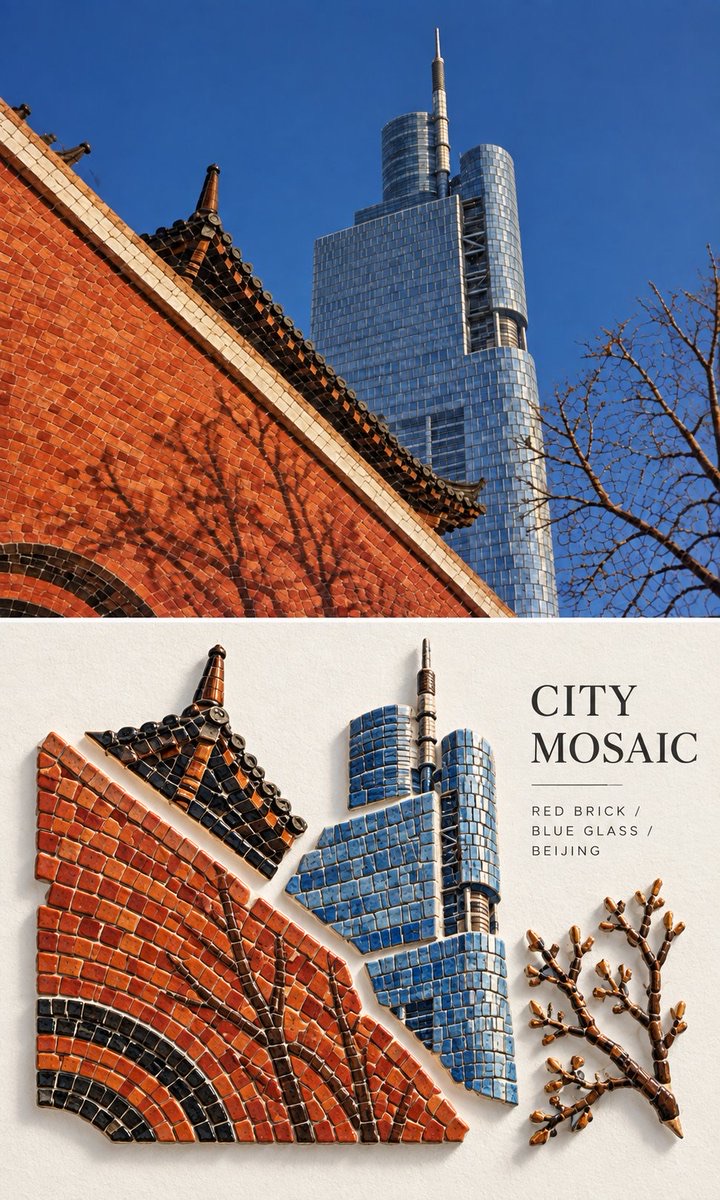
Travel Photo to Glazed Mosaic Relief Poster
-
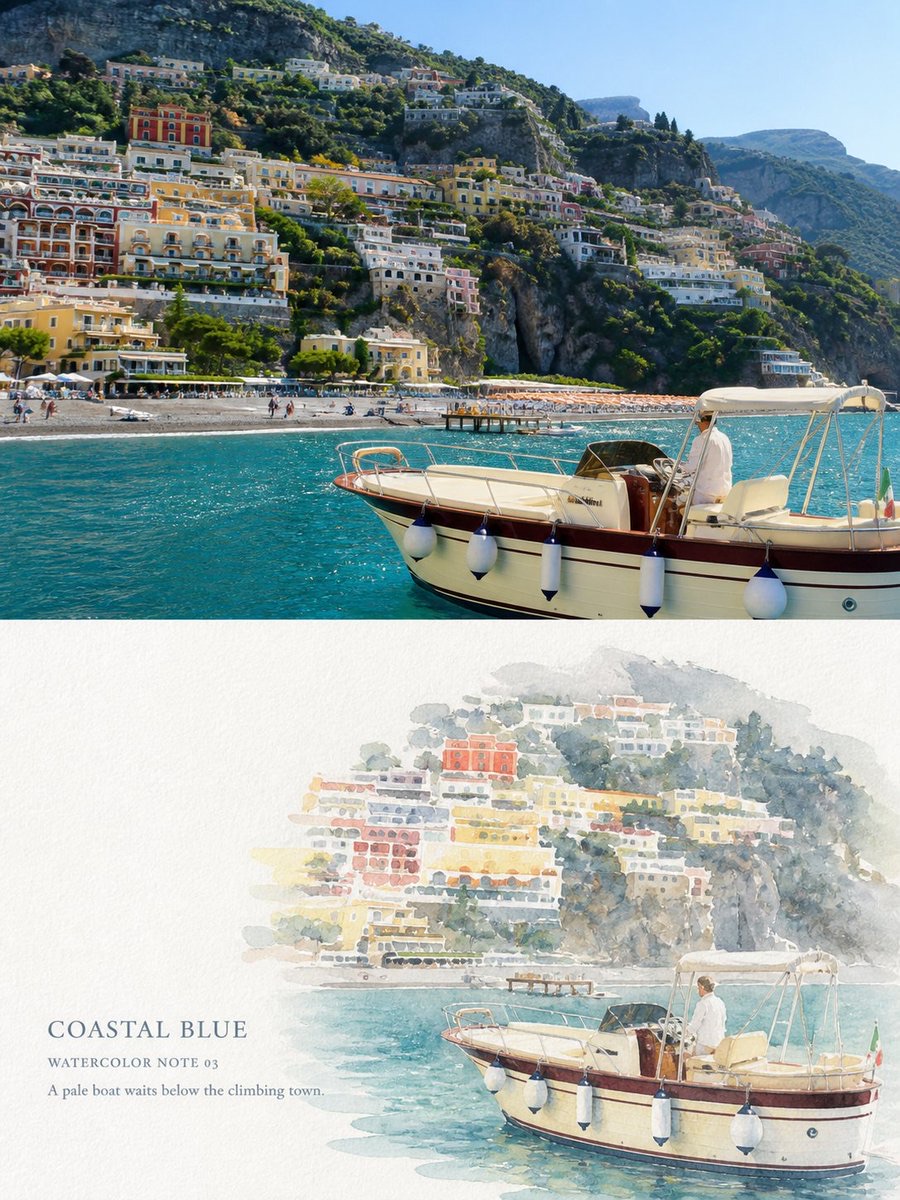
Clear White-Paper Travel Watercolor Editorial Poster
-
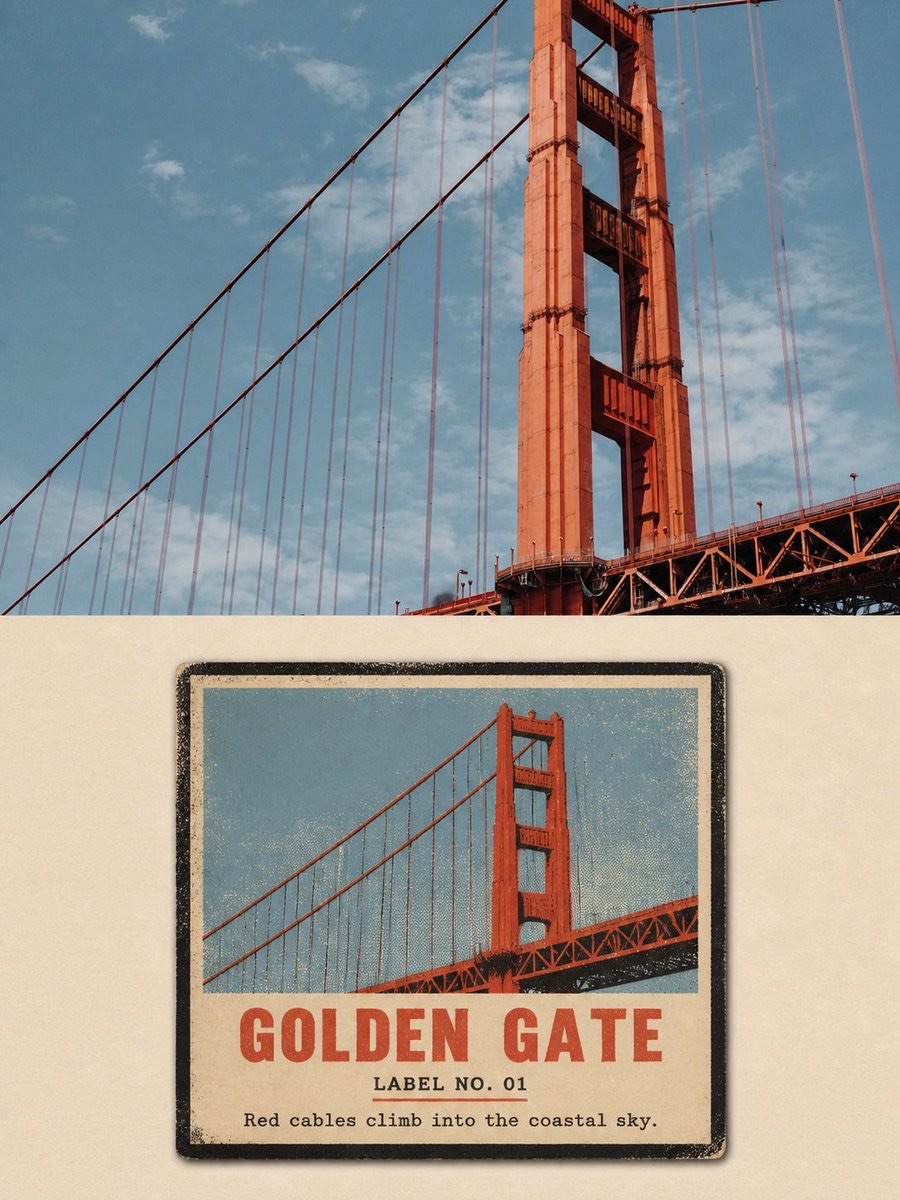
Vintage Matchbox Travel Label Poster
-
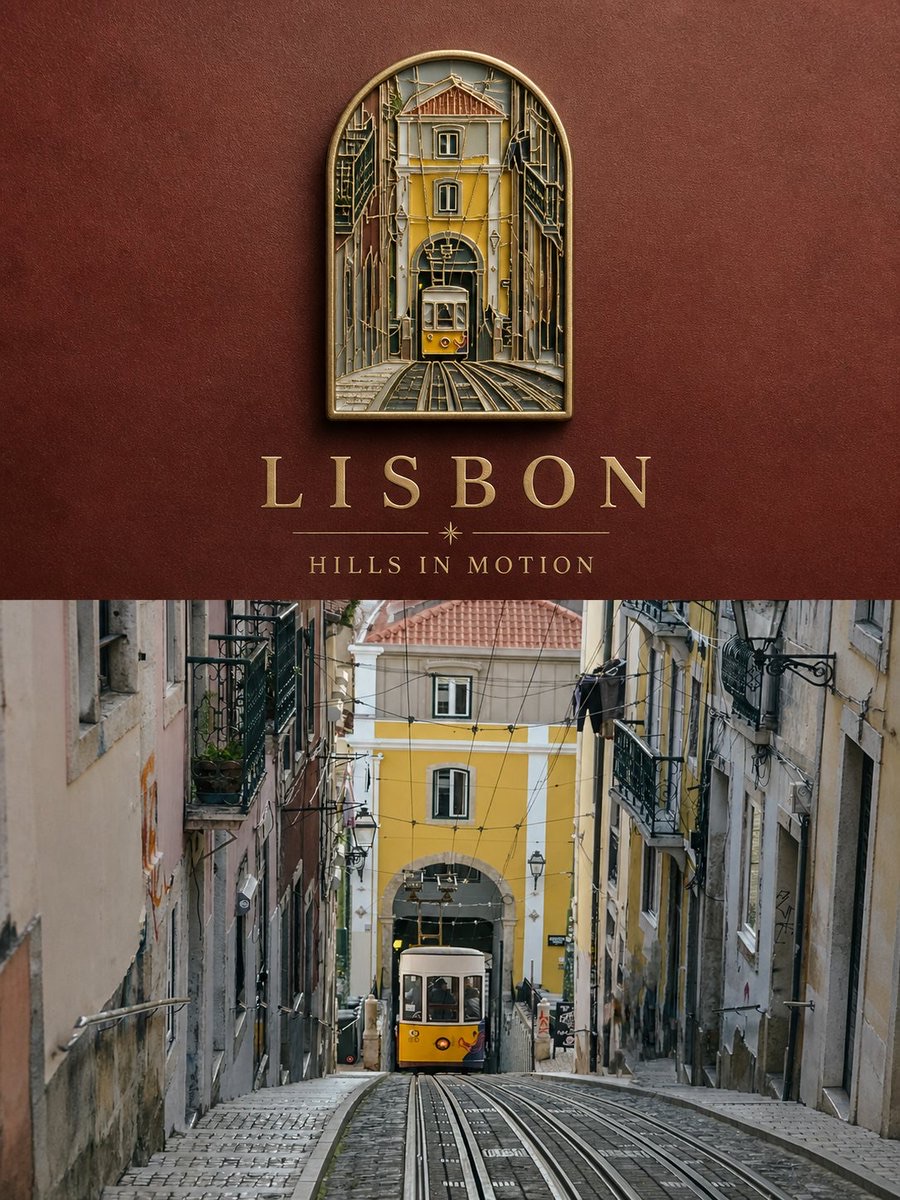
Travel Enamel Fridge Magnet Souvenir Poster
-
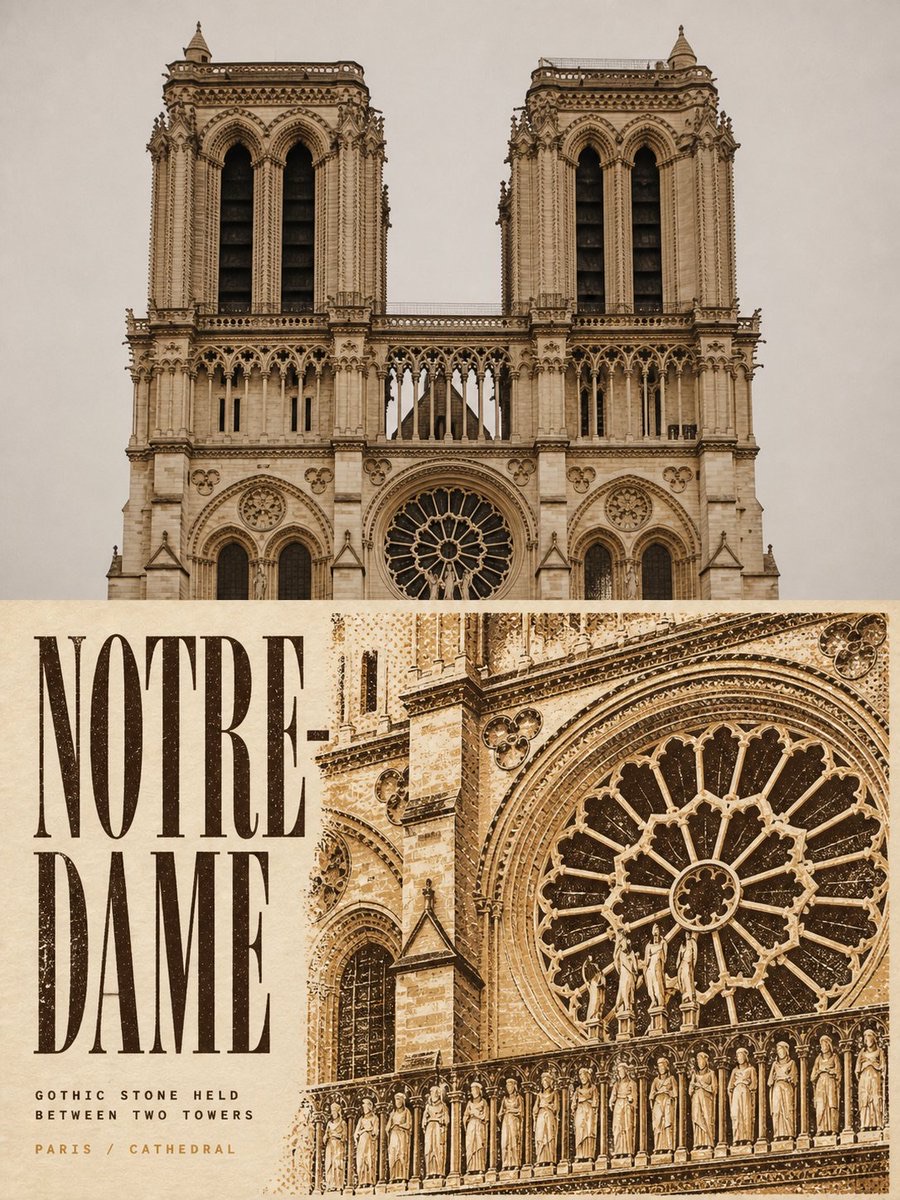
Two-Color Cultural Landmark Editorial Poster
-
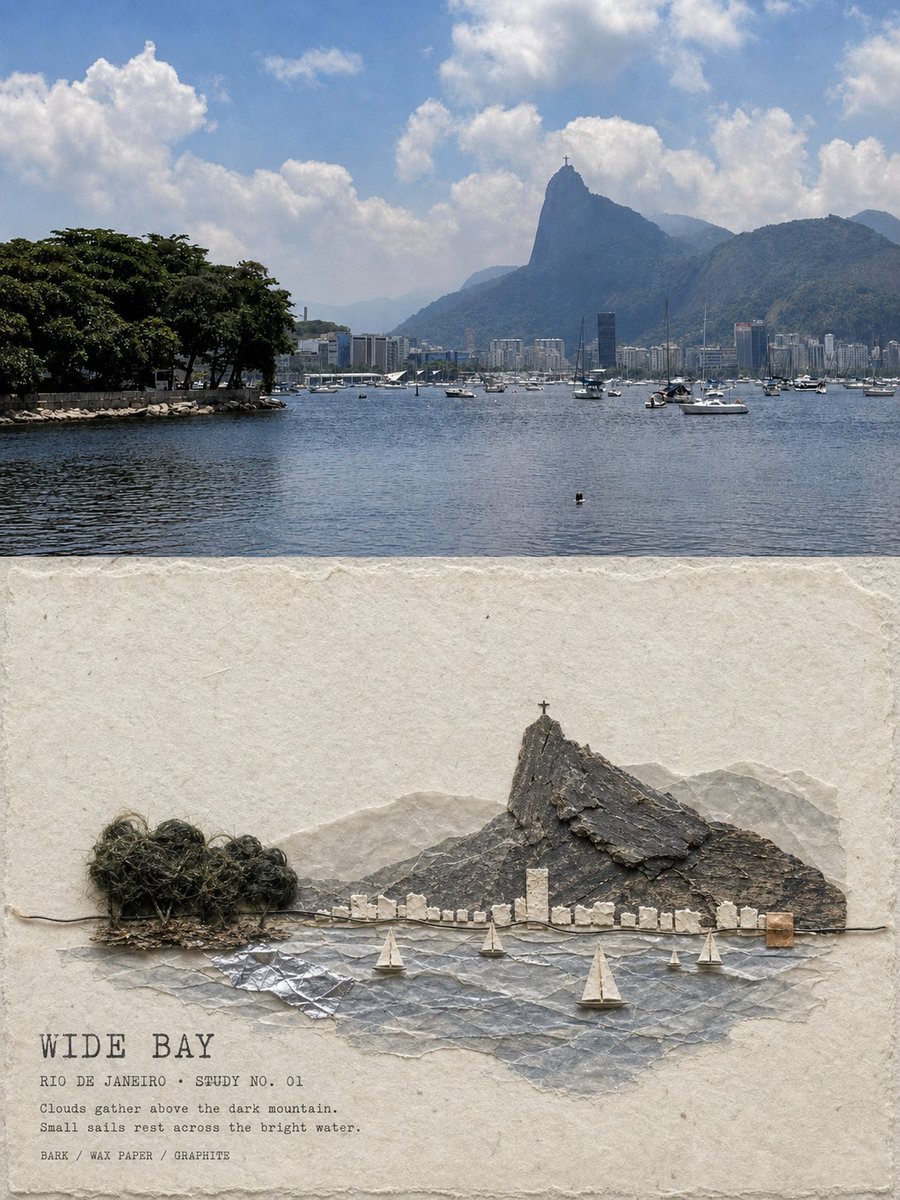
Material Assemblage Contrast Poster from a Travel Photo