Image
Thai Street Photo Two-Color Dynamic Screenprint Poster
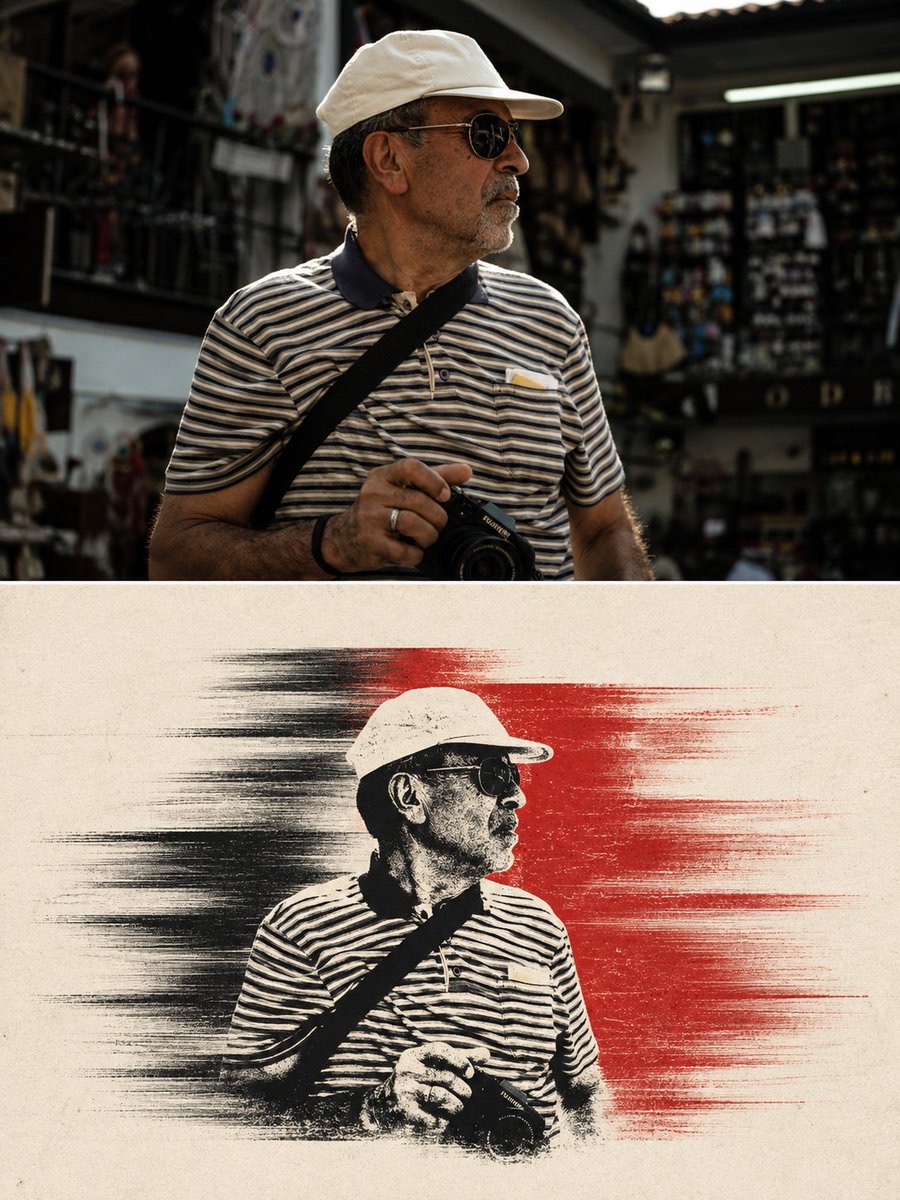
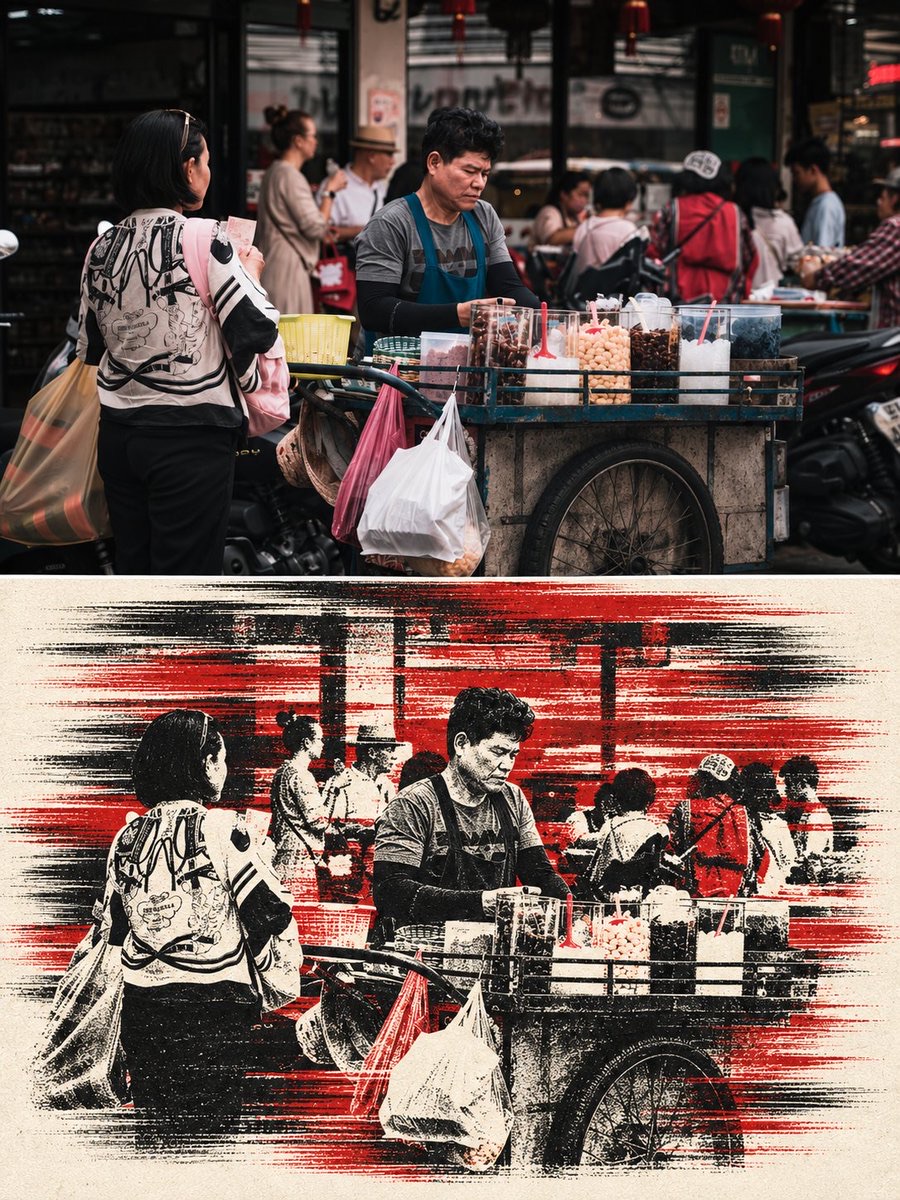
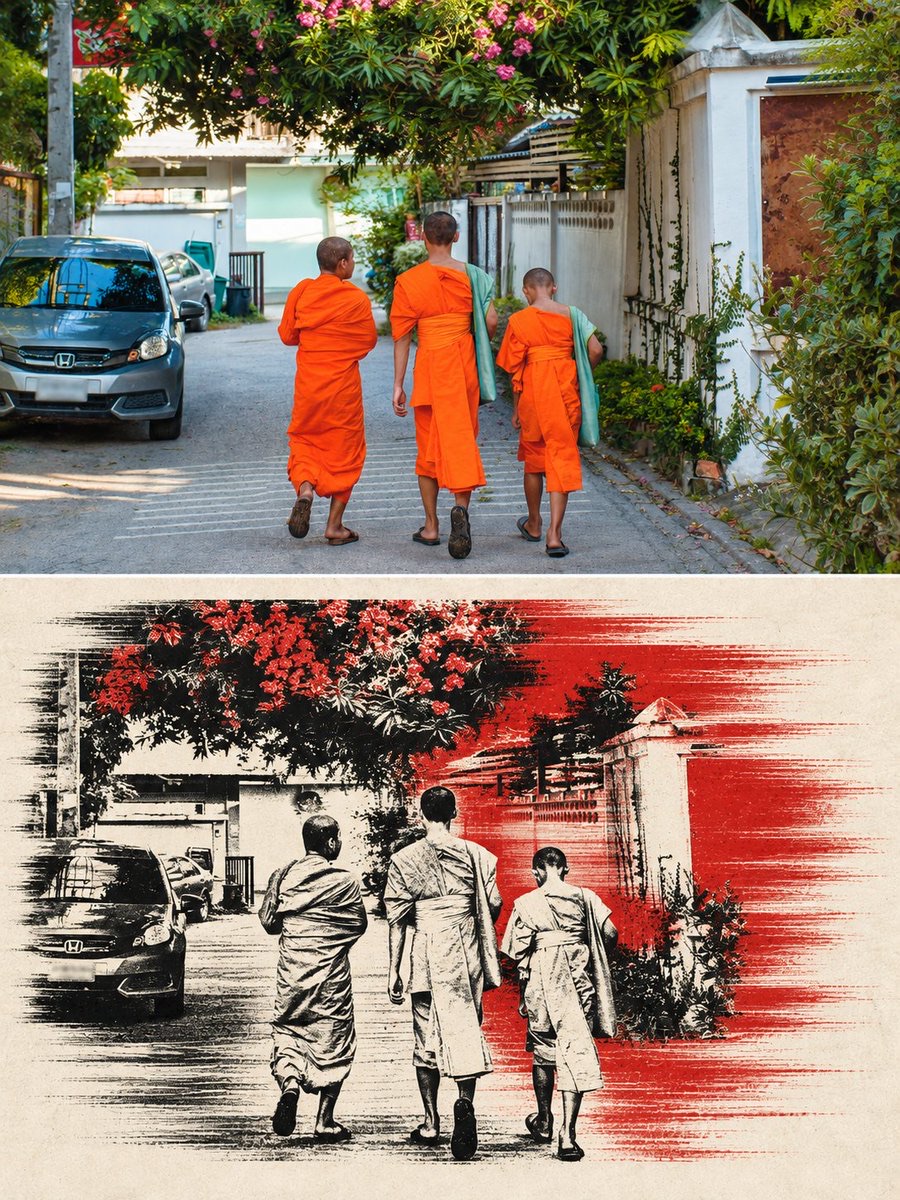
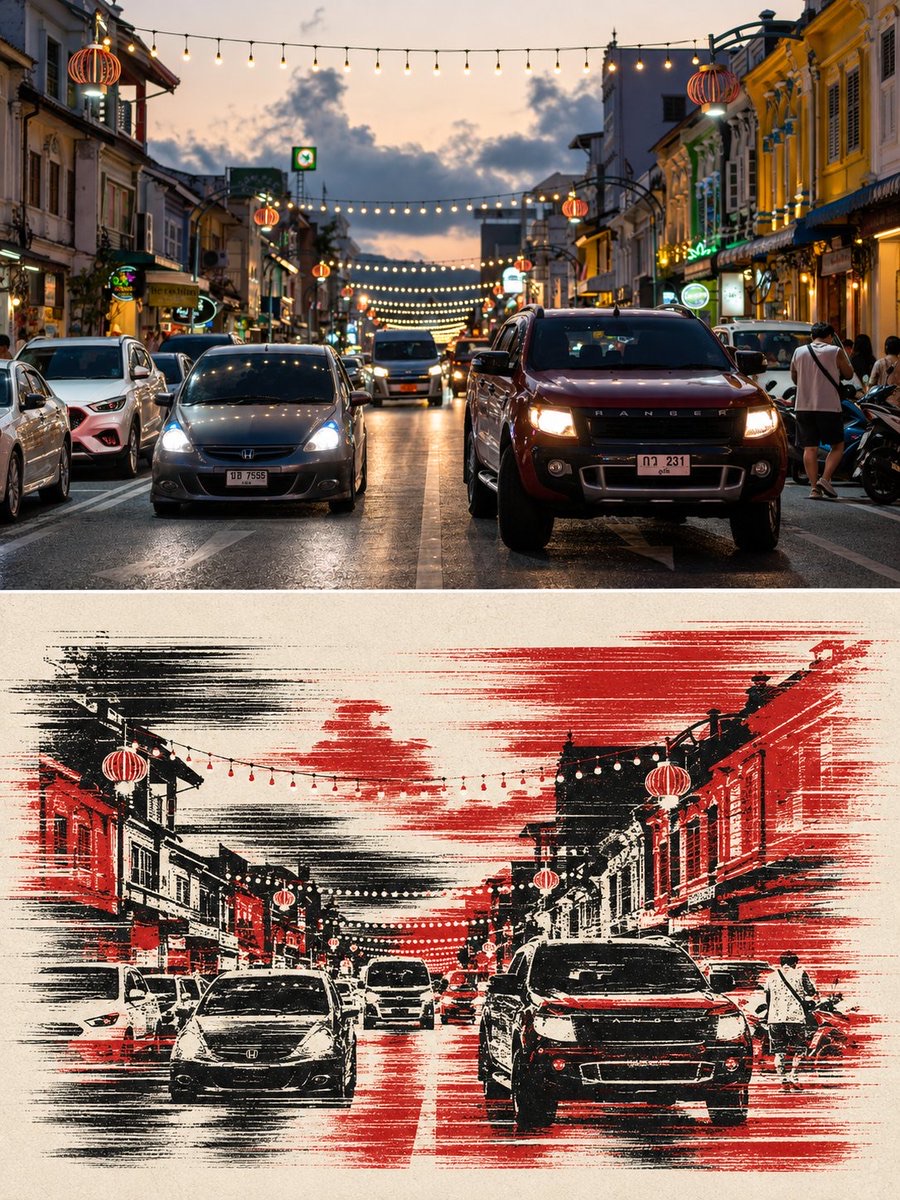
Turn the user-provided Thai street photo into a 3:4 vertical top-and-bottom comparison poster: the upper half keeps the real photo, and the lower half is redrawn in black and vermilion as a two-color screenprint with a horizontal sense of speed.
 蛋黄堡@Hamburgerai
Prompt
Create a standalone 3:4 vertical top-and-bottom redrawn comparison poster. The upper half fully preserves the input Thai travel street photo as real photography: do not crop out the subject, do not turn it into an illustration, and do not change its original colors. The lower half distills the street, buildings, stalls, trees, vehicles and people from the same photo and redraws them as a high-contrast two-color screenprint in black and vermilion on off-white paper. Use coarse ink grain, dry-brush edges, slight misregistration of overprinting, wide thick horizontal lines, horizontal drag and speed streaks to express lateral momentum. Preserve the number, poses, clothing, direction of motion and key contours of the people or vehicles; the lower half may change cropping, scale and information density, but must keep the scene recognizable. Use a thin white divider line in the middle. Do not add text, logos, watermarks, original-photo corner marks, AI corner marks or multi-image collage.制作一张独立的3:4竖版上下对比转绘海报。上半完整保留输入的泰国旅行街拍真实照片,不裁掉主体、不改成插画、不改变原色。下半从同一张照片中提炼街道、建筑、摊位、树木、车辆和人物,将其重绘为米白纸张上的黑色与朱红双色高对比丝网印刷。使用粗颗粒油墨、干刷边缘、轻微套印错位、宽粗横线、水平拖影和速度条纹表现横向动势。保留人物或车辆的数量、姿态、服装、动作方向和关键轮廓;下半可以改变裁切、尺度和信息密度,但必须保持场景可识别。中间使用细白分隔线。不要添加文字、logo、水印、原图角标、AI角标或多图拼贴。
How to use
Usage tip: upload a Thai street photo with a complete subject and a clear scene as input. When generating, check that the upper and lower areas come from the same scene, that the number, poses and key contours of people and vehicles remain consistent, and that the divider line, misregistration and prohibited elements meet the requirements.
Details
More from 蛋黄堡
-
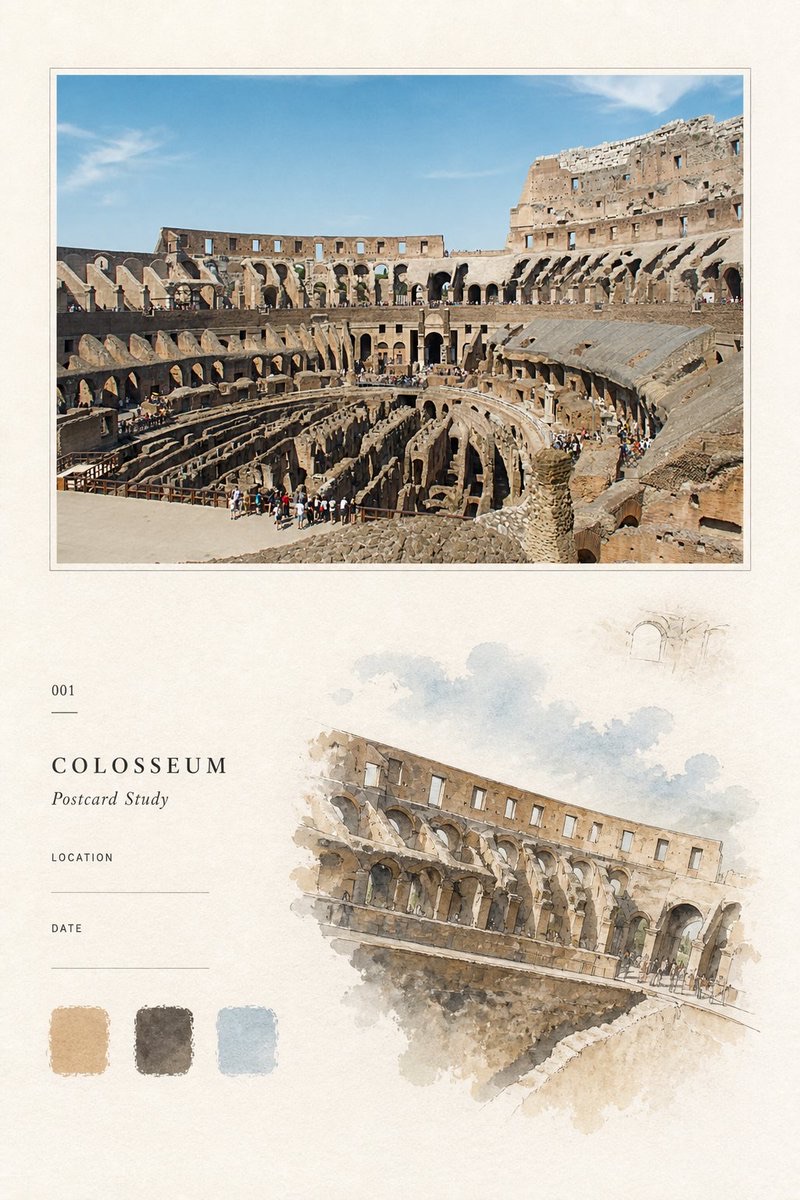
Travel Palette Watercolor Study Poster
-
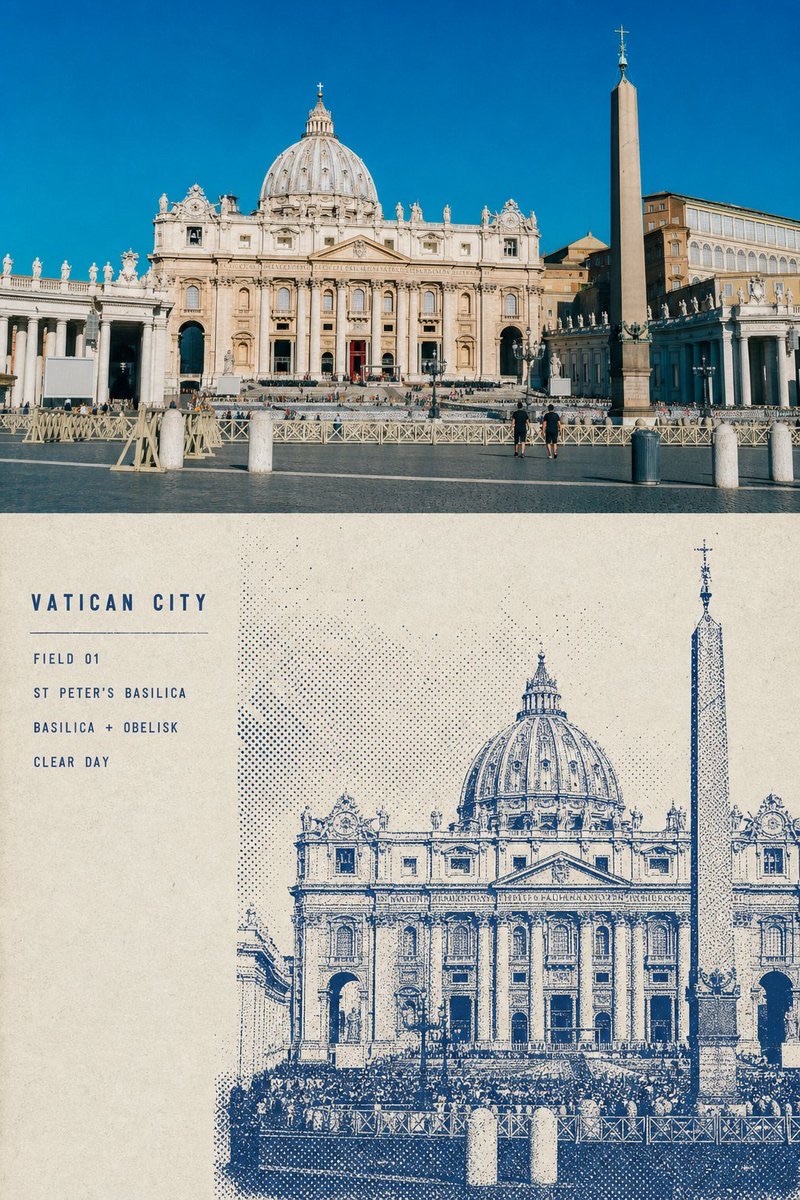
Blue Halftone City Archive
-
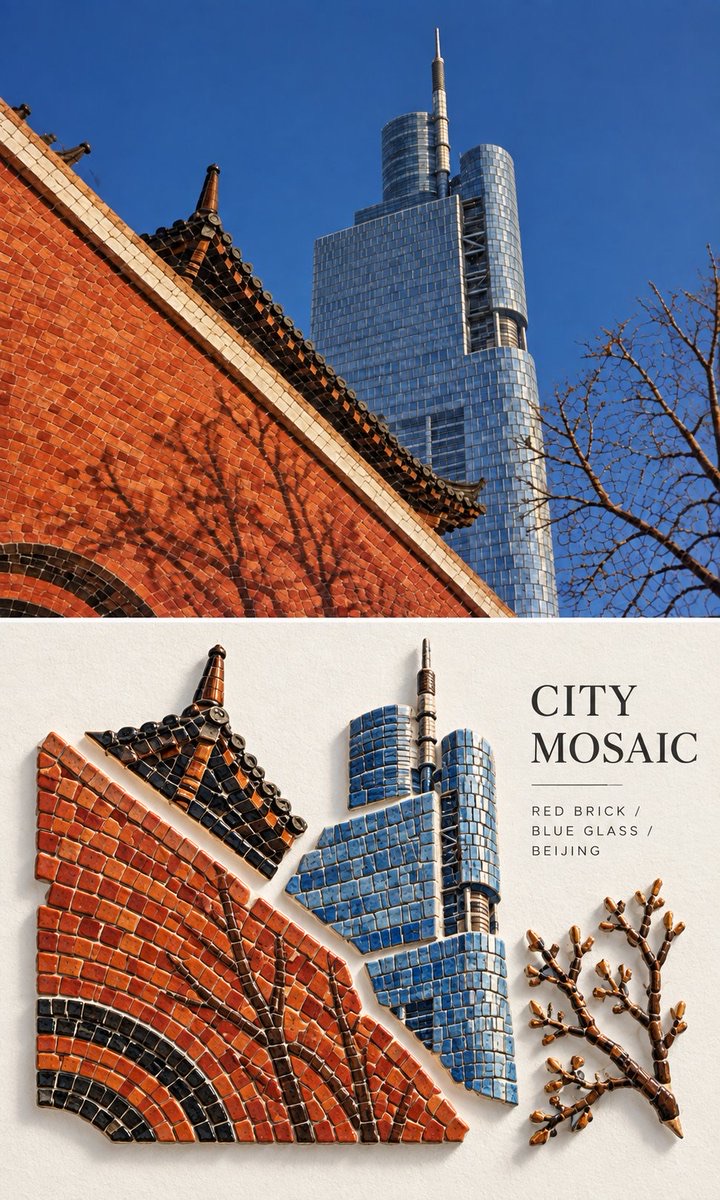
Travel Photo to Glazed Mosaic Relief Poster
-
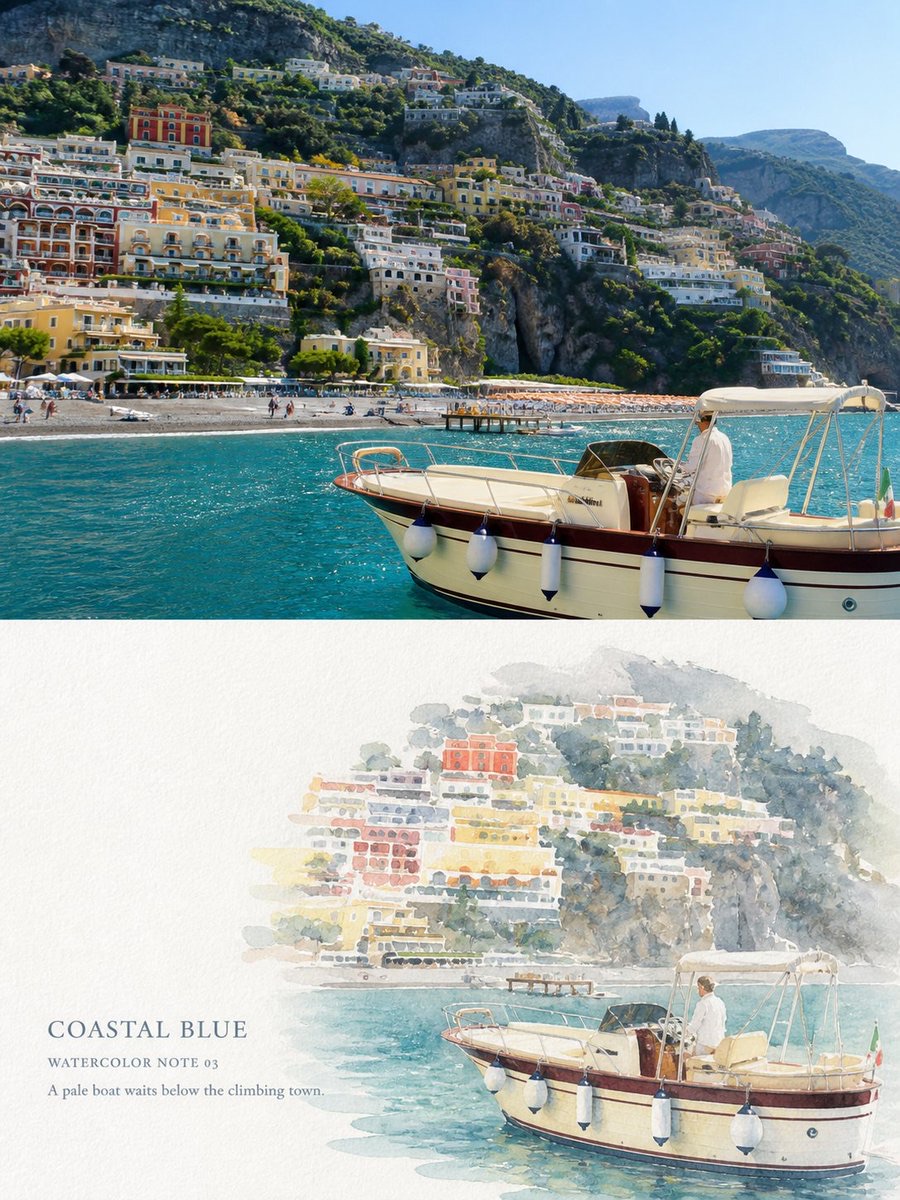
Clear White-Paper Travel Watercolor Editorial Poster
-
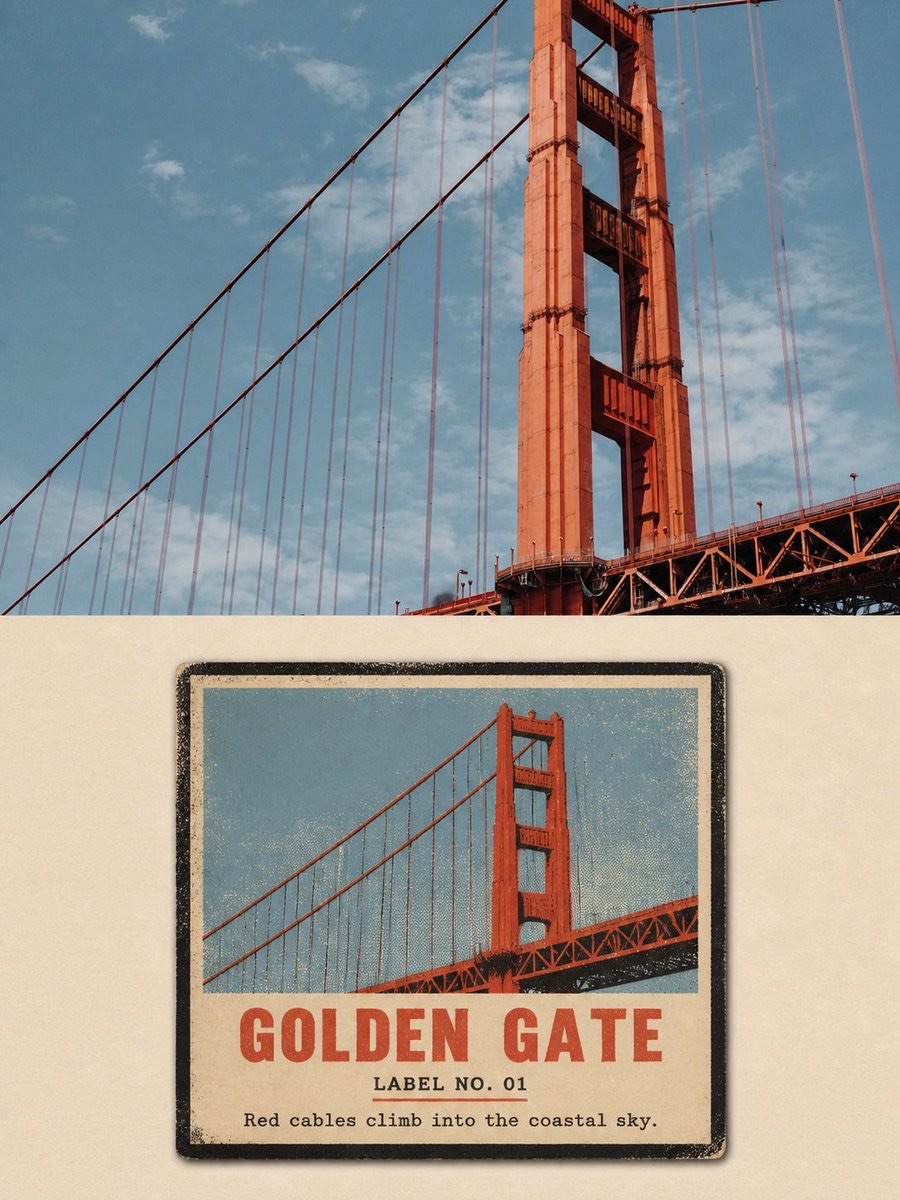
Vintage Matchbox Travel Label Poster
-
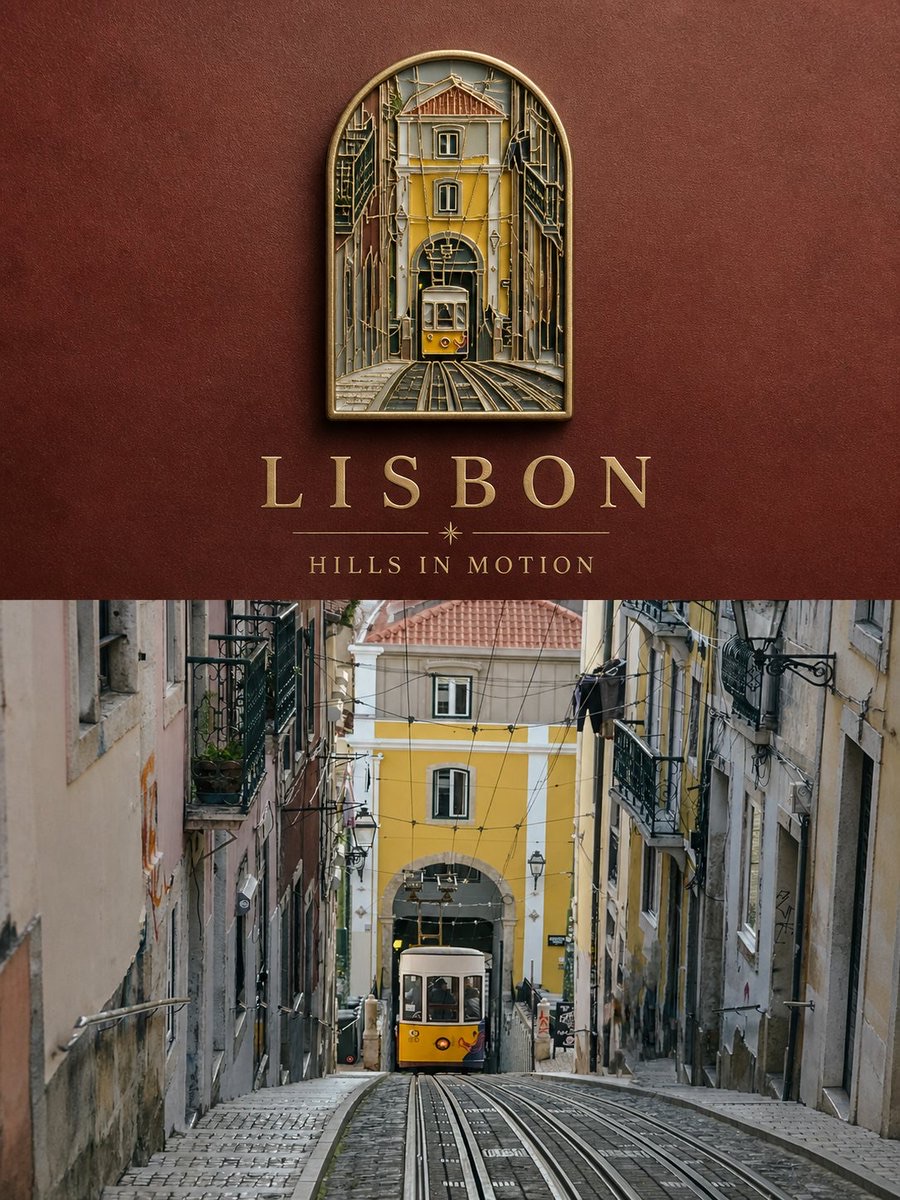
Travel Enamel Fridge Magnet Souvenir Poster
-
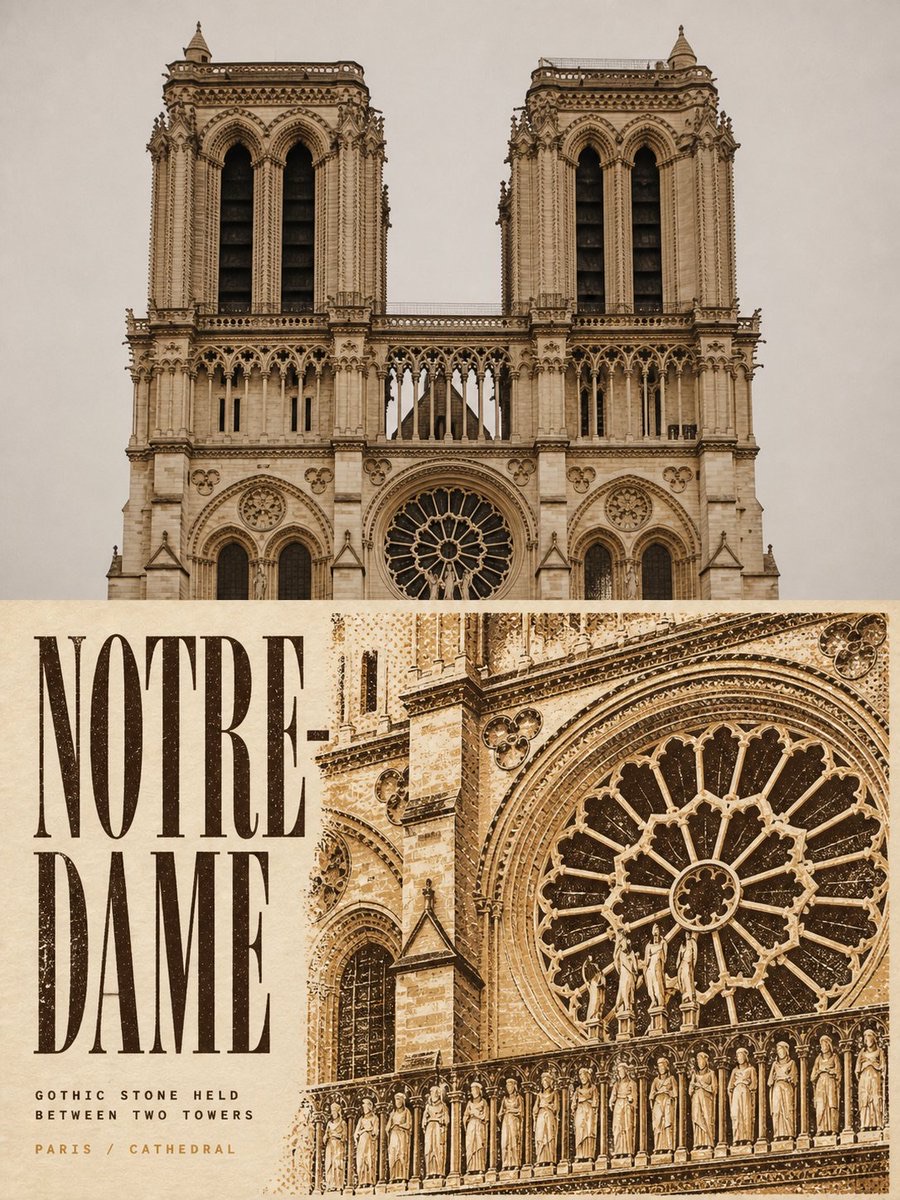
Two-Color Cultural Landmark Editorial Poster
-
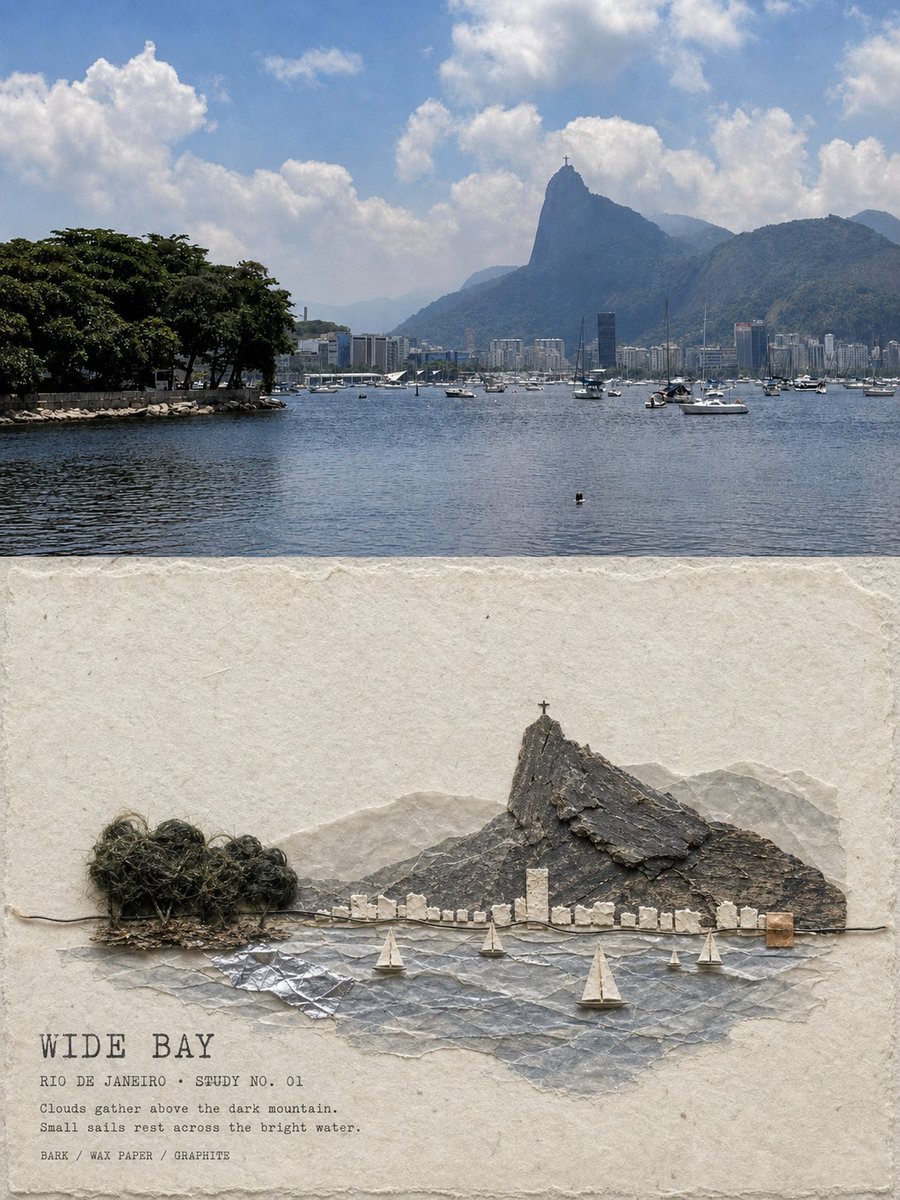
Material Assemblage Contrast Poster from a Travel Photo