Image
Four-Act Science Evolution Capsule Guide
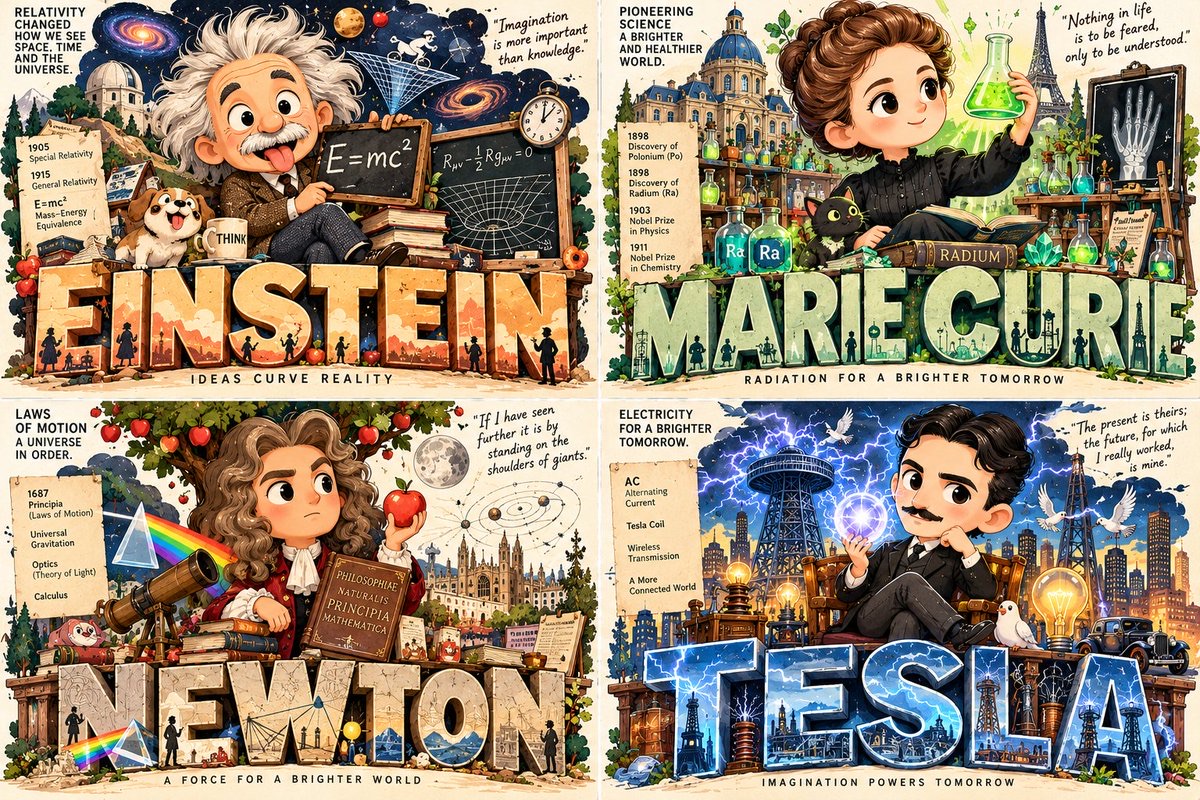
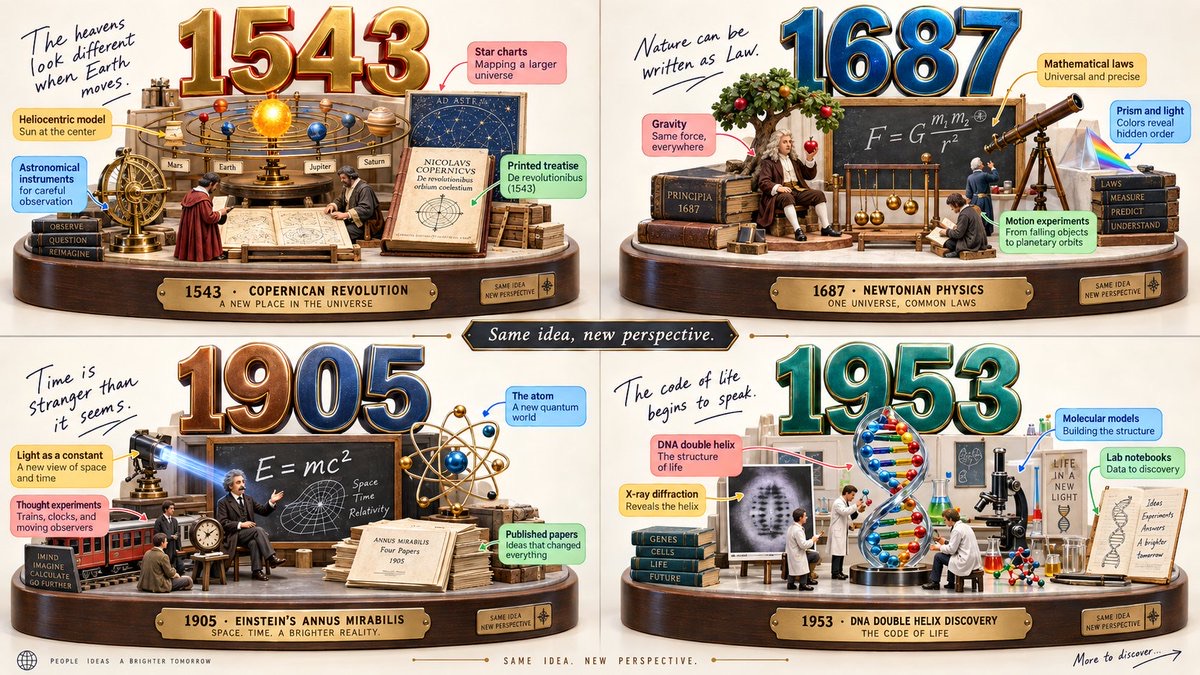
Split a science topic into four eras with clear changes, and use a unified lens and exhibition language to create a 2×2 capsule-style 3D infographic.
 Gadgetify@Gdgtify
Prompt
2x2 grid, 16:9, do this for 4 important years for science: INPUT ::= [TIMELINE_TOPIC] STEP_1 :: infer eras - choose meaningful time periods, versions, phases, generations, or milestones - each era should represent a clear shift in the topic - avoid arbitrary dates unless supplied - preserve chronological order STEP_2 :: infer era identity For each era: - dominant objects - typical users or participants - visual materials - cultural mood - technology level - setting or environment - values and aspirations - what changed from the previous era STEP_3 :: build capsule diorama - giant era typography above - display platform below - iconic objects arranged like a miniature exhibit - tiny figures interacting with the objects - labels pointing to the most important features - one handwritten note capturing the era’s spirit STEP_4 :: enforce timeline coherence - all panels share camera, lighting, base design, and infographic grammar - each panel has distinct era-specific props and palette - the final panel should show the current or future-facing form if relevant - include a subtle “same idea, new perspective” continuity theme if inferred STEP_5 :: polish - glossy 3D typography - toy-like physicality - colorful callout boxes - soft shadows - bright educational mood - high detail without clutter
How to use
Usage tip: replace [TIMELINE_TOPIC] with a specific science topic. After generating, check the chronological order of the four periods, the differences between eras, text legibility, and the consistency of camera and lighting across the panels.