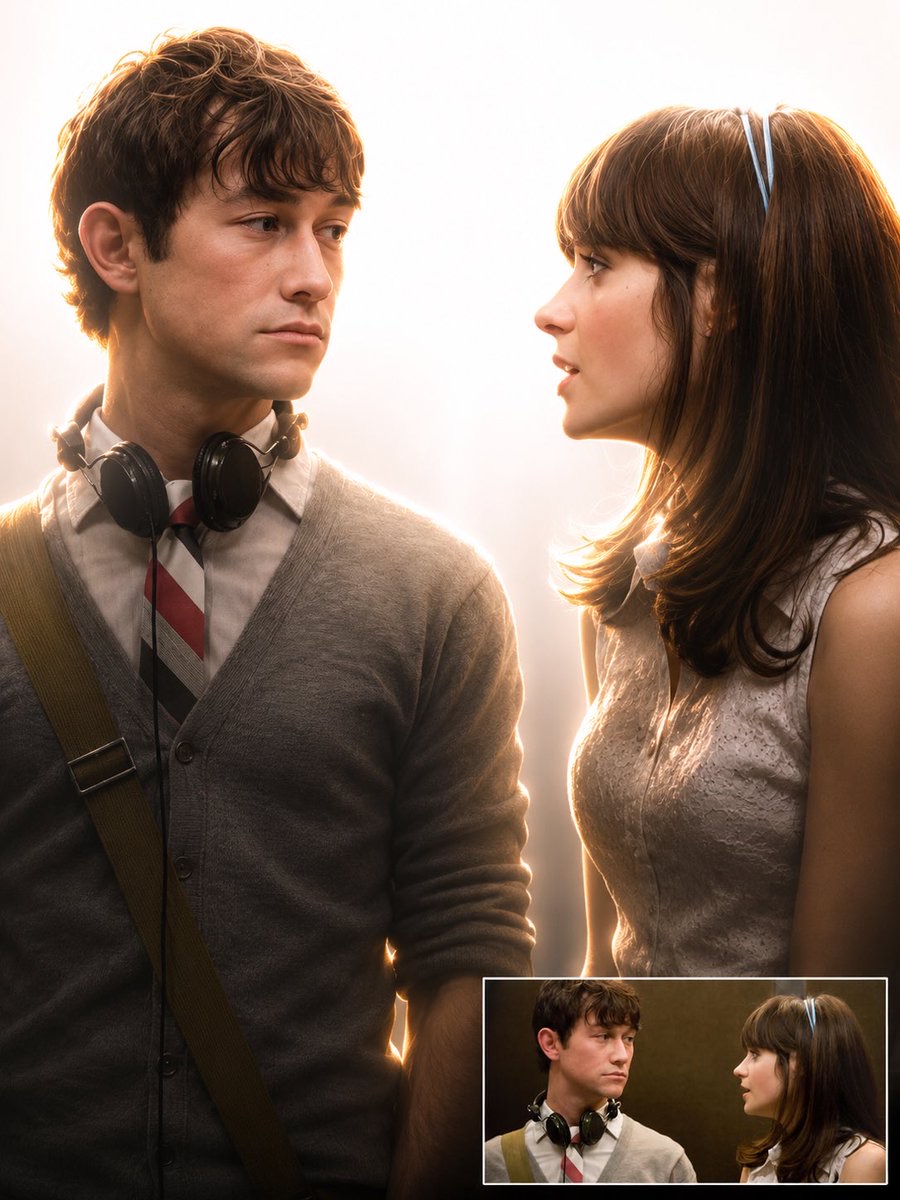
Image · GPT Image 2.0
High-Key Backlit Cinematic Portrait
Change the original image’s background to overexposed white studio lighting, then add rim light, cinematic shadows, and a soft haze. Include the original image for comparison.
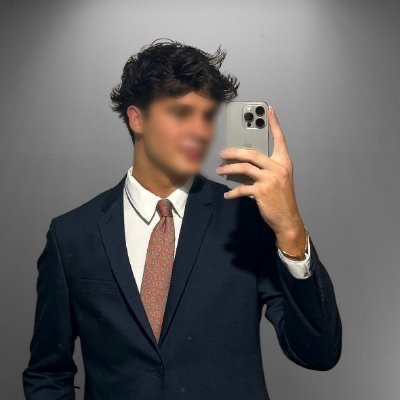 Weinberg@weiinberg
Prompt
Replace background with clean overexposed white studio light, add strong backlight behind subject, create soft rim lighting glow around edges, increase contrast, add cinematic shadows, slightly darken subject front for depth, enhance muscle definition and texture, soft haze atmosphere, professional studio lighting, ultra realistic, high detail, 4k. 1013x1350

Do not extend the existing image components. Just add the original image in one below corner to show the transition.
How to use
Use a portrait of the person as input and try enhancing the rim light and depth of the subject.
Details
More from Weinberg
-
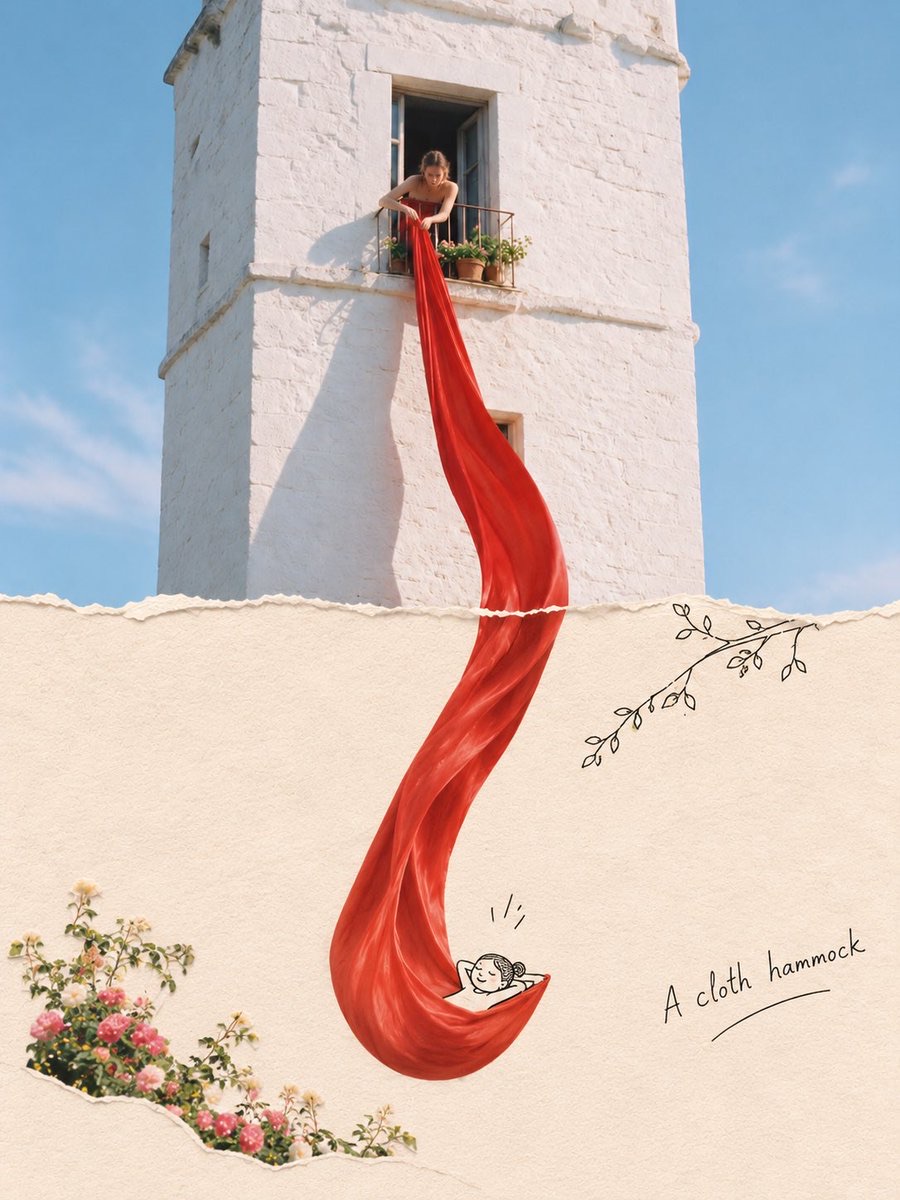
Photo-Extended Paper Collage
-
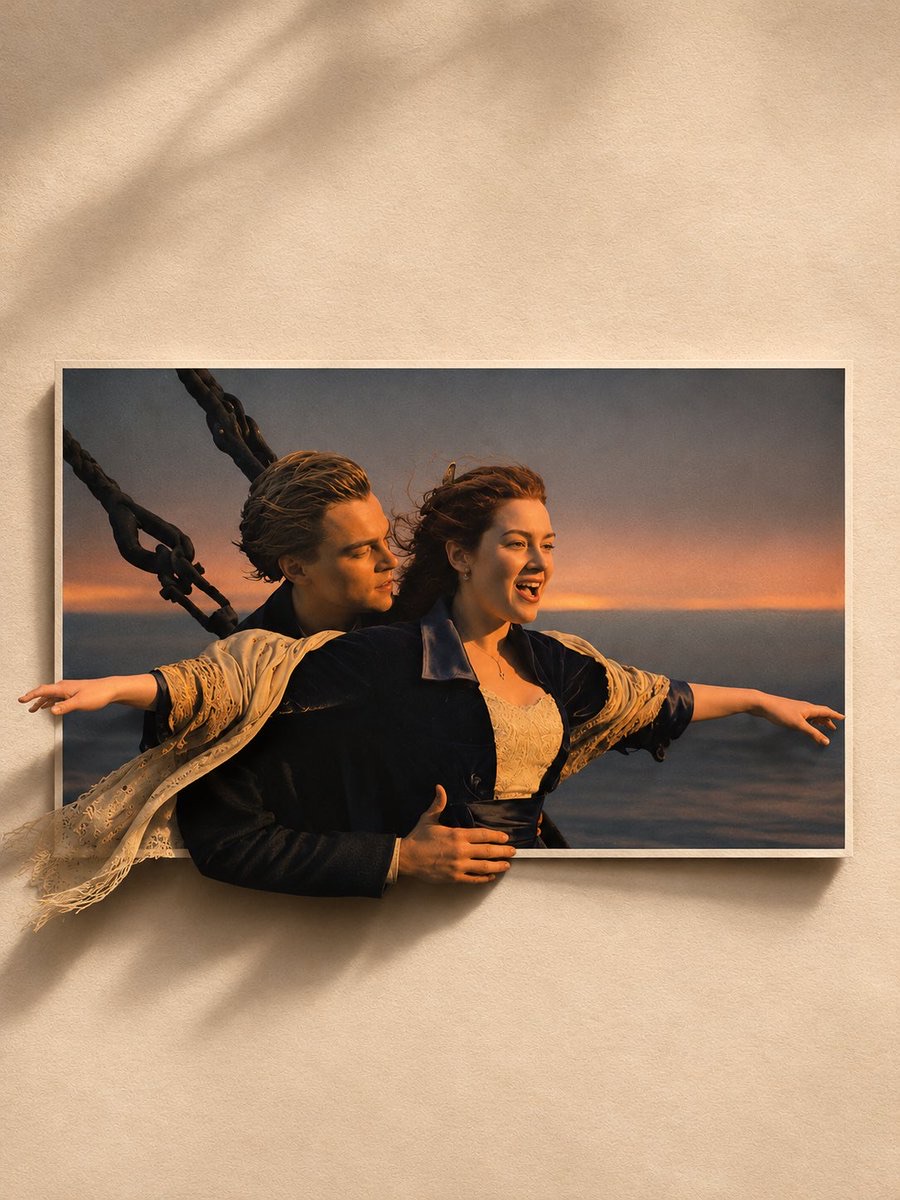
Paper Pop-Out Editorial Portrait
-
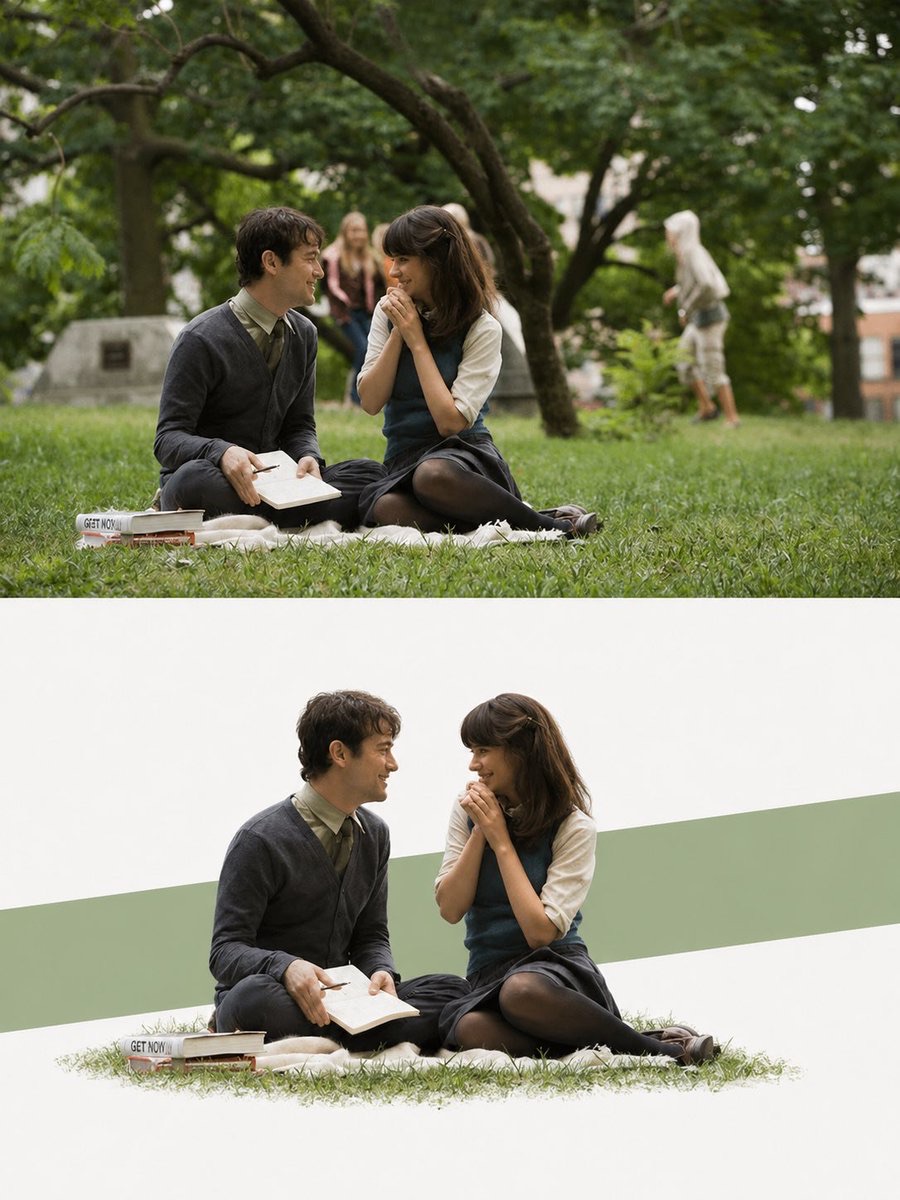
Two-Part Editorial Poster
-
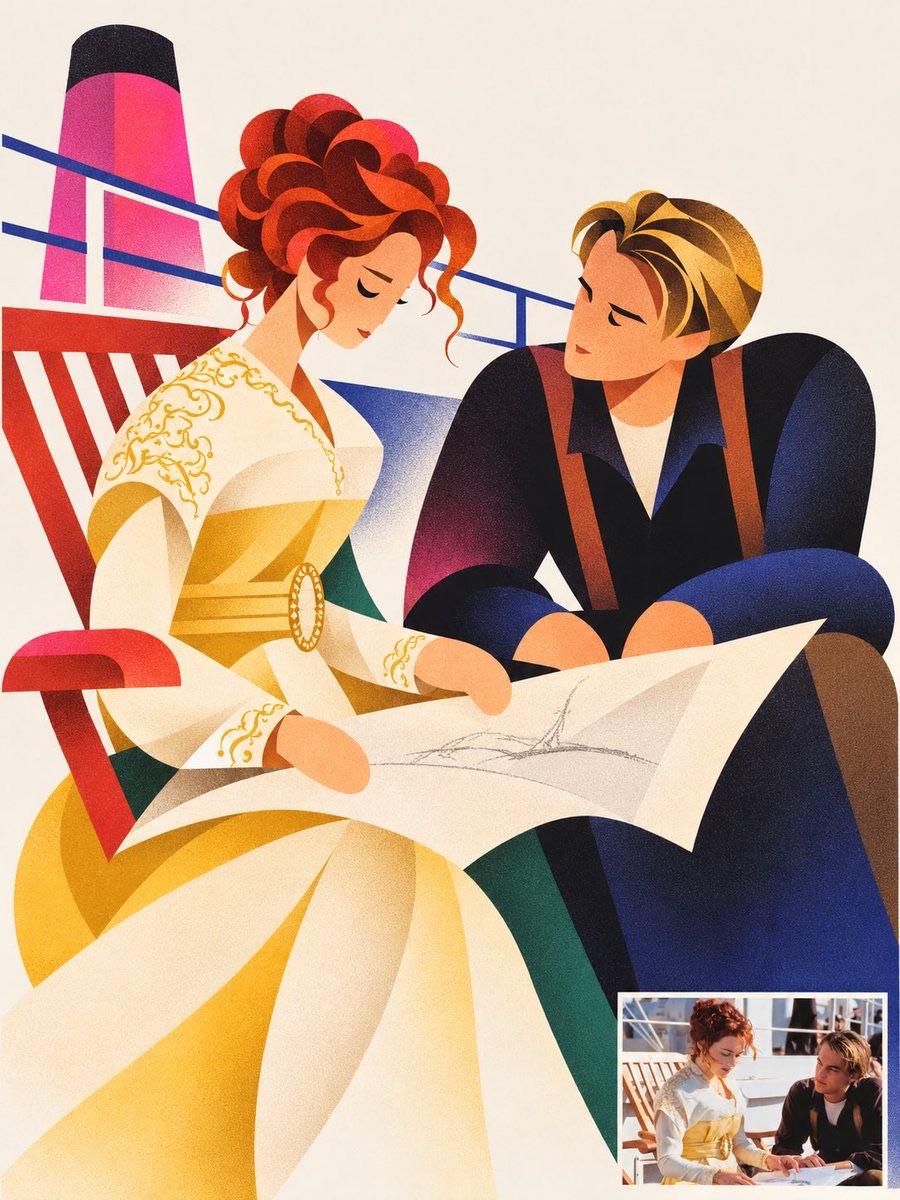
Geometric Editorial Character Poster
-
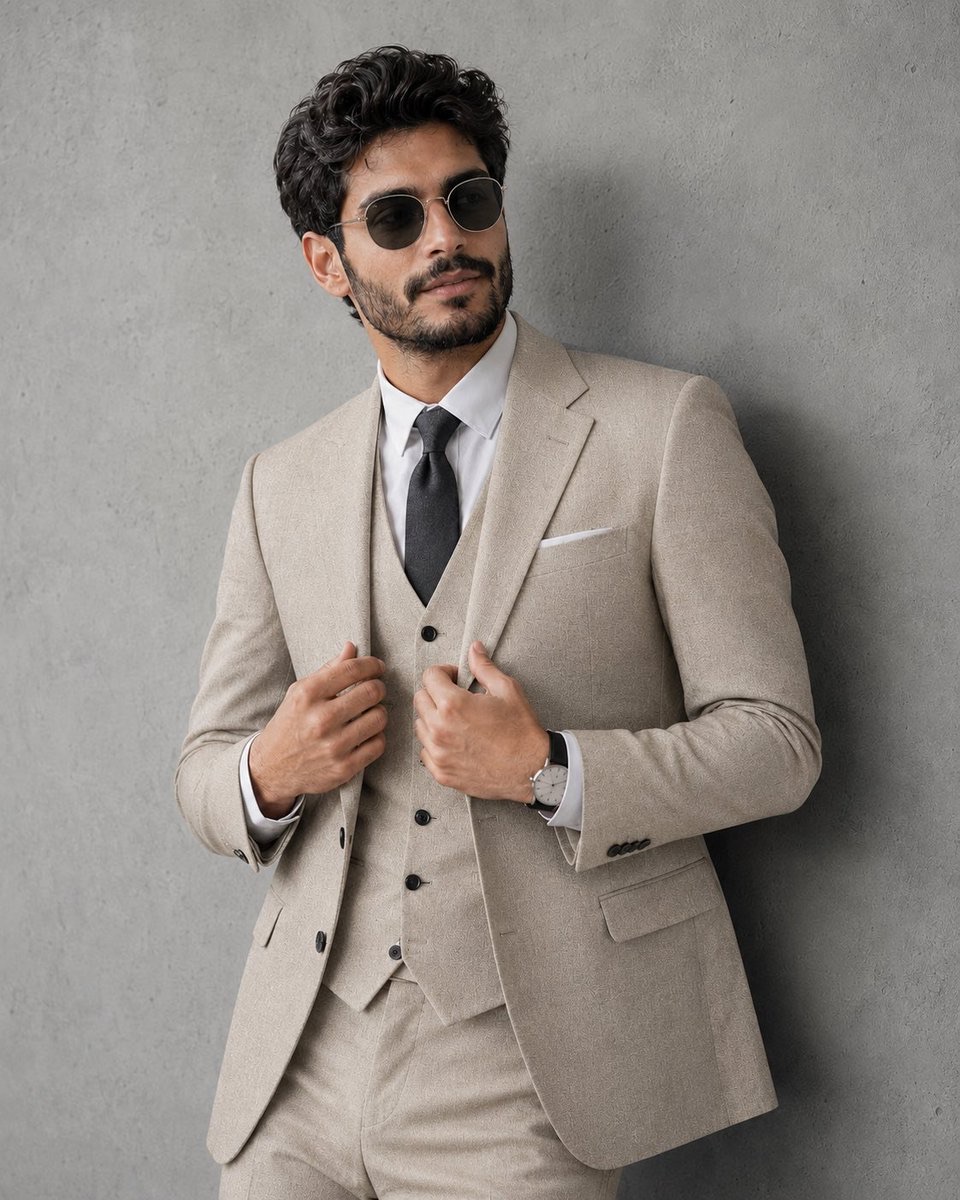
Grey-Toned Three-Piece Menswear Editorial Portrait
-
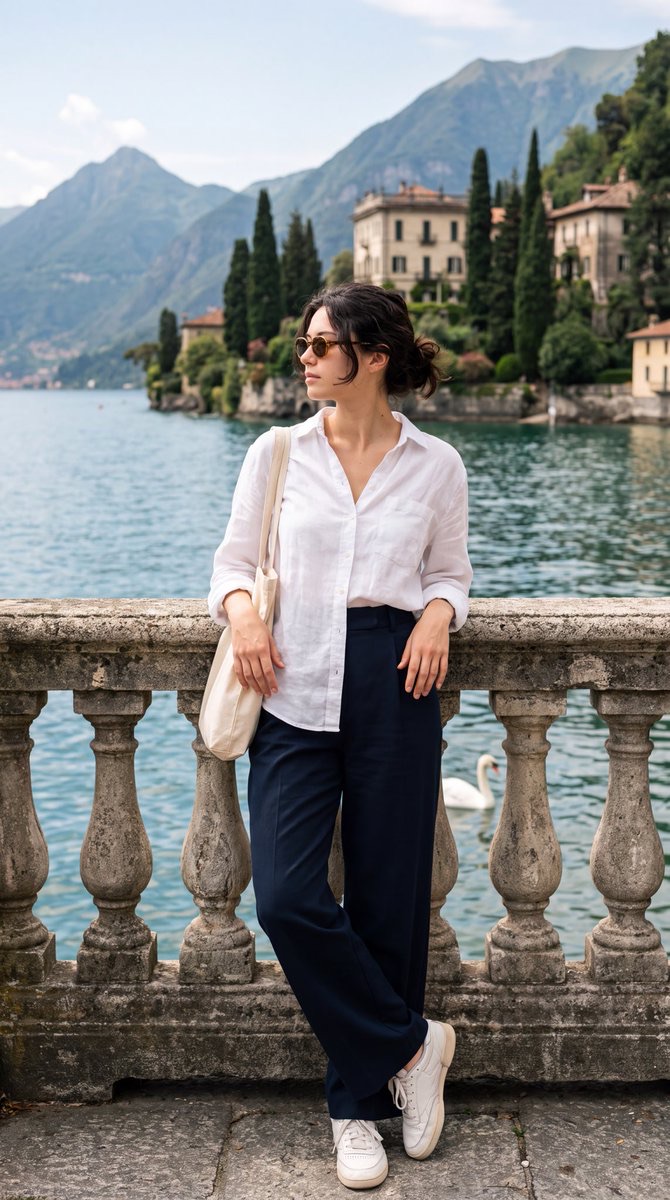
European Summer Travel Portrait on Lake Como
-
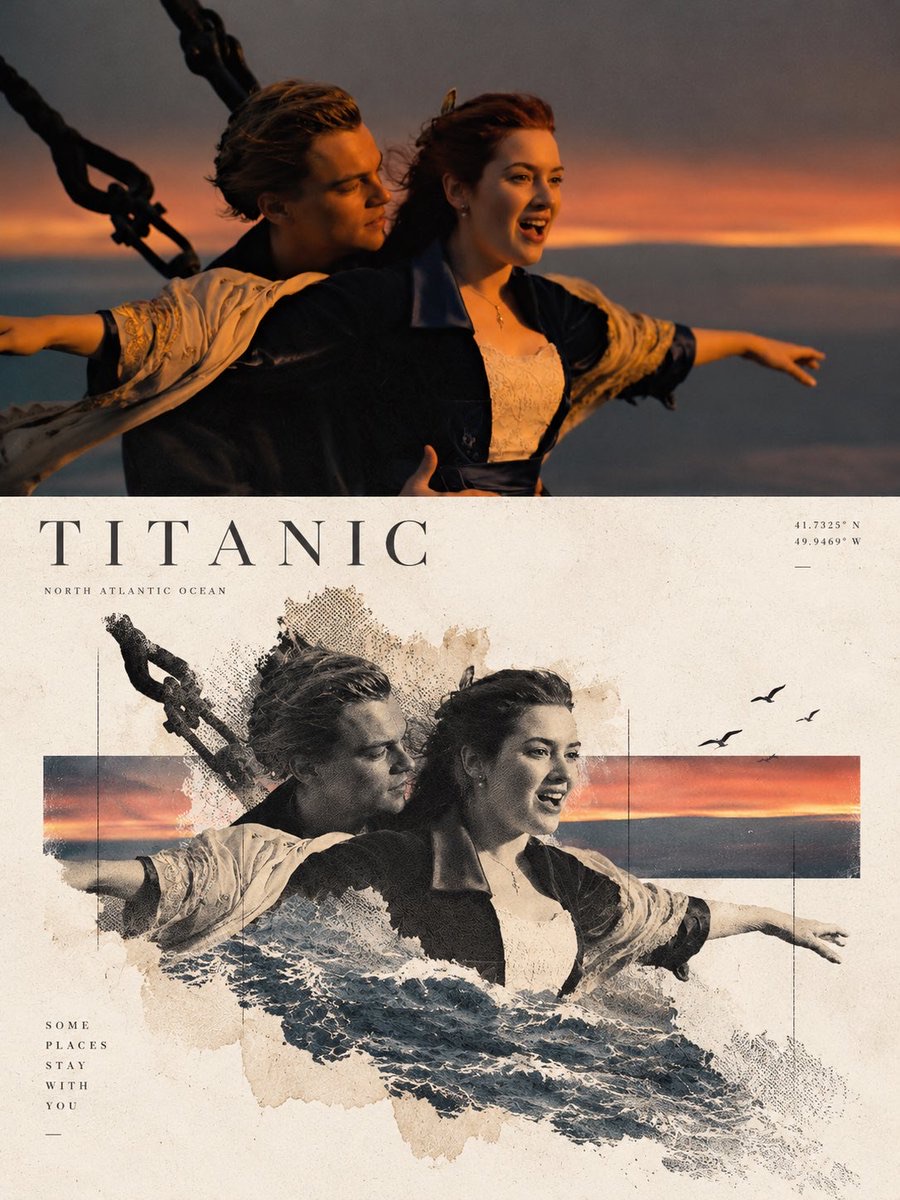
Contemporary Travel Art Landscape Poster
-
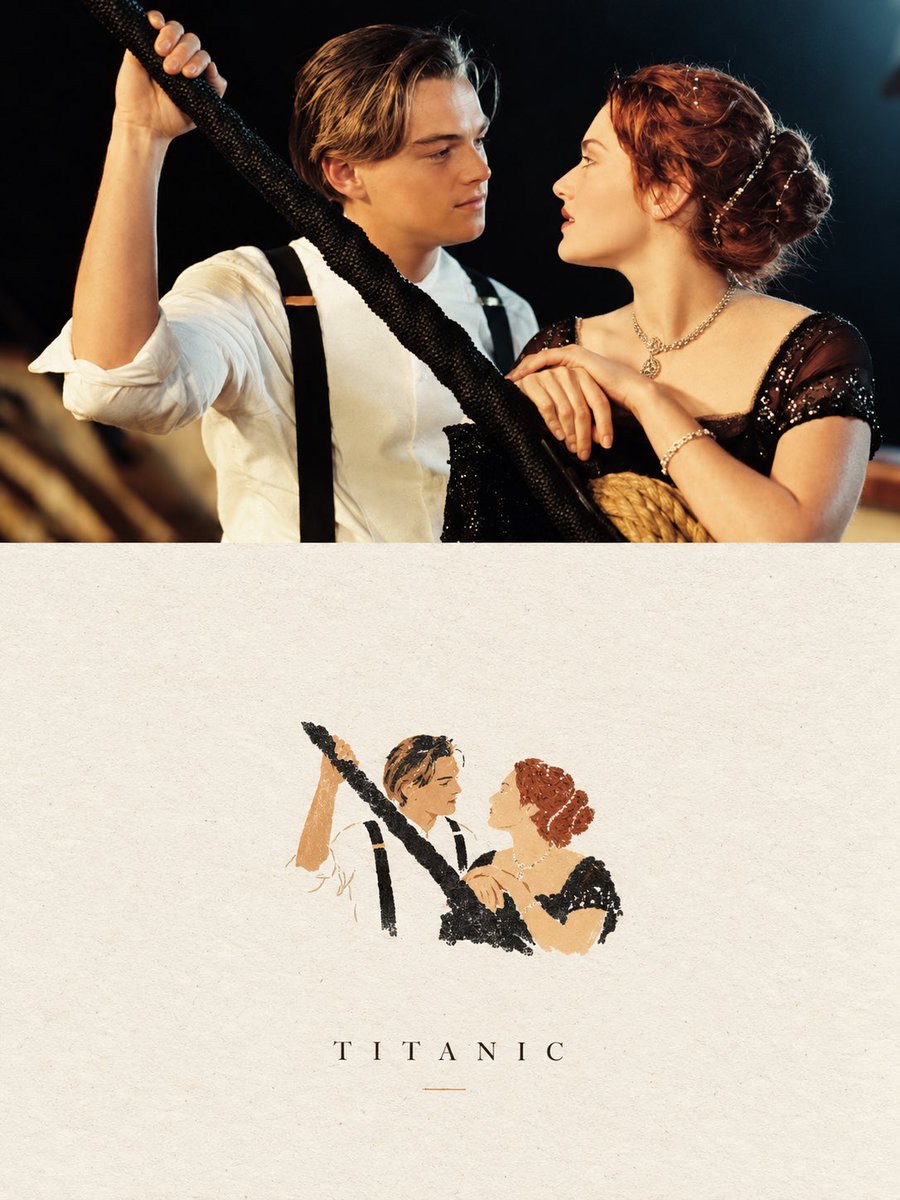
Dual-Layer Negative Space: Photography and Handmade Paper Imagery Poster