Image
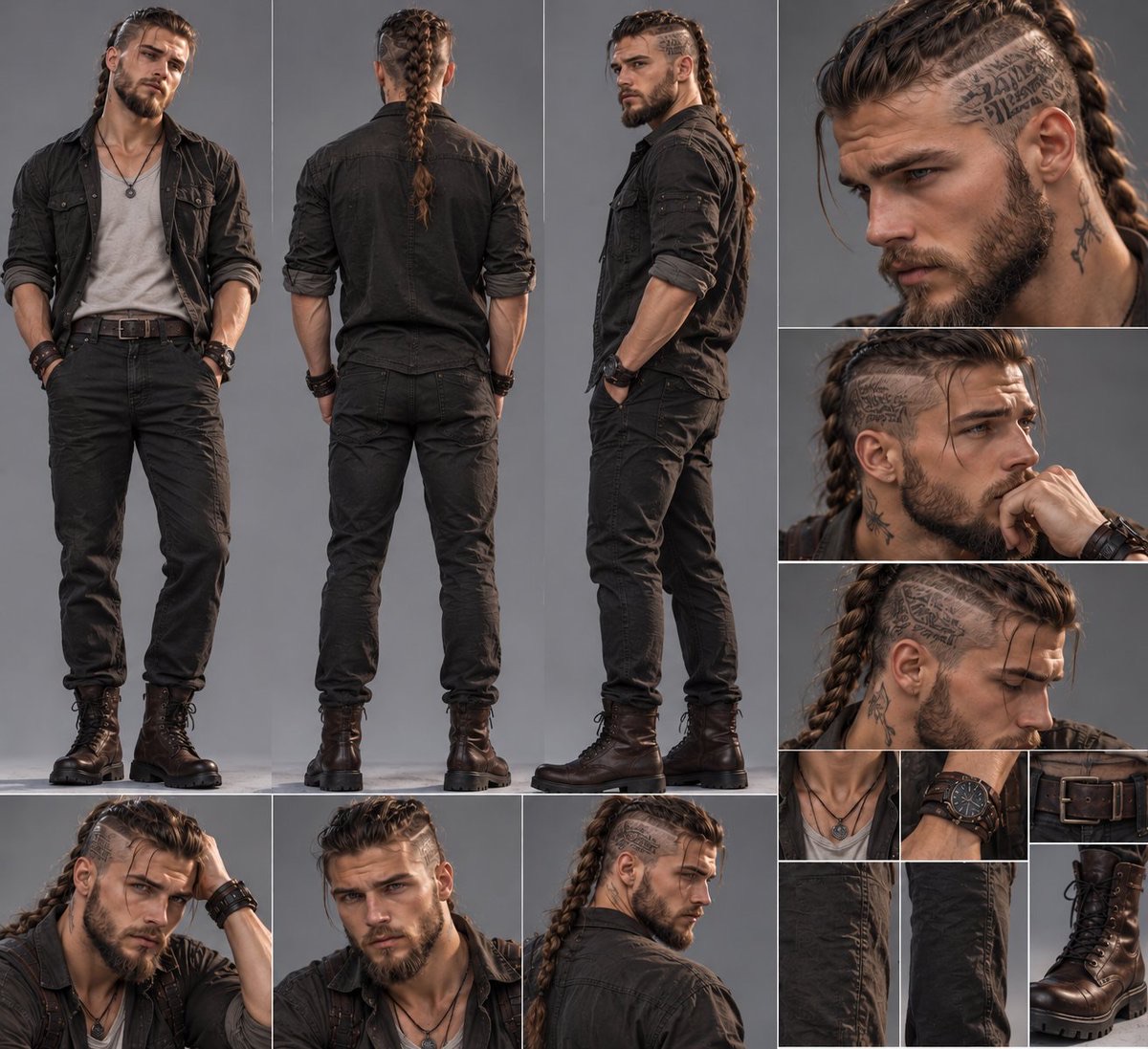
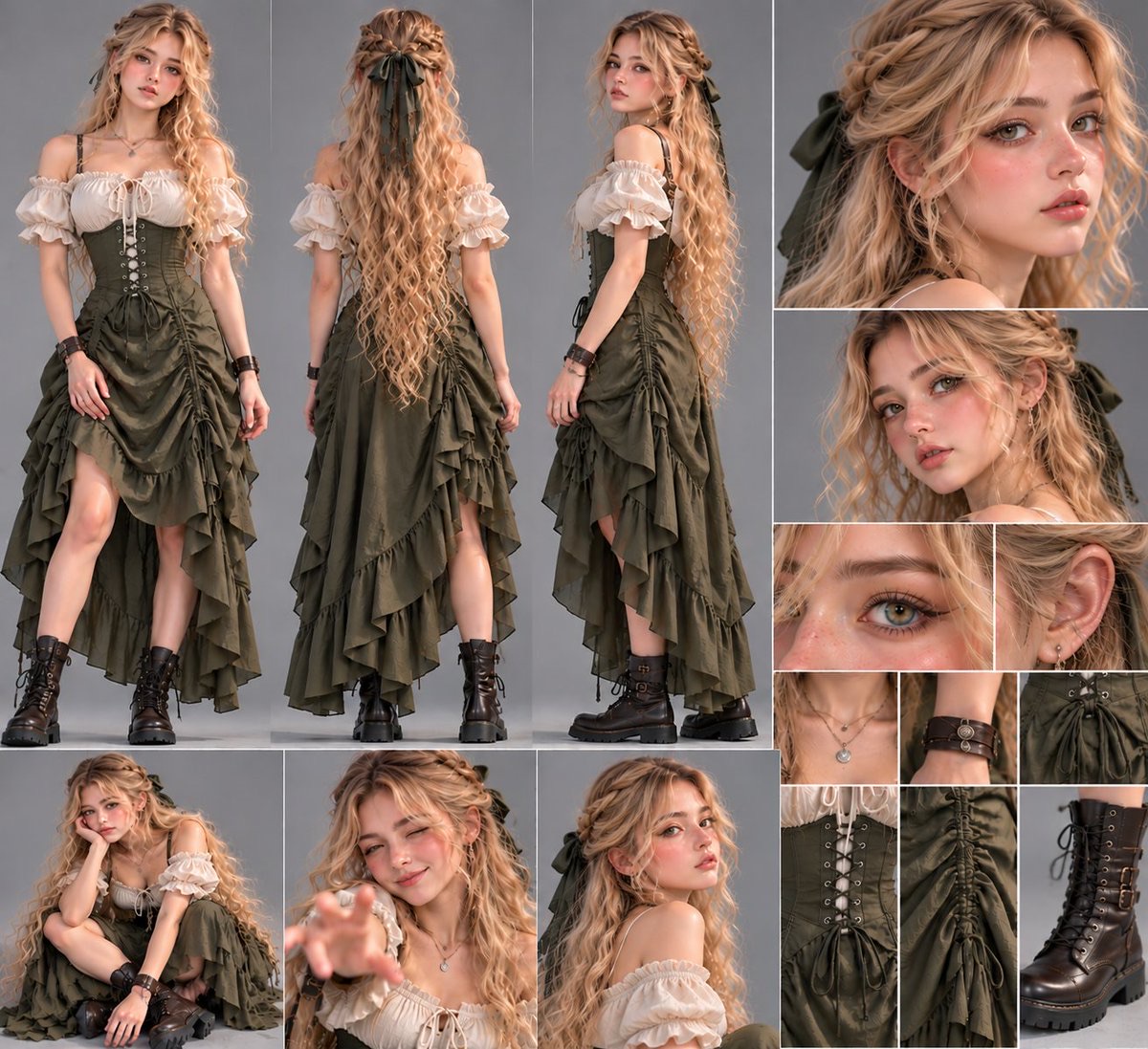
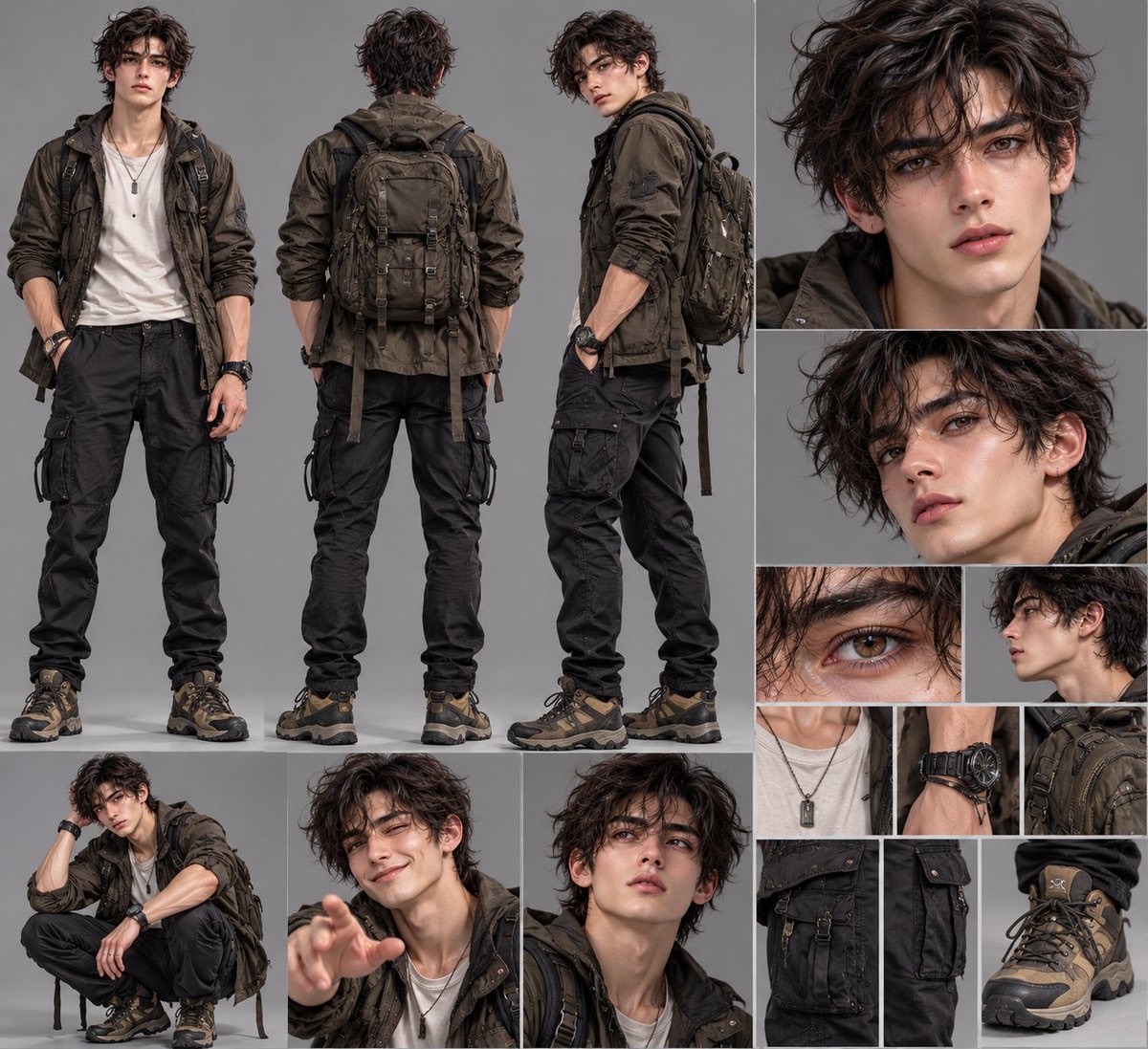
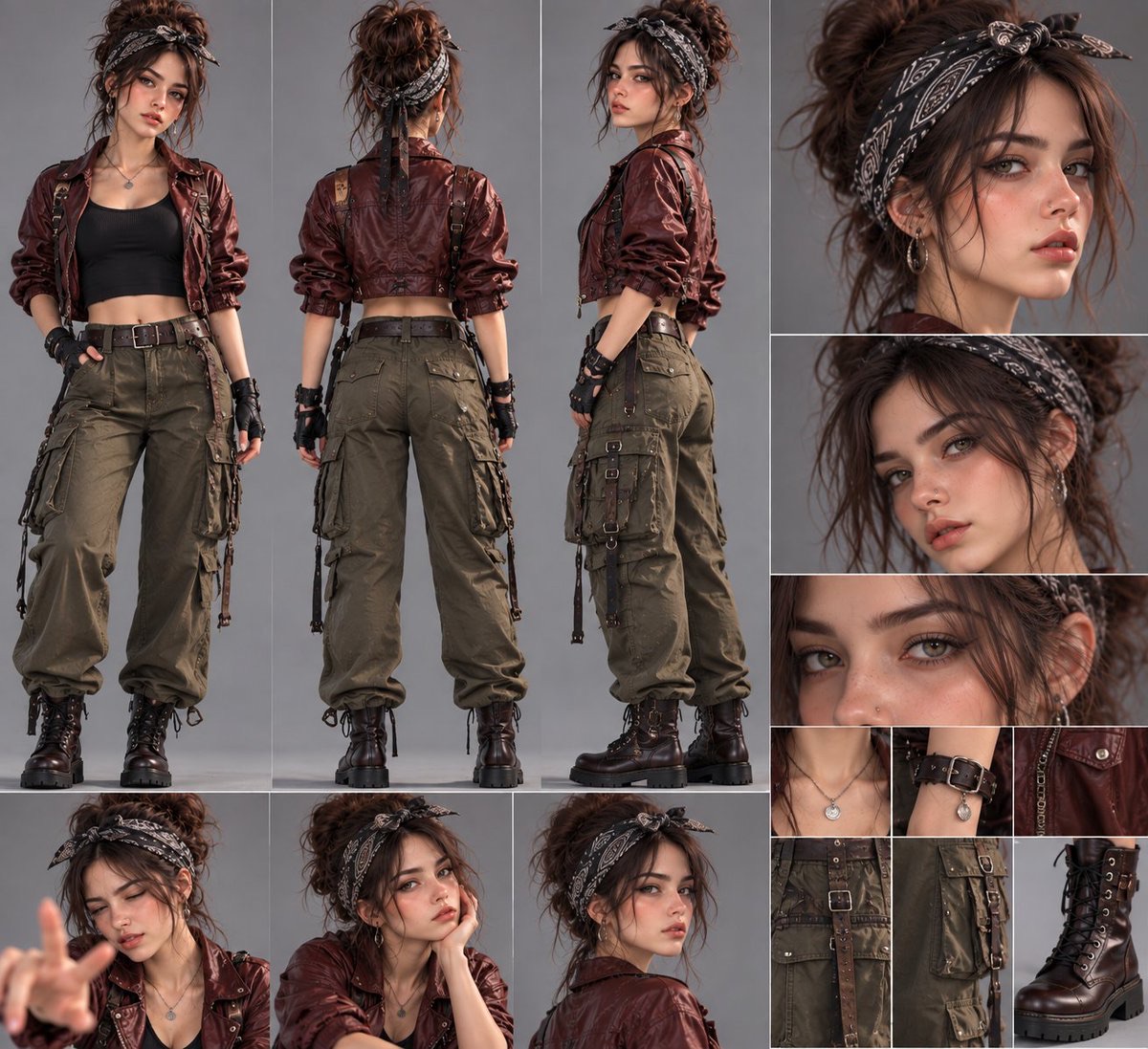
Cinematic Character Reference Sheet with Costume Detail Views
Turn a character reference image into a horizontal multi-panel reference sheet, including full-body front and back views, facial angles, expressions and poses, and costume and accessory details.
 M. Asif@meAsifAi
Prompt
UNIVERSAL CINEMATIC CHARACTER SHEET — MASTER PROMPT

TASK: Transform the uploaded reference image into a premium, photorealistic character design and production reference sheet. Automatically analyze the reference and create a comprehensive multi-panel layout inspired by professional film, fashion, and game character development sheets.

1. ABSOLUTE CHARACTER IDENTITY LOCK

The uploaded reference image is the primary and authoritative source.

Preserve the character's exact identity and recognizable appearance across every panel.

Exact facial structure, eye shape, nose, lips, jawline, skin tone, and apparent age.
Exact hairstyle, hair color, hairline, and distinctive features.
Original body proportions, physique, height impression, and anatomy.
Original clothing design, colors, materials, accessories, jewelry, footwear, and styling.
Preserve unique details such as tattoos, scars, freckles, piercings, glasses, or other identifying features when present.

Never replace the character with a similar-looking person. Do not randomly redesign the face, outfit, hairstyle, or body.

2. PROFESSIONAL MULTI-PANEL LAYOUT

Create ONE large, landscape-oriented character sheet composed of multiple cleanly separated photographic panels.

SECTION A — FULL-BODY CHARACTER VIEWS

Feature three prominent full-body views:

FRONT VIEW: Character standing naturally and facing the camera.
BACK VIEW: Character facing directly away from the camera, showing the complete rear outfit and hairstyle.
THREE-QUARTER / SIDE VIEW: Character turned approximately 45–90 degrees, revealing the profile, silhouette, and clothing construction.

Show the entire character from head to footwear. Maintain consistent anatomy, clothing, and proportions.

SECTION B — FACIAL PORTRAIT STUDIES

Include three or four close-up portraits of the same character, featuring:

Front-facing facial portrait.
Three-quarter facial angle.
Side-profile portrait.
Extreme close-up emphasizing the eyes, skin texture, and facial details.

Maintain the same facial identity, hairstyle, and accessories in every portrait. Use realistic photographic detail rather than artificial beauty-filter skin.

SECTION C — NATURAL EXPRESSIONS & POSES

Include two or three smaller cinematic portraits or half-body poses showing natural variations appropriate to the character:

Neutral, confident expression.
Subtle smile or thoughtful expression.
One additional natural pose or expression suitable for the character's personality.

Expressions must not change the character's underlying facial identity. Keep poses realistic and anatomically correct.

SECTION D — OUTFIT & ACCESSORY DETAIL GRID

Create a neat grid of small, high-detail photographic crops featuring the actual items present in the reference:

Neckline, collar, and upper clothing details.
Fabric texture, stitching, seams, buttons, and zippers.
Belts, pockets, straps, buckles, and layered garments.
Jewelry, watches, gloves, bags, or other accessories.
Shoes, boots, or other footwear.
Distinctive material finishes and surface details.

Only include relevant items that exist in the reference. Do not invent accessories or add new clothing elements.

For full-body characters, prioritize clothing construction and footwear. For fantasy or non-human characters, replace clothing crops with relevant anatomy, scales, fur, armor, wings, horns, or other defining features.

3. AUTOMATIC REFERENCE ANALYSIS

Before composing the image, analyze the uploaded reference to determine:

Character type and apparent age.
Facial and physical characteristics.
Hairstyle and distinguishing features.
Clothing layers, colors, materials, and accessories.
Overall aesthetic, personality, and visual style.

Automatically adapt the number and type of detail panels to suit the reference while maintaining the same overall professional layout.

If the reference contains a male character, female character, child, elderly person, fantasy creature, robot, or animal, preserve the appropriate original design rather than applying a generic human template.

When details are hidden or not visible, make conservative, visually consistent interpretations. Never present invented hidden details as verified reference information.

4. PHOTOGRAPHIC STYLE & ENVIRONMENT

Use a seamless neutral gray studio background throughout the sheet.

Soft, balanced studio lighting.
Realistic contact shadows.
Consistent skin tones, material colors, and lighting.
Sharp facial details and lifelike textures.
Natural photographic depth and perspective.
Premium cinematic character-development photography.
Clean, precise panel divisions with thin neutral borders.

All panels must look like photographs of the same character taken during one professional studio session.

5. COMPOSITION & PANEL HIERARCHY

Use a wide landscape canvas with a carefully organized editorial grid.

Give the three full-body views the largest combined area.
Place facial portraits in a dedicated vertical section or upper-right grid.
Arrange expressions and alternate poses in smaller panels.
Place outfit and accessory close-ups in a compact detail grid.
Keep panels aligned with clear separation and minimal wasted space.
Ensure important facial features, hands, footwear, and costume details remain visible.

The layout should resemble a professional film-production character reference board, not a random collage.

6. STRICT CONSISTENCY REQUIREMENTS

Every panel must represent the SAME character.

Maintain exact identity, consistent clothing, stable accessories, matching hairstyle, realistic body proportions, and coherent lighting.

Avoid face swapping, inconsistent eye colors, changing hairstyles, different outfits, duplicated limbs, distorted hands, malformed anatomy, mismatched accessories, artificial skin smoothing, excessive blur, and visual artifacts.

Do not add unrelated characters, decorative elements, logos, watermarks, or unnecessary text.

7. FINAL OUTPUT

Generate exactly ONE finished, high-resolution character reference sheet containing:

Three full-body views.
Multiple facial angles.
Natural expressions and poses.
A detailed outfit and accessory grid.

Adapt the composition intelligently to the uploaded reference while preserving its original identity and visual design.

RESOLUTION LOCK: Generate the final image at the highest resolution supported by the image-generation tool, using a wide landscape composition, preferably 16:9 when supported. Prioritize sharp facial details, realistic textures, clean panel divisions, and production-ready visual quality.
How to use
Usage tip: Upload a clear character reference image. Well suited to film, game, or fashion concept design projects that need a consistent character identity, garment structure, and material details.
Details
More from M. Asif
-
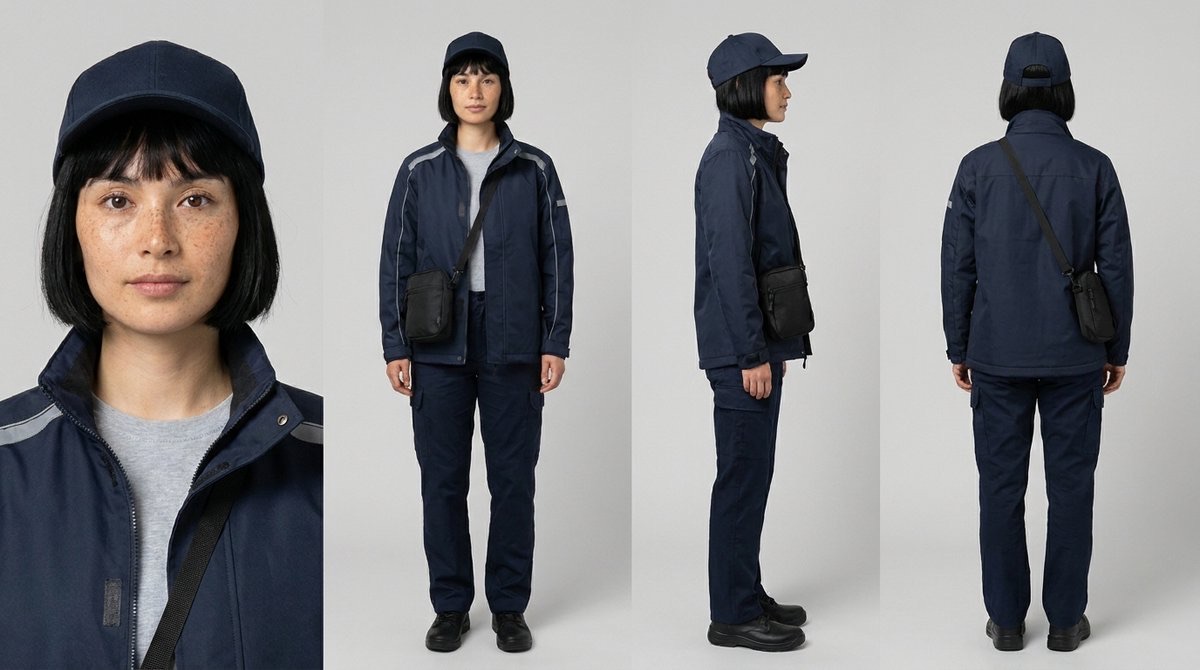
Four-View Character Reference Sheet
-
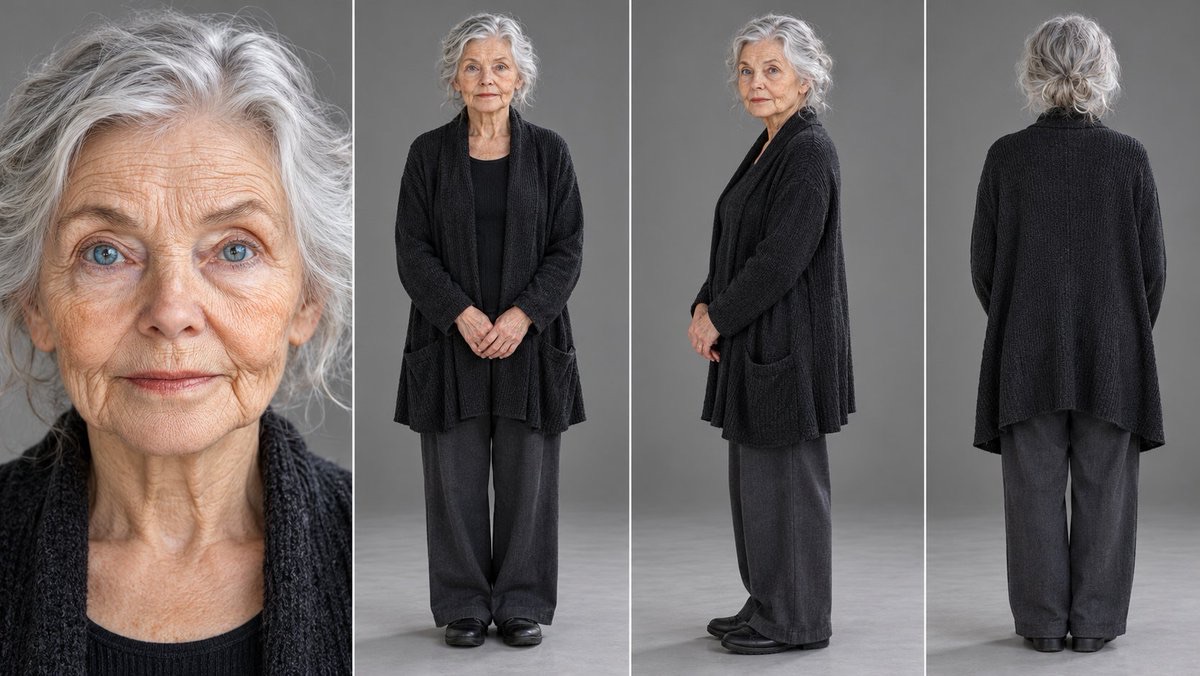
Universal Four-View Reference Sheet
-
Girl and Black Panther Film Shot
-
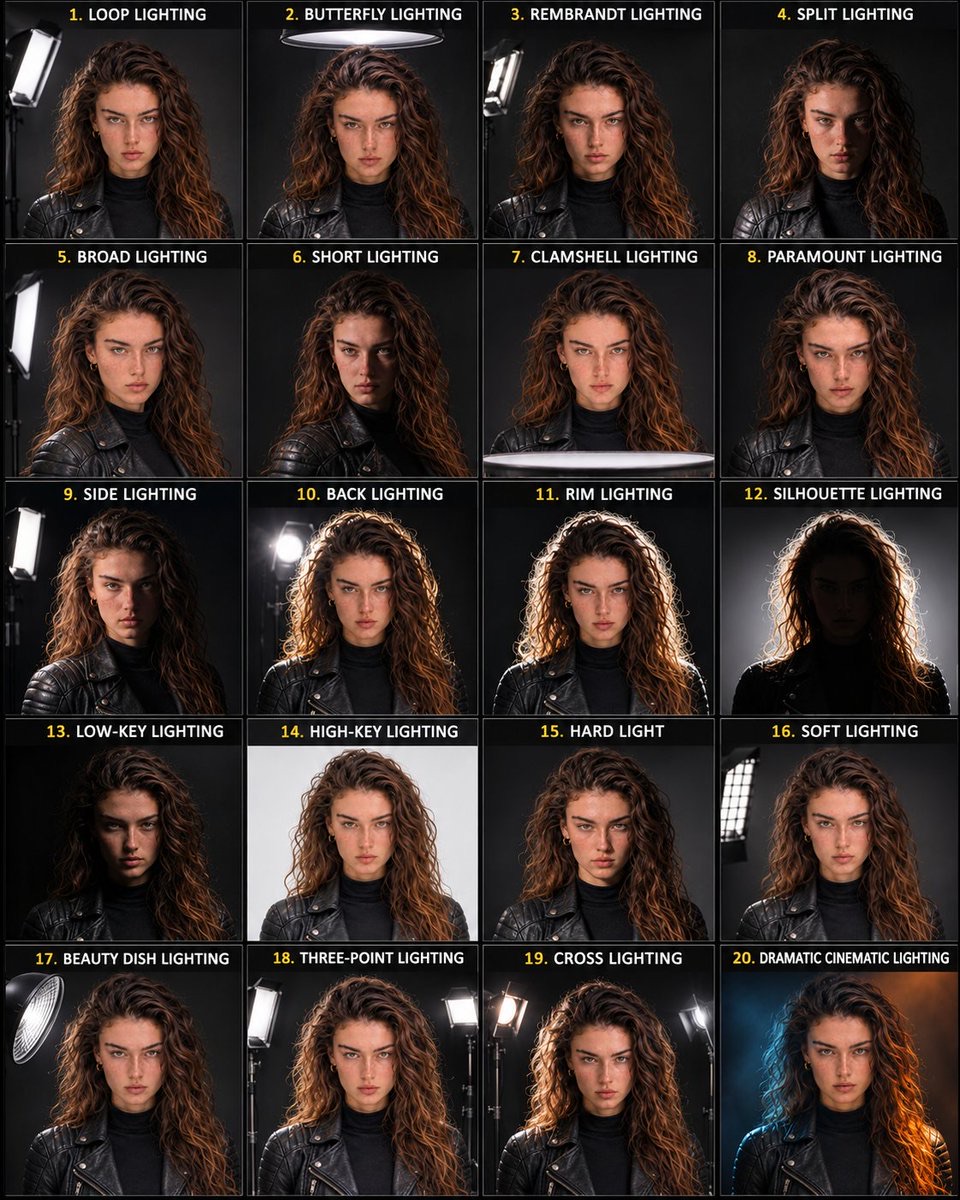
Portrait Lighting Reference Sheet
-
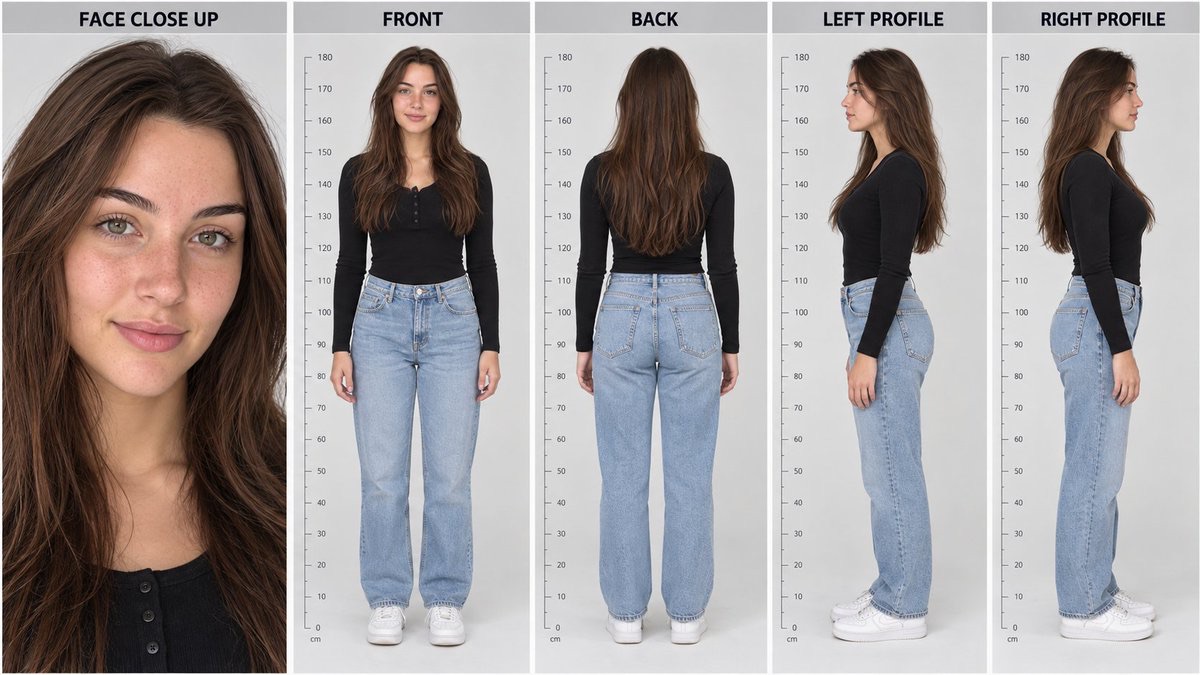
Five-View Realistic Character Reference Sheet
-
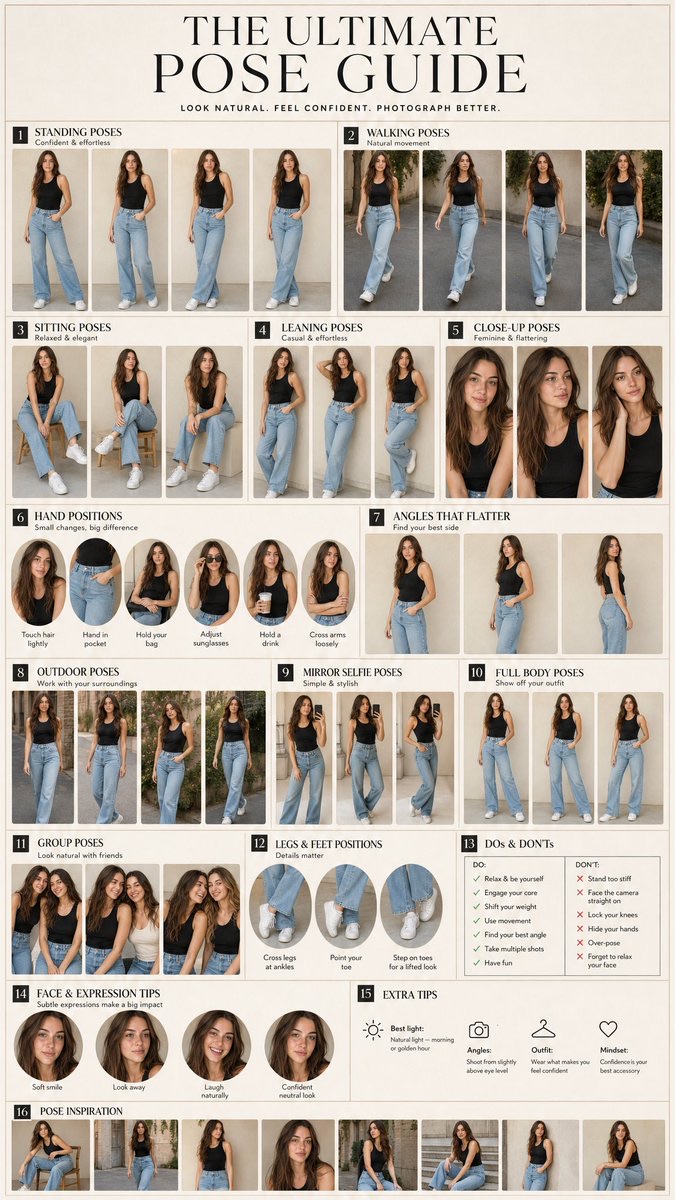
16-Panel Fashion Pose Guide of the Same Person
-
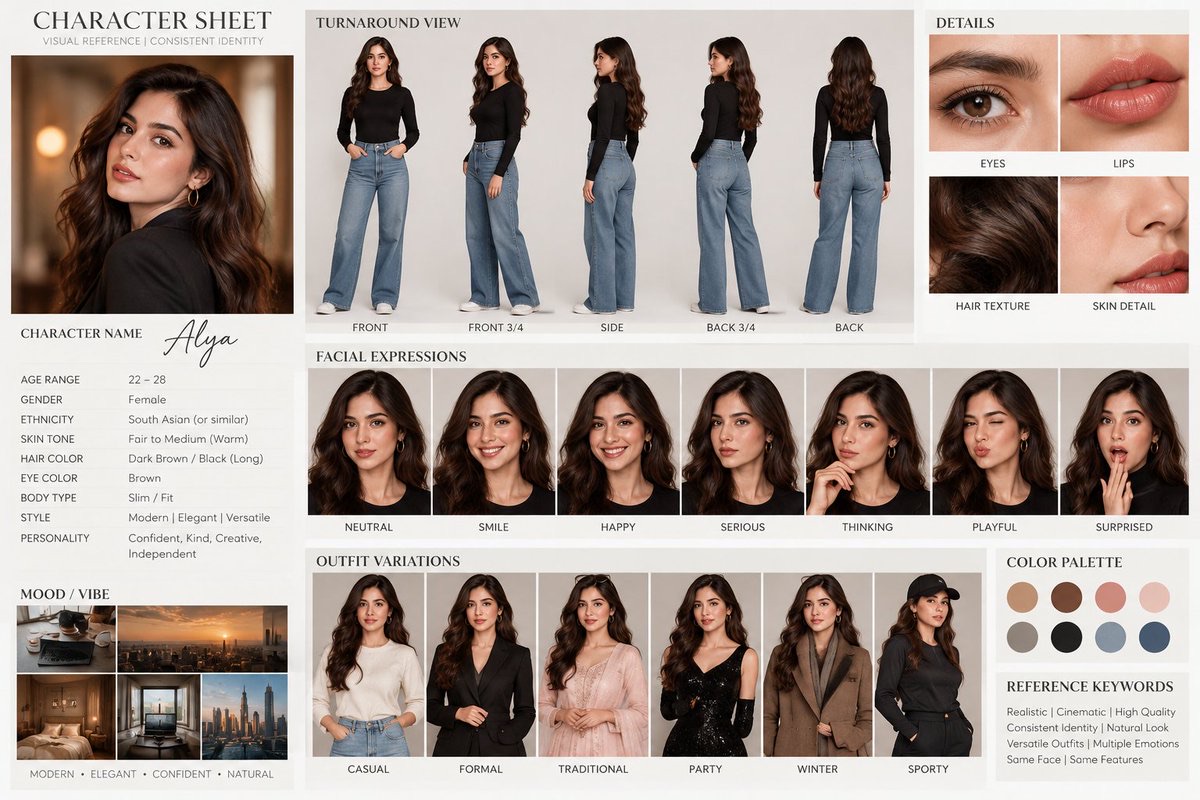
Cinematic Alya Character Design Sheet
-
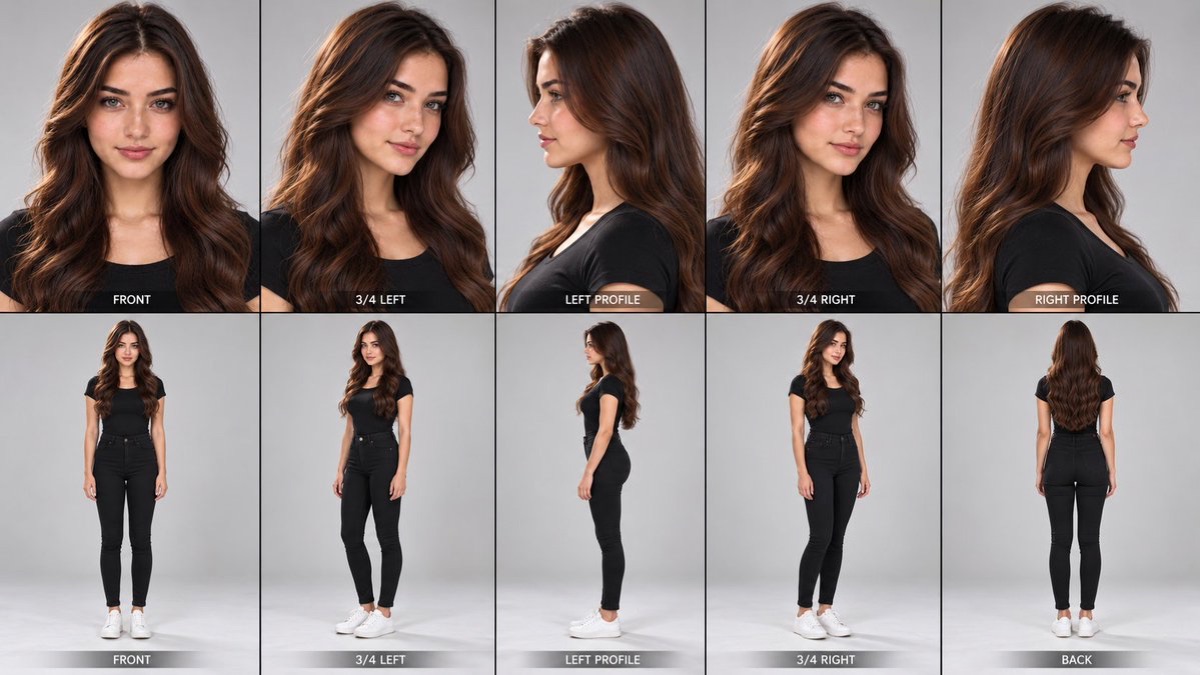
Ten-Panel Character Consistency Reference Sheet