图片
上传照片智能去背景
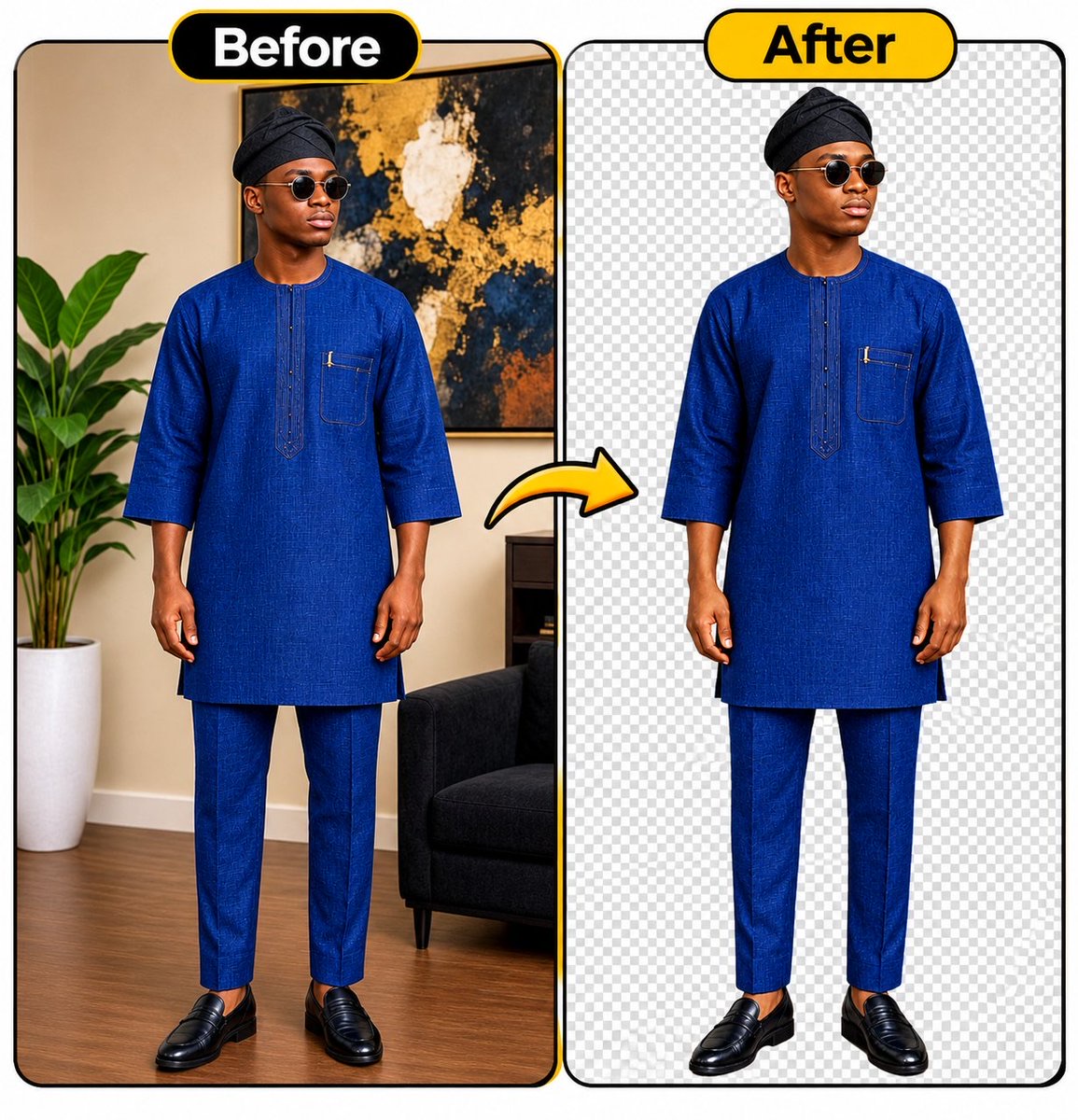
将上传照片中的主体精细抠出并保留原有外观,适合制作透明背景的人物素材。
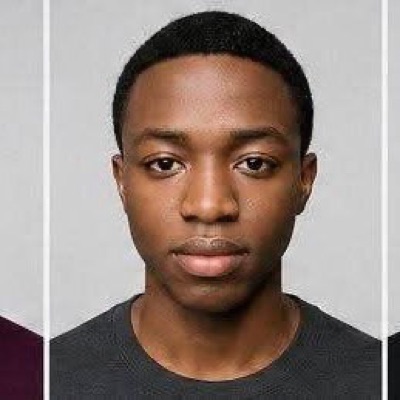 Abkr Sadiq | AI@abs_crea8or
Prompt
UNIVERSAL AI BACKGROUND REMOVAL PROMPT

Use the uploaded image as the source. Carefully remove the entire background and isolate the main subject with exceptional precision.

Instructions:

- Completely remove the original background.
- Preserve the subject's exact facial features, identity, skin tone, hairstyle, clothing, body shape, and natural proportions.
- Maintain every original detail without altering, beautifying, retouching, or redesigning the subject.
- Carefully refine edges around hair, ears, fingers, clothing, and other fine details.
- Remove unwanted shadows, background objects, reflections, and distractions.
- Ensure clean, natural, professional-looking edges without white outlines, halos, or rough cutouts.
- Preserve the original image quality, sharpness, colors, and resolution.

Output Requirements:

- Transparent PNG background (true alpha transparency).
- High-resolution export.
- Clean, realistic, professionally isolated subject.
- No added objects, text, filters, or artificial effects.

IMPORTANT: Only remove the background. Do not modify or regenerate the subject. The final result must look exactly like the original photograph, with the background completely removed.
使用建议
上传需要处理的照片,并导出带透明通道的PNG。
信息
- 类型
- 图片
- 许可
- Source-author-rights
- 发布时间