Image · GPT Image 2.5
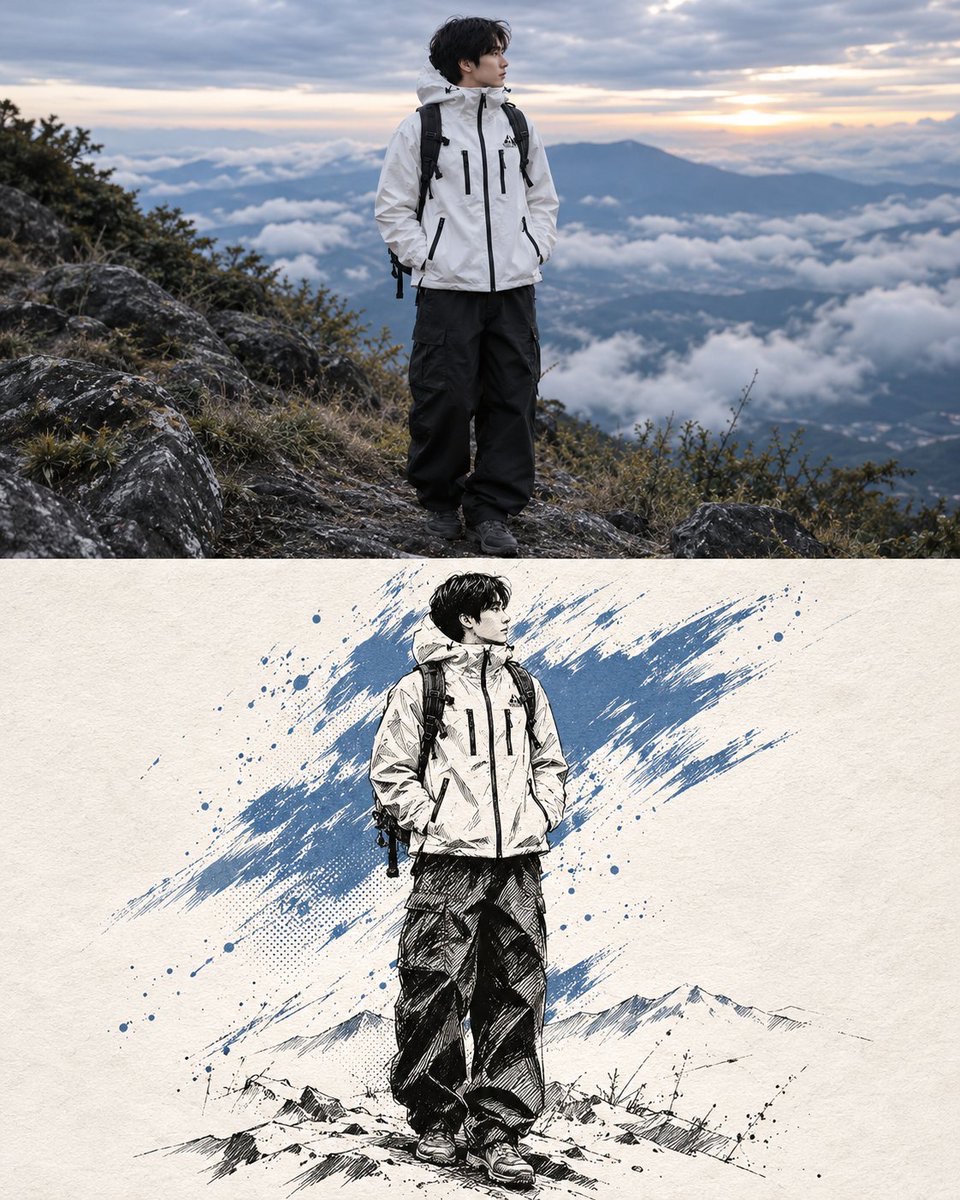
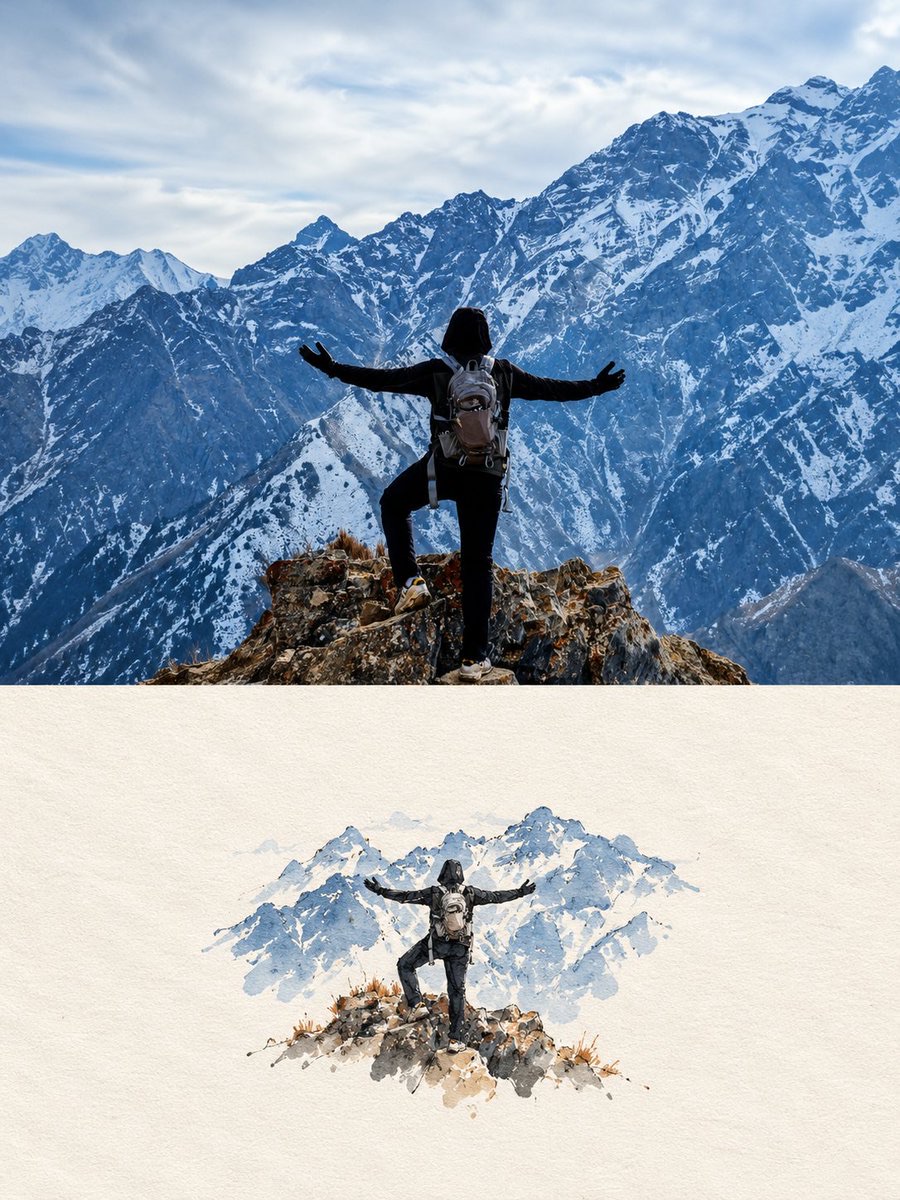
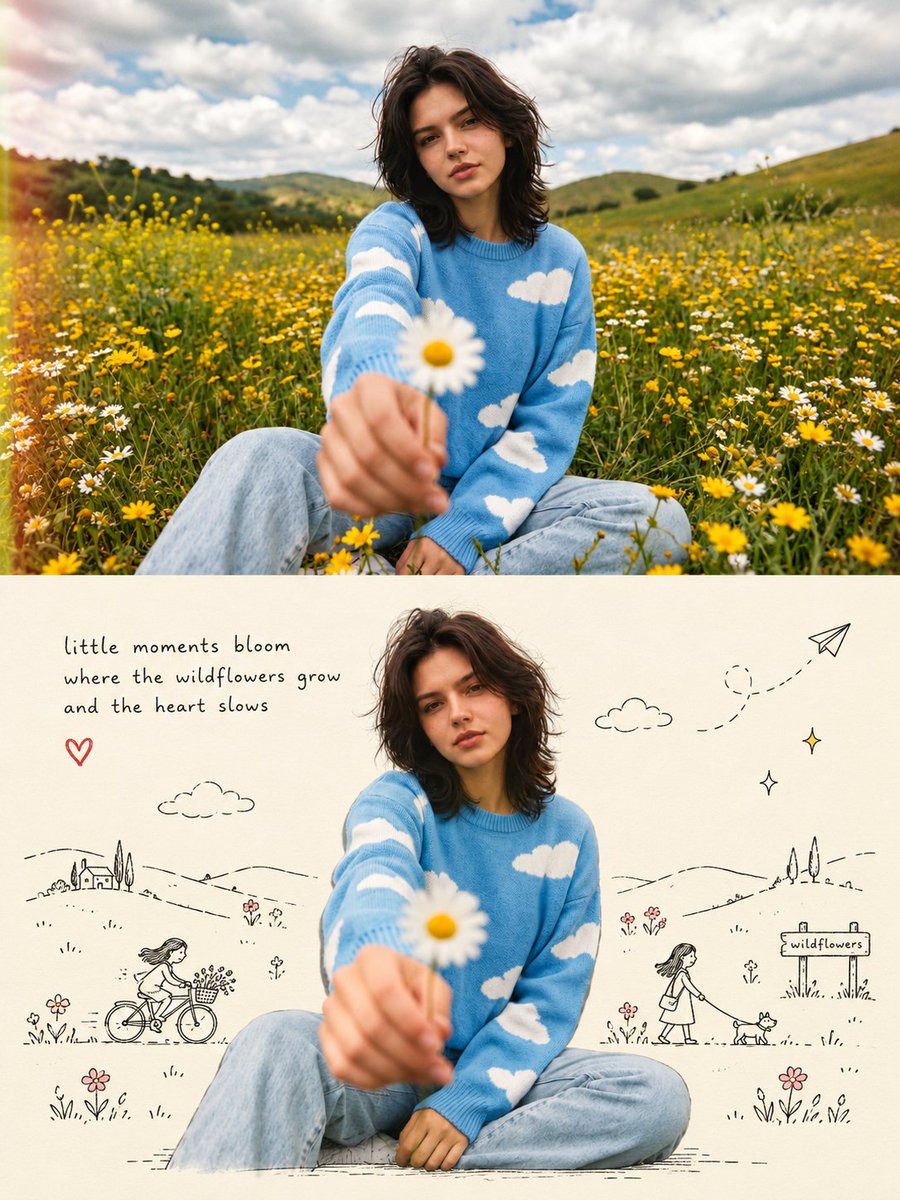
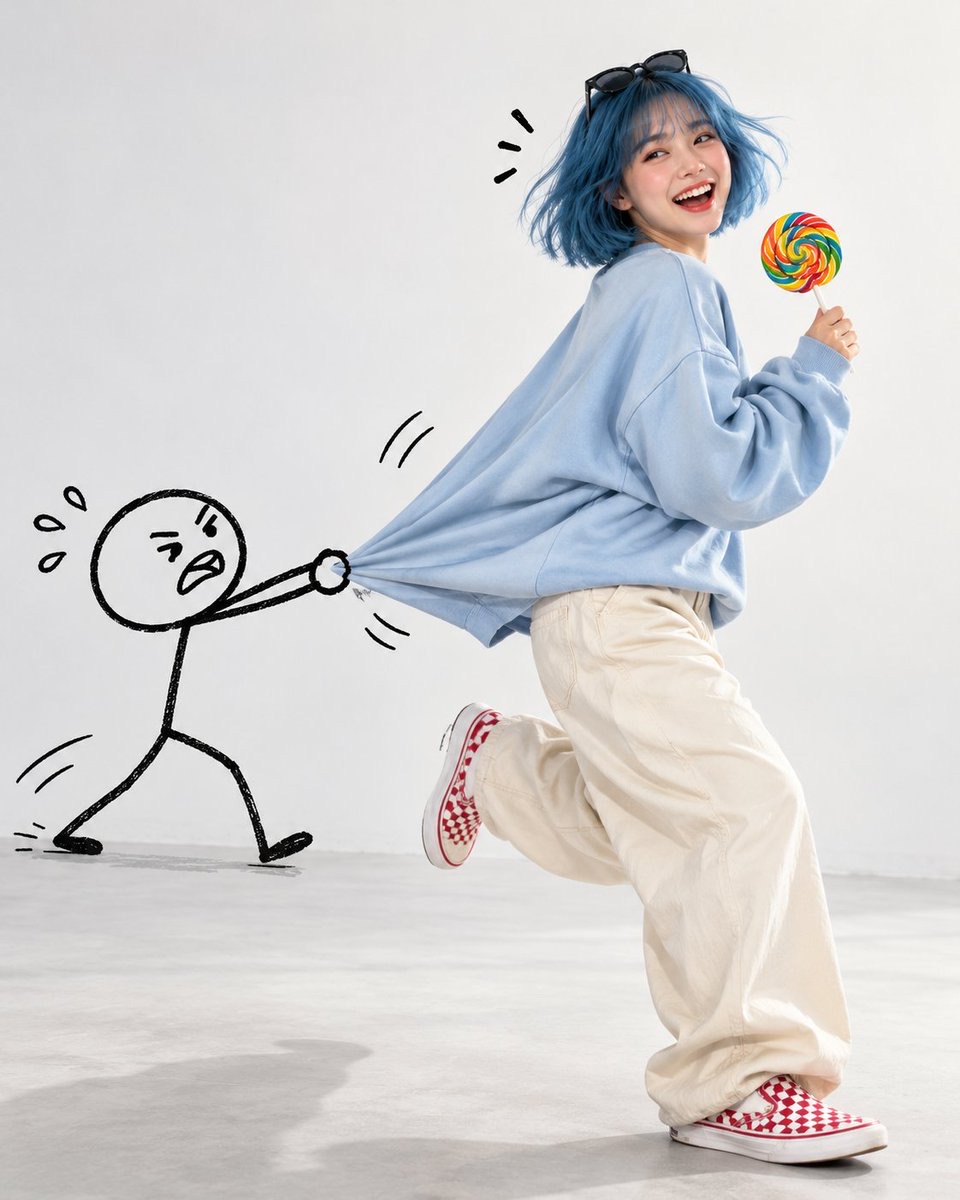
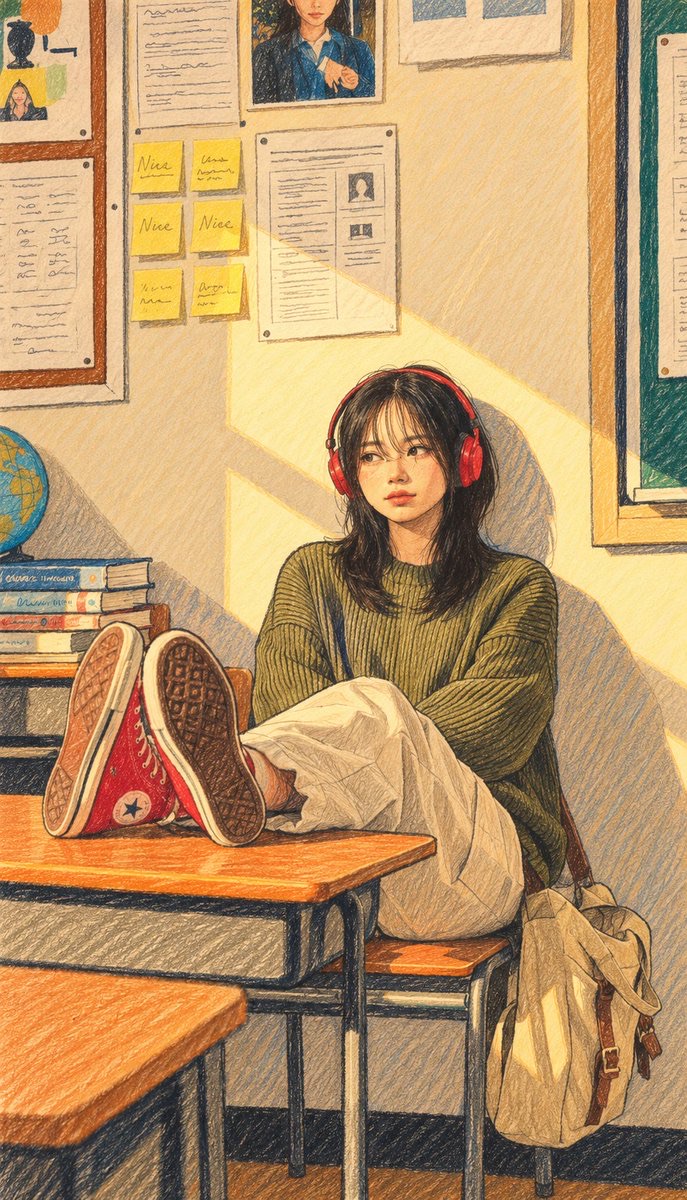
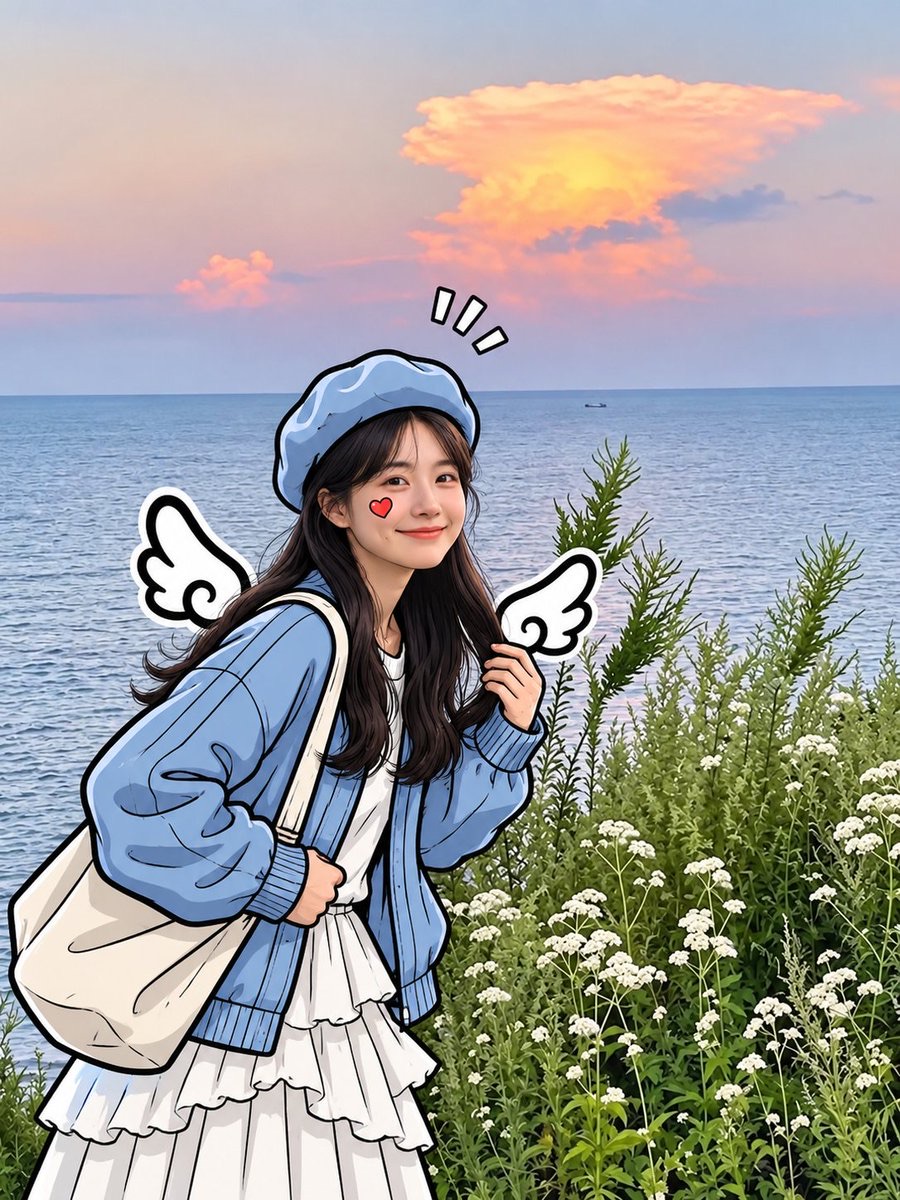
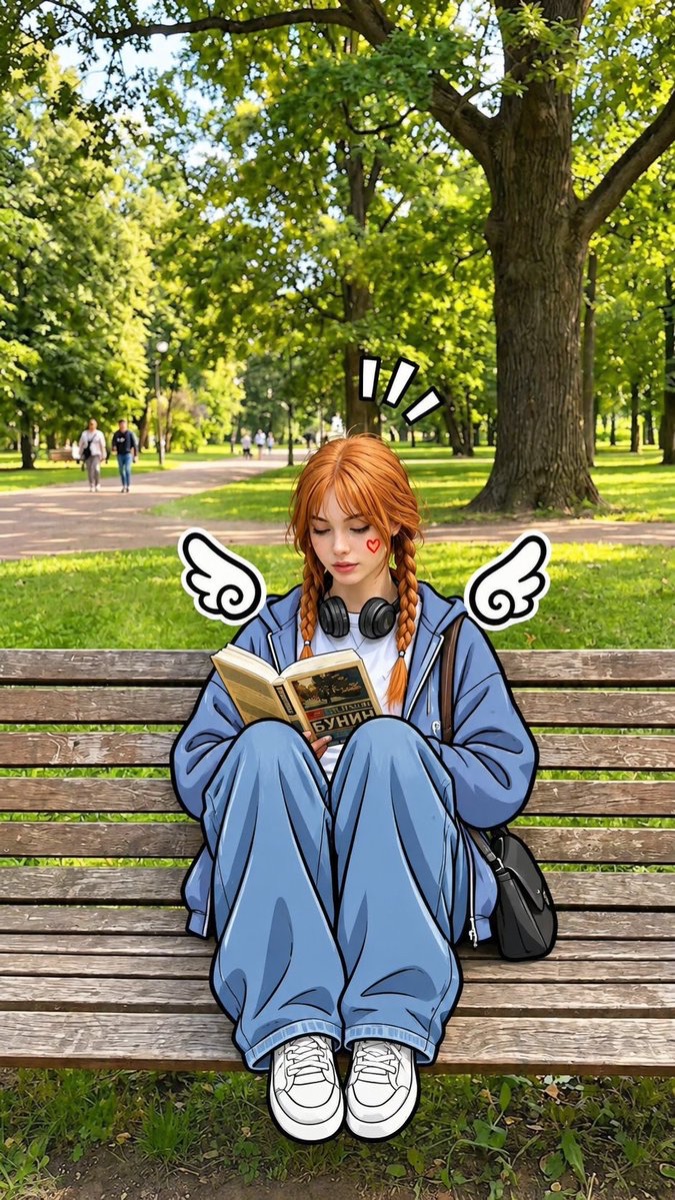
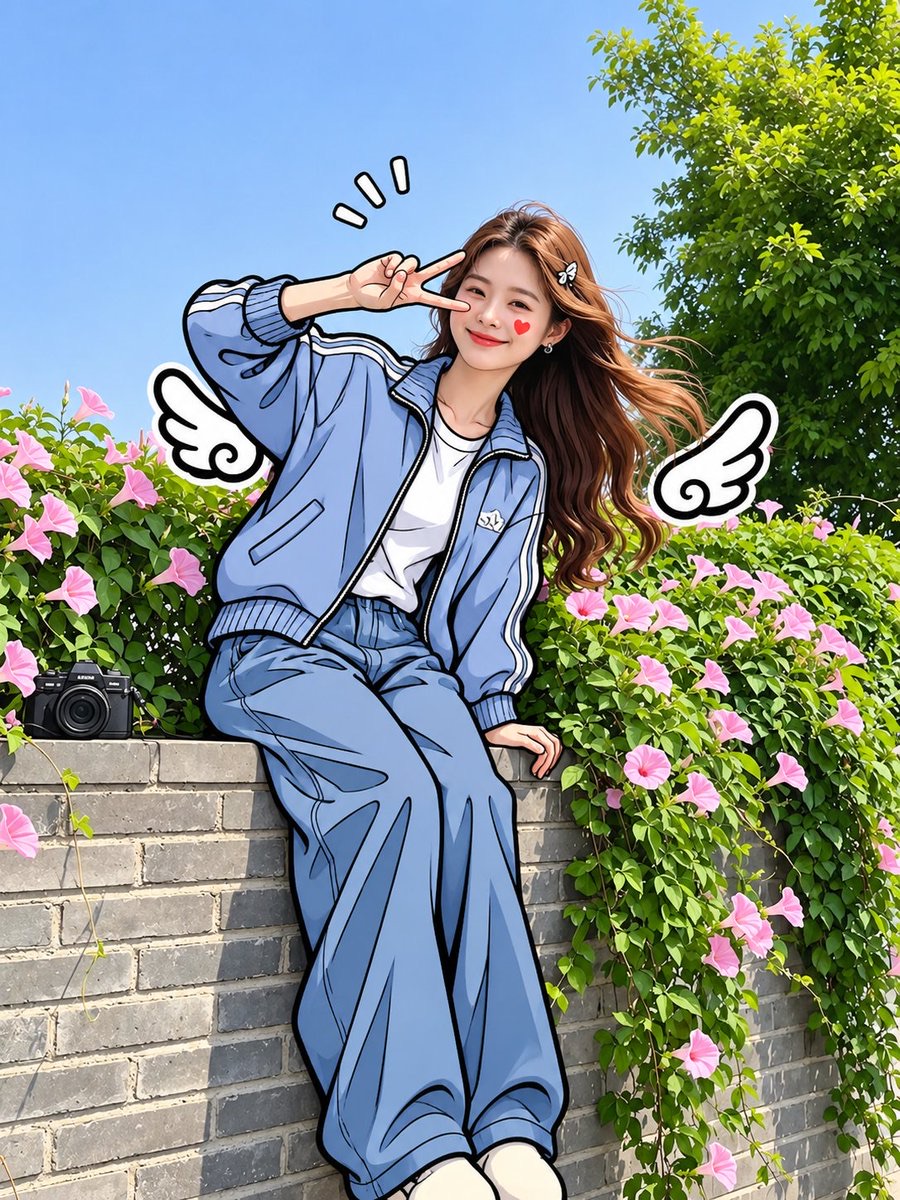
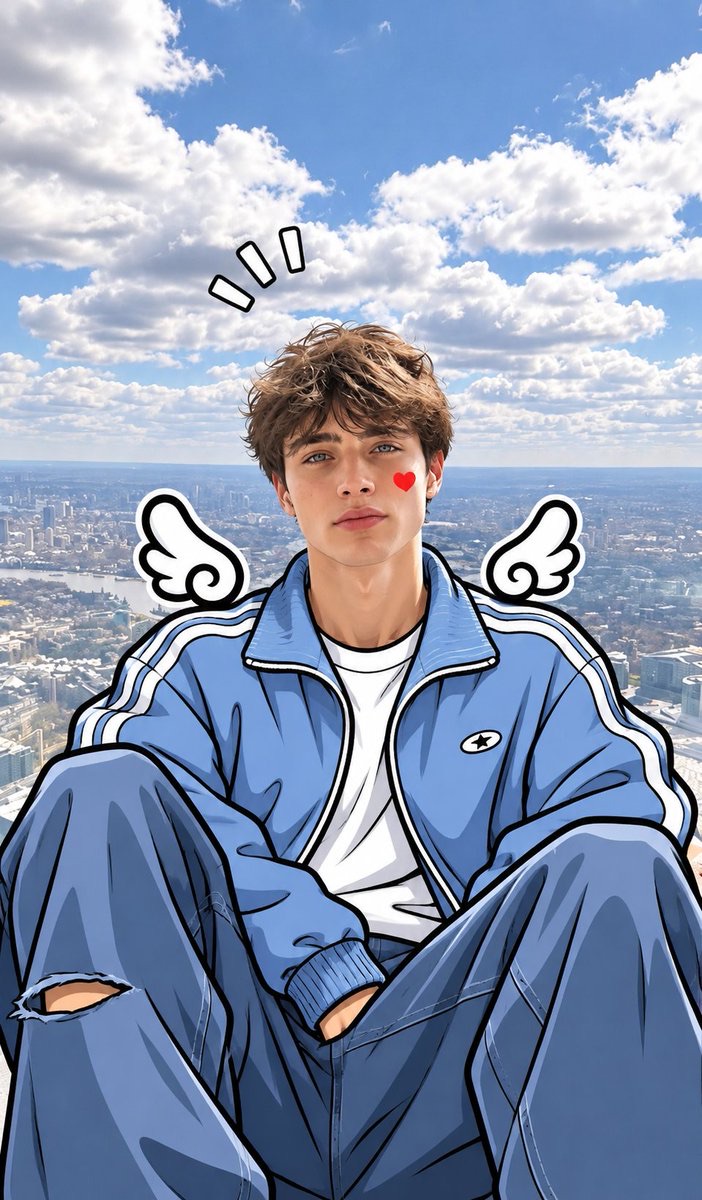
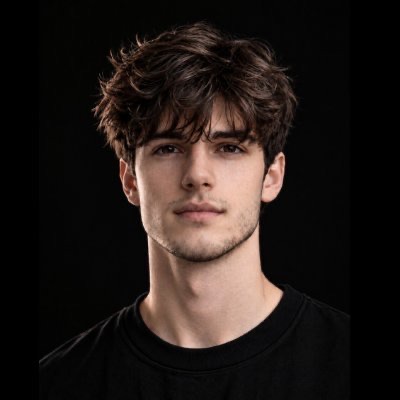
Real Photo to Semi-Realistic Manga Illustration
Keep the realism of the person's face, convert the body and clothing into a hand-drawn manga style with thick black lines, and add angel wings and red heart accents, creating a contrast between real and illustrated elements.
 Harboris@harboriis
Prompt
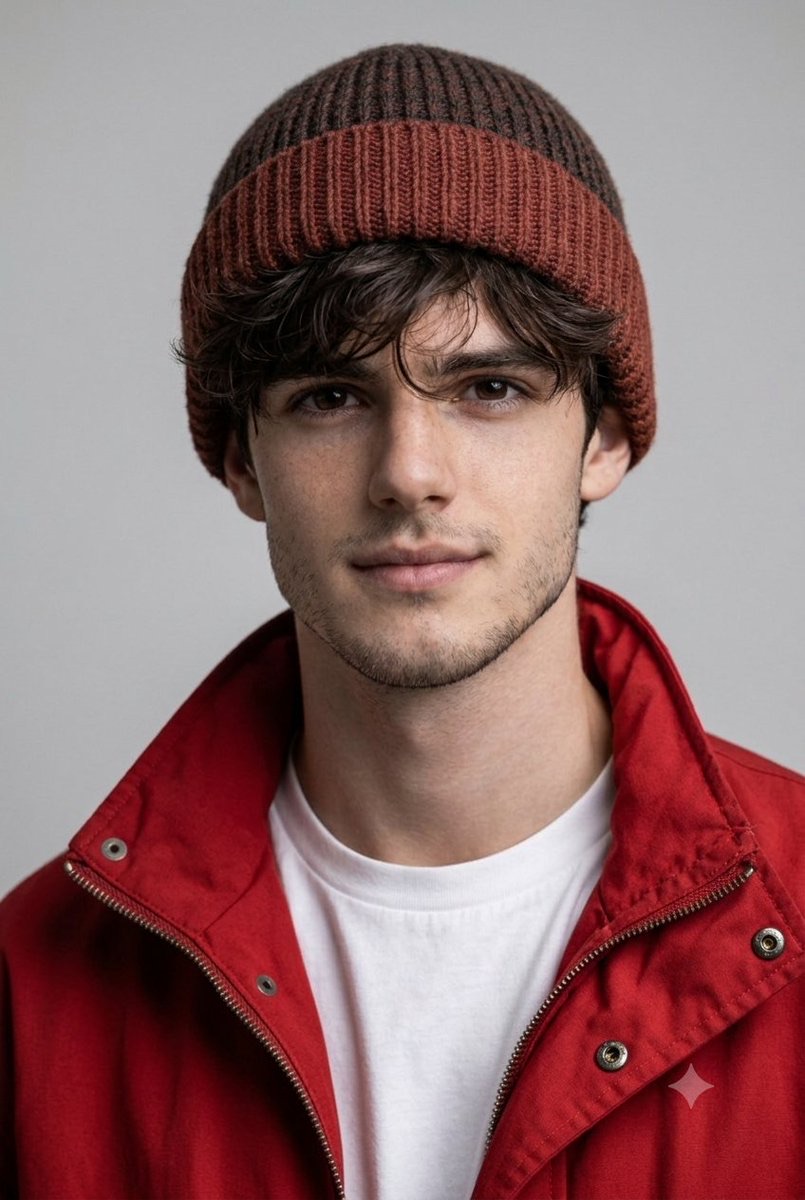
Transform the uploaded photo into a beautiful mixed-media cartoon illustration while preserving the person's exact facial identity, facial features, hairstyle, expression, and natural skin tone.

Art Style: Keep the face photorealistic and natural, while transforming the body, clothing, and arms into a hand-drawn 2D comic illustration. Use thick, clean black ink outlines, smooth cel shading, soft pastel colors, and slightly exaggerated cartoon details.

Clothing: Convert the outfit into a stylish oversized light-blue jacket, white inner top, and loose blue trousers, illustrated with bold black outlines and natural fabric folds.

Background: Keep the original background photorealistic, with natural lighting and realistic details. Create a beautiful contrast between the realistic background and illustrated character.

Cute Details: Add small white cartoon angel wings with thick black outlines near both shoulders and a tiny red heart on one cheek.

Important: Maintain the original person's identity and recognizable face. The face must remain realistic, not anime or cartoon. Only the body and clothing should have the hand-drawn comic effect. Make the illustration look like a professionally edited viral social media photo.

High quality, clean line art, beautiful pastel blue tones, sharp details, seamless photo and illustration blending.
How to use
Use the uploaded portrait directly. Suited to personalized social media avatars or post images.