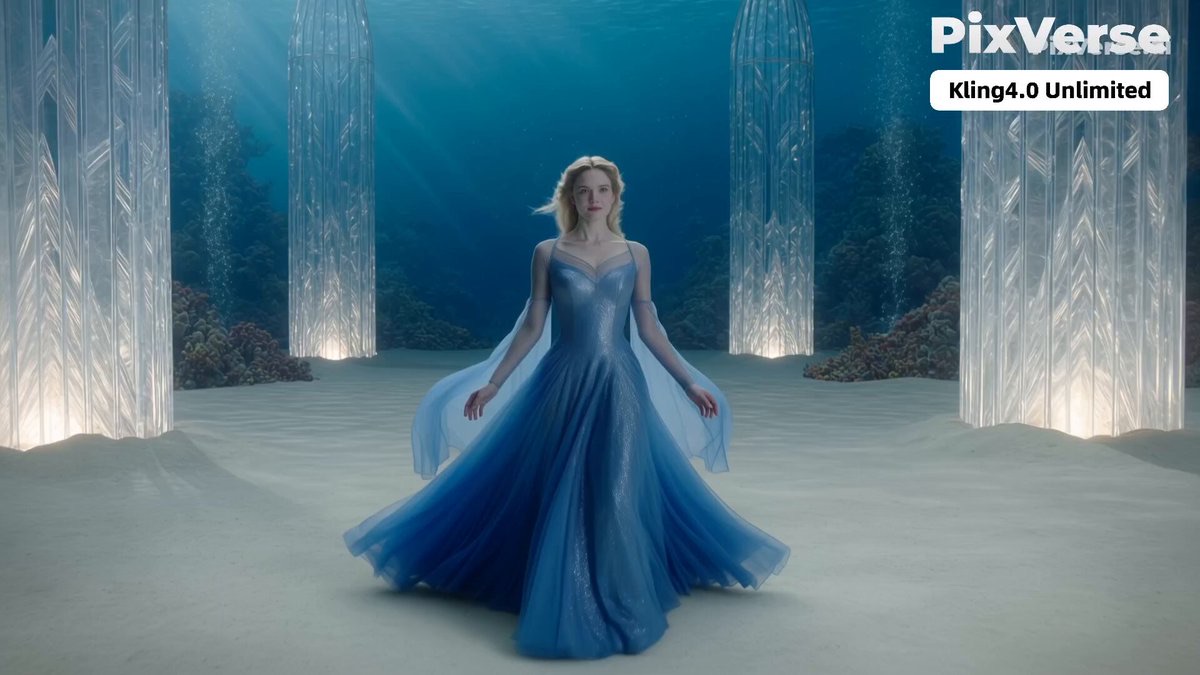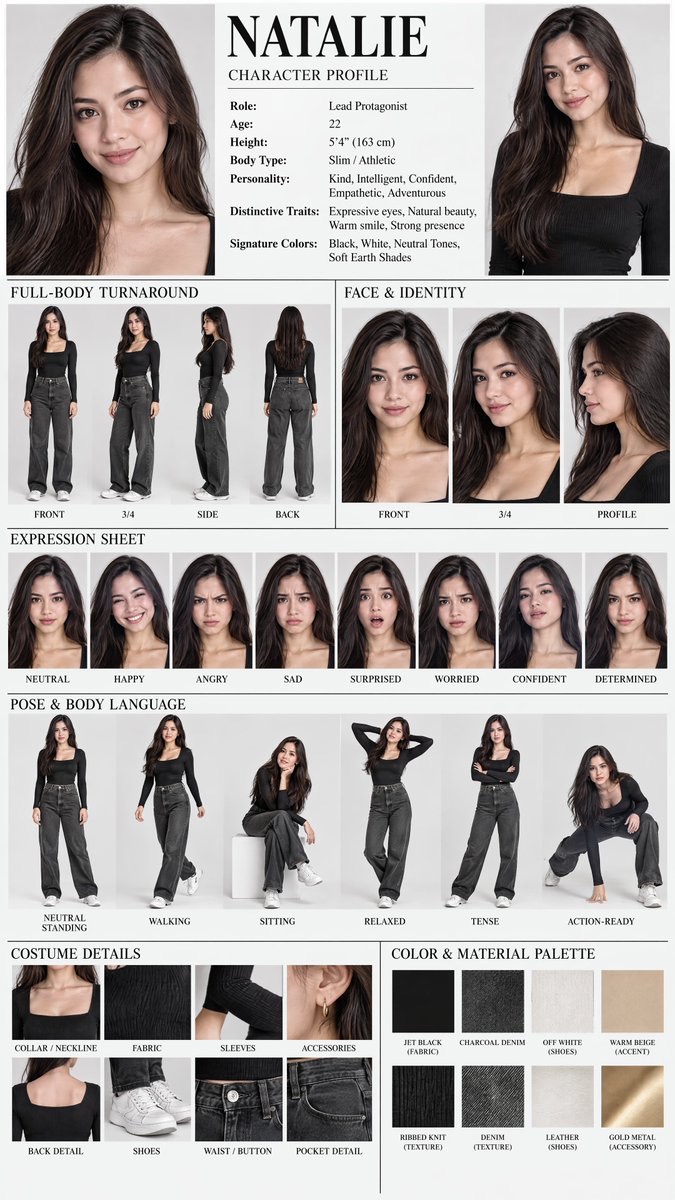
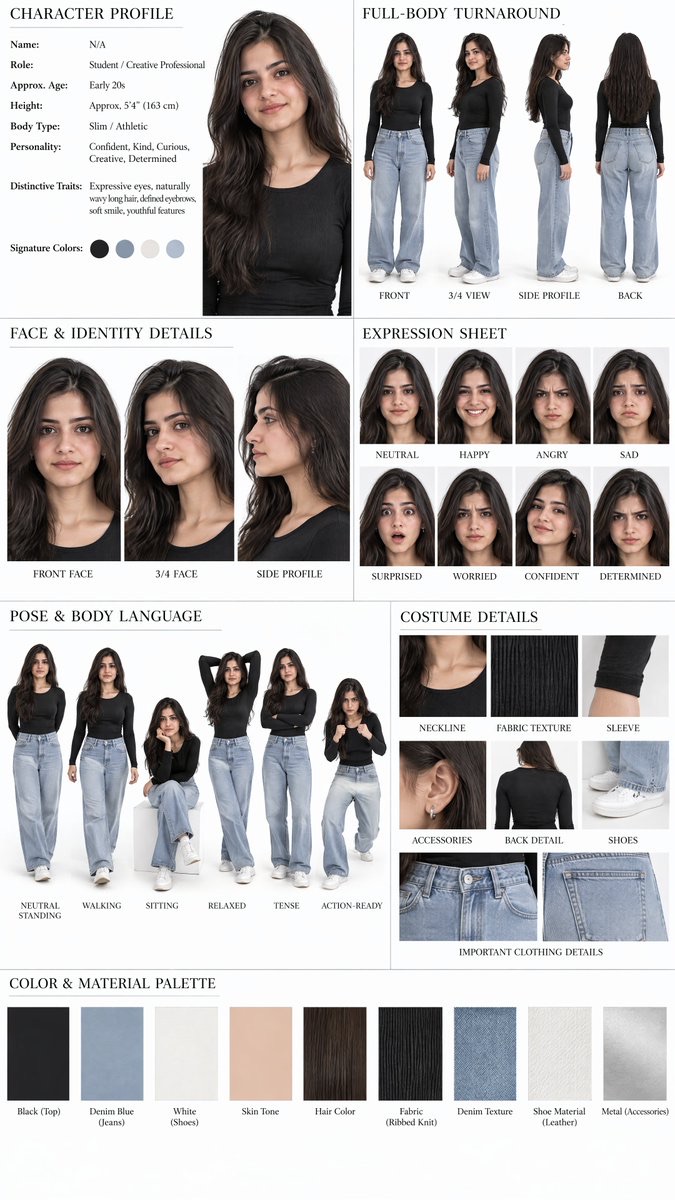
Image · GPT Image 2.5
Single-Photo Character Reference Sheet
Create a professional character design reference sheet from a single portrait photo, including character profile, full-body turnaround, facial details, expressions and poses, costume close-ups, and a color and material palette.
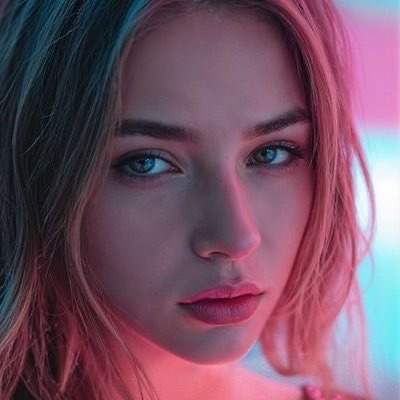 Sadia@SadiaMalik182
Prompt
⤵️

Use the uploaded photo as the ONLY identity reference and create a premium professional CHARACTER REFERENCE SHEET of the exact same person.

Preserve the person's recognizable identity exactly, including facial structure, eyes, eyebrows, nose, lips, jawline, skin tone, hair color, hair texture, hairline and hairstyle.

Create a clean Hollywood-style character design sheet with a professional editorial grid layout and white studio background.

CHARACTER PROFILE
Name: [NAME]
Role: [ROLE / PROFESSION]
Age: [AGE]
Height: [HEIGHT]
Body Type: [BODY TYPE]
Personality: [3–5 TRAITS]
Distinctive Traits: [IMPORTANT FEATURES]
Signature Colors: [COLORS]

FULL-BODY TURNAROUND
Show the same person in front view, 3/4 view, side profile and back view.

FACE & IDENTITY DETAILS
Show detailed front face, 3/4 face and side profile.

EXPRESSION SHEET
Show neutral, happy, angry, sad, surprised, worried, confident and determined expressions.

POSE & BODY LANGUAGE
Show neutral standing, walking, sitting, relaxed, tense and action-ready poses.

COSTUME DETAILS
Show close-up details of the neckline, fabric texture, sleeves, accessories, back details and shoes.

COLOR & MATERIAL PALETTE
Include coordinated color swatches and material references matching the character.

VISUAL STYLE:
Premium Hollywood character reference sheet, photorealistic cinematic photography, realistic skin texture, natural studio lighting, highly detailed, clean white background, professional typography, thin divider lines, balanced spacing and polished commercial presentation.

IMPORTANT:
Keep the exact same person consistent across every panel.
Do not change the face, hairstyle, age appearance or body proportions.
Do not copy the original photo's background or pose.
Do not add watermarks, logos, social media handles or promotional text.

@WizstarAI #WizstarPartner
How to use
Usage tip: Upload a clear photo of a person, and fill in placeholder information such as name, occupation, age, height, build, personality, distinguishing features, and representative color. After generating, focus on checking identity consistency and clothing details across each panel.