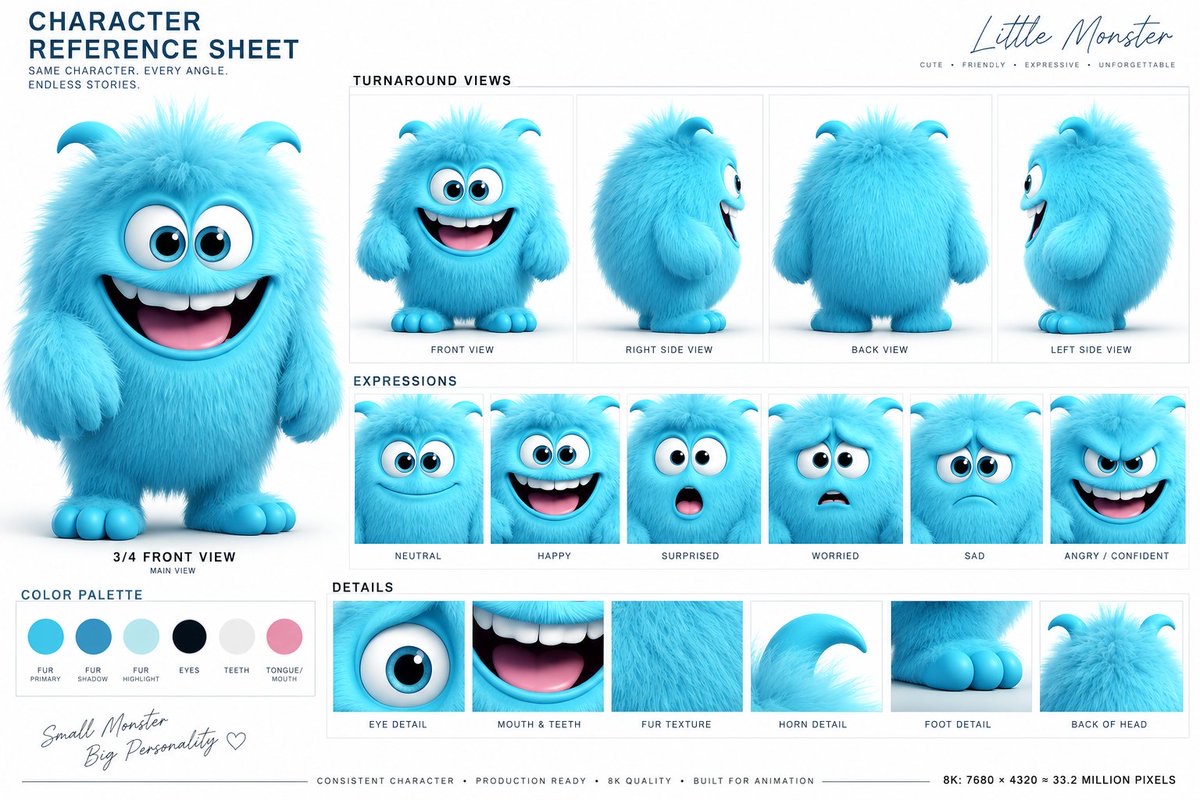
Image
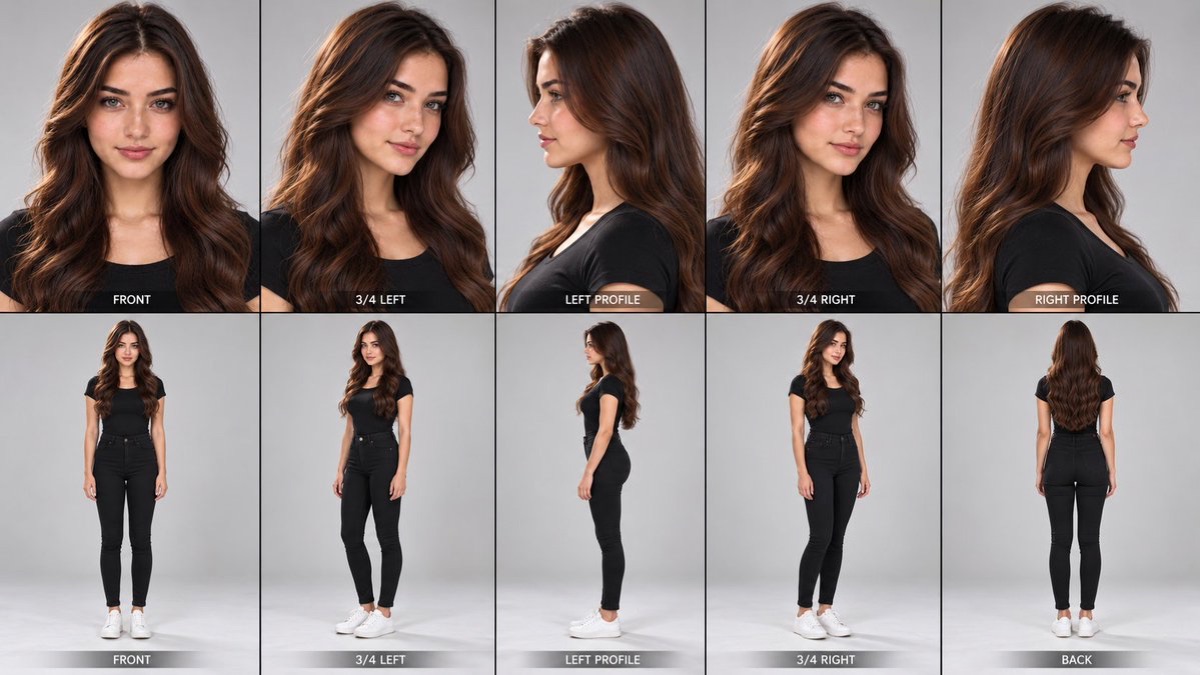
3D Character Multi-Angle Model Sheet
Based on the character reference image provided by the user, generate a professional character reference sheet including front, side and three-quarter views, expressions, outfit details and colour information.
 M. Asif@meAsifAi
Prompt
Create a professional 3D animated character reference sheet based on the provided character reference image.

Preserve the character's identity, facial features, hairstyle, hair texture, body proportions, clothing, colors, accessories, and overall design with strict consistency.

Create a clean professional character-sheet layout on a simple white background, similar to a high-end animated film production model sheet.

MAIN VIEW:
- One large full-body 3/4 front view of the character
- Natural relaxed standing pose
- Full outfit clearly visible
- Accurate proportions and silhouette
- Character holding/using the same main prop or object if present in the reference

SECONDARY VIEWS:
- Front-facing portrait
- 3/4 portrait
- Side profile
- Full-body side view
- Back or rear 3/4 view where useful

EXPRESSIONS:
Include small portrait panels showing multiple clear facial expressions:
- neutral
- happy/subtle smile
- surprised
- worried
- sad
- angry/confident

DETAIL PANELS:
Add close-up panels showing important design details such as:
- eyes and facial features
- hairstyle and individual hair texture
- clothing fabric and stitching
- shoes
- accessories
- important props

CONSISTENCY:
Every panel must depict the EXACT SAME character.
Maintain identical facial identity, hairstyle, eye shape, skin tone, clothing design, colors, proportions, and distinctive features across every angle and expression.
Do not redesign or alter the character between views.

STYLE:
High-quality polished 3D animated movie character design, expressive but realistic stylized proportions, detailed hair strands, soft cinematic lighting, clean smooth rendering, professional animation-production quality.

LAYOUT:
Professional character reference sheet / model sheet, neatly arranged panels, thin gray panel borders, clean white background, balanced spacing, front/side/3/4 views clearly separated, visually organized like an official animation studio character sheet.

Add small professional annotation labels and subtle color/material swatches where appropriate, such as:
"FRONT VIEW"
"3/4 VIEW"
"SIDE PROFILE"
"EXPRESSIONS"
"HAIR & CLOTHING DETAILS"
"COLOR PALETTE"

The final image should look like an authentic professional character design turnaround sheet created for maintaining visual consistency in an animated production.
How to use
Usage tip: upload a clear character reference image and choose an image model that supports reference-image consistency and multi-panel layouts. After generating, check whether the facial features, outfit and proportions are consistent across all views.
Details
More from M. Asif
-
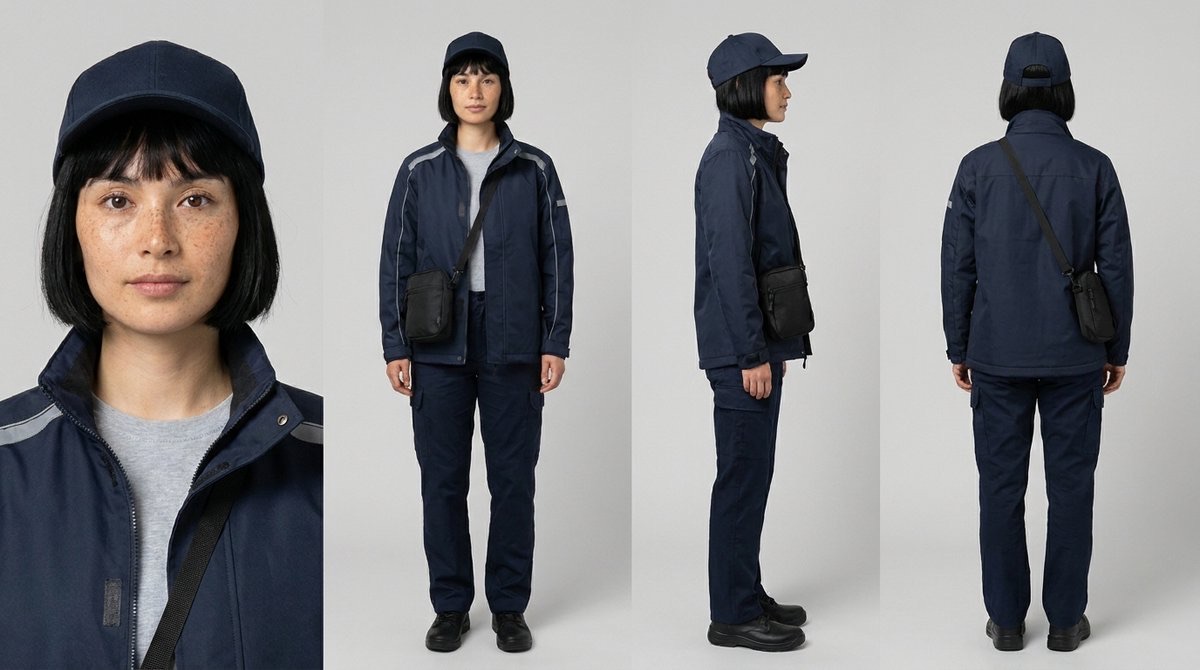
Four-View Character Reference Sheet
-
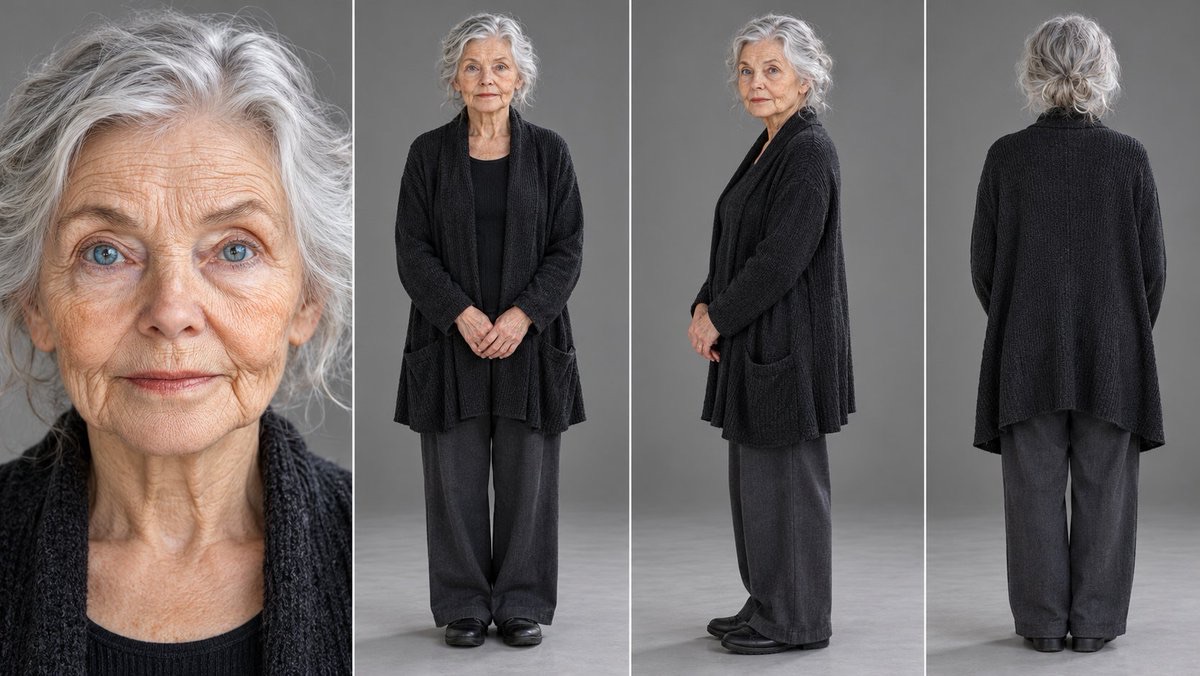
Universal Four-View Reference Sheet
-
Girl and Black Panther Film Shot
-
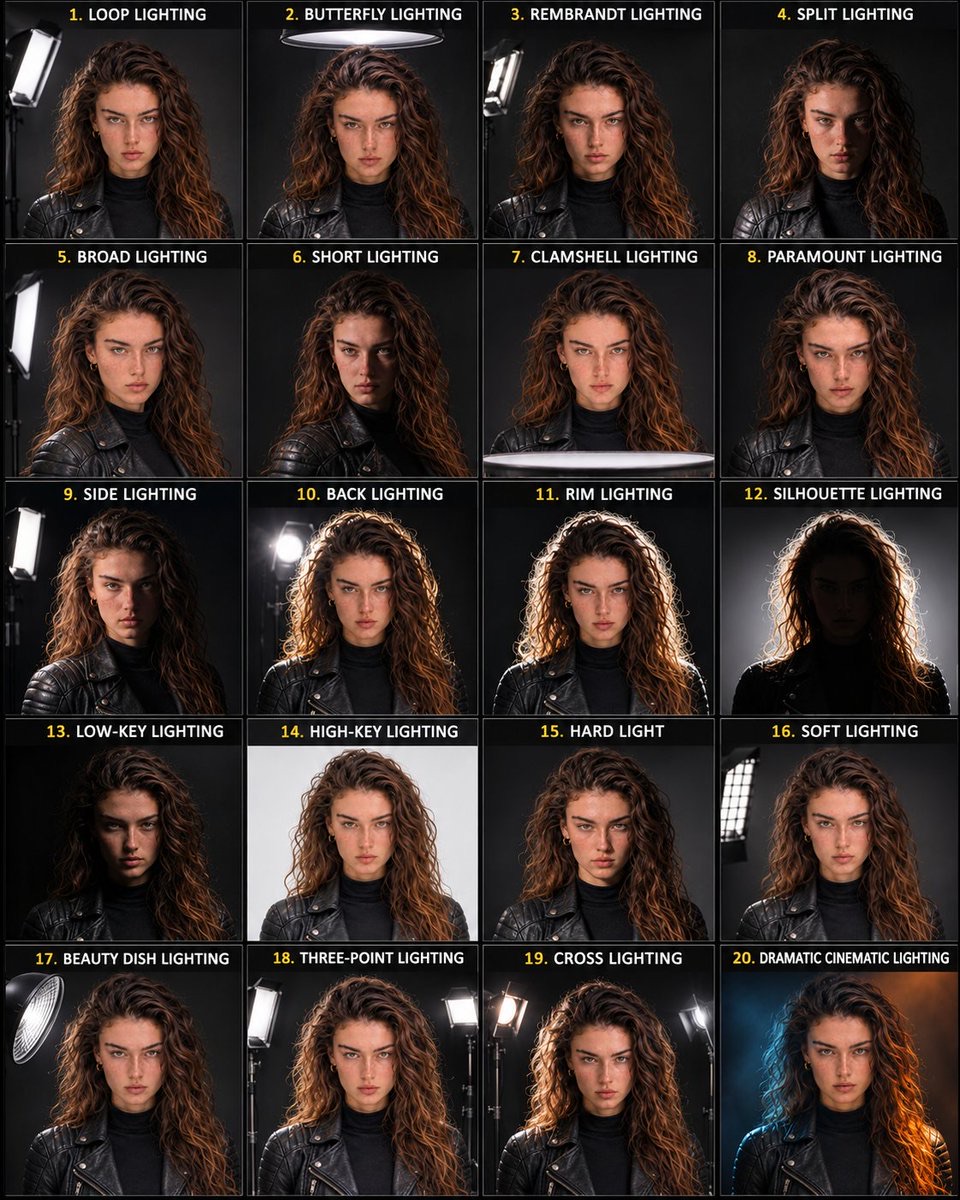
Portrait Lighting Reference Sheet
-
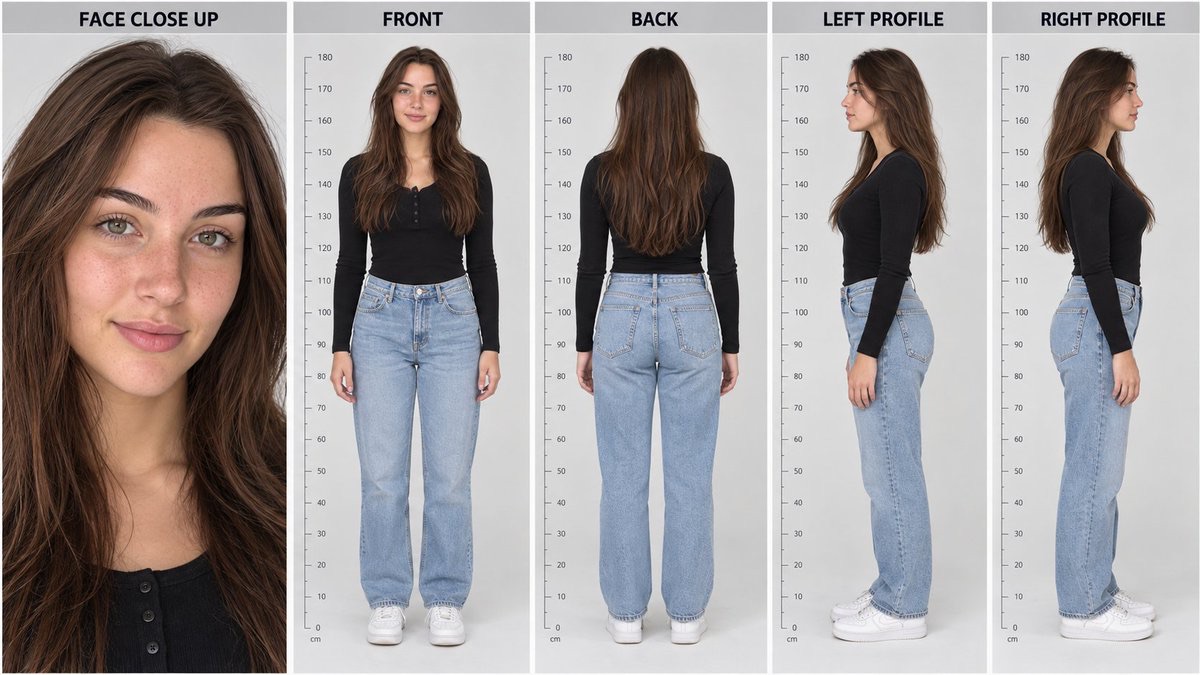
Five-View Realistic Character Reference Sheet
-
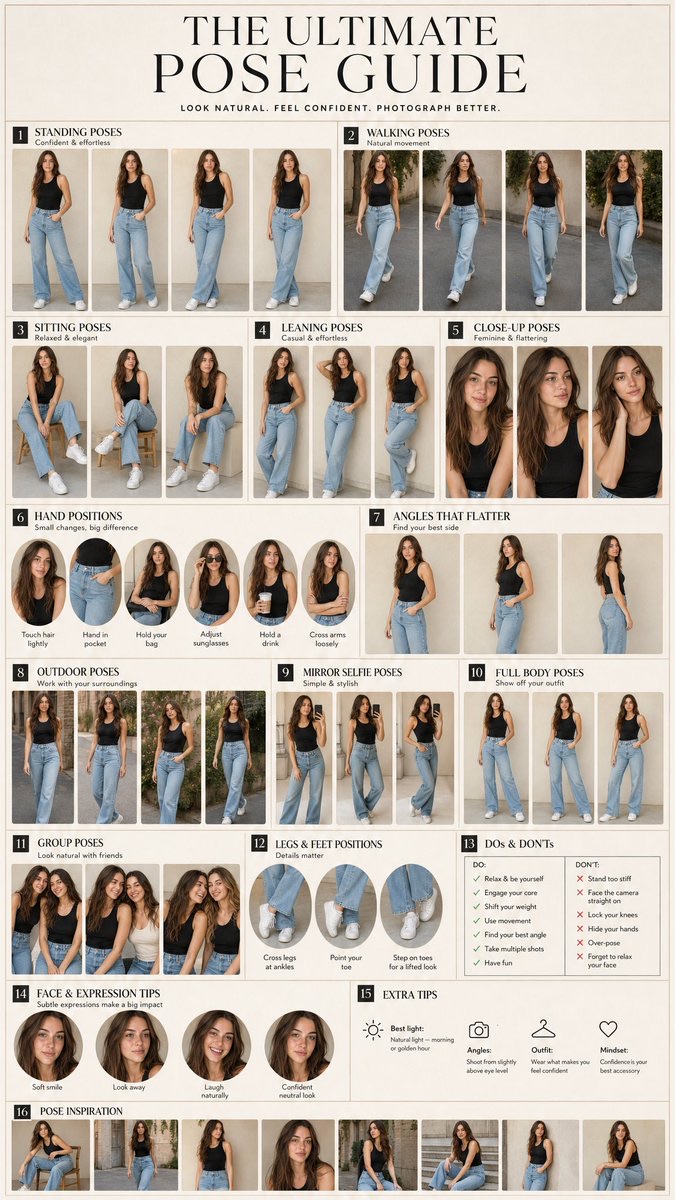
16-Panel Fashion Pose Guide of the Same Person
-
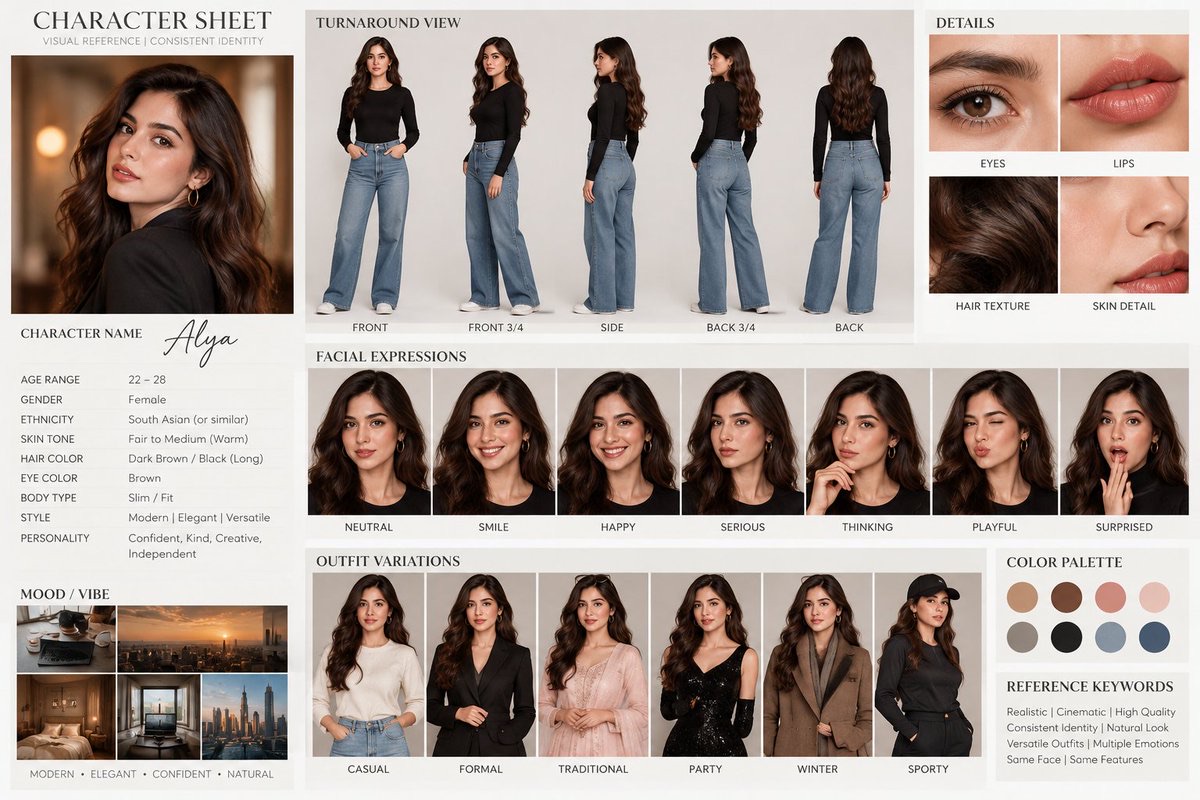
Cinematic Alya Character Design Sheet
-
Ten-Panel Character Consistency Reference Sheet