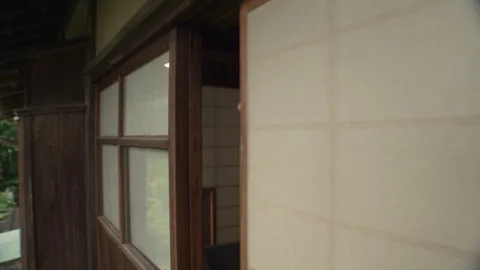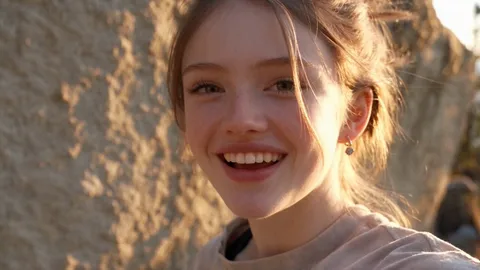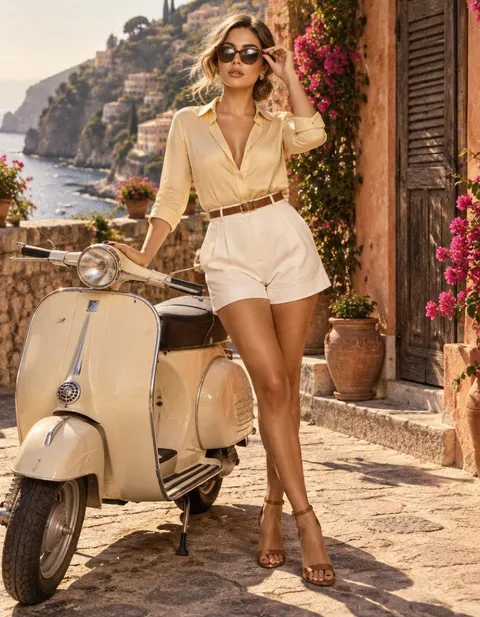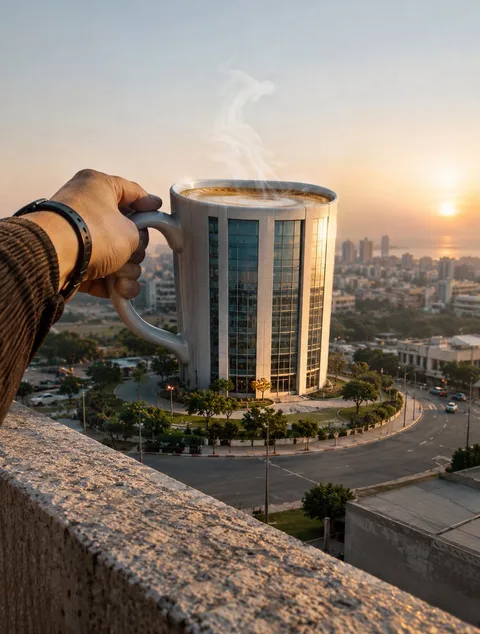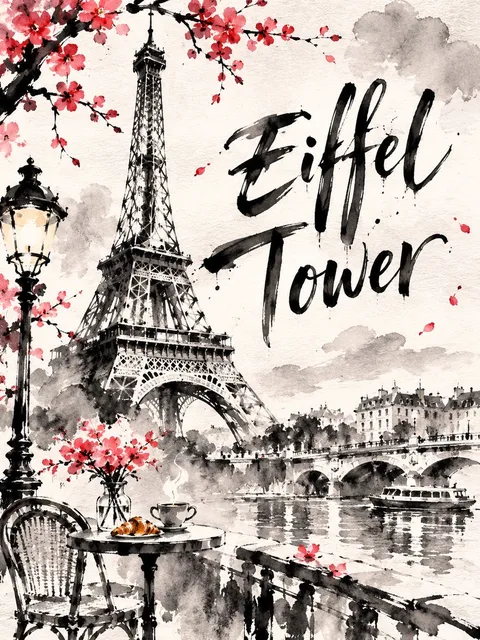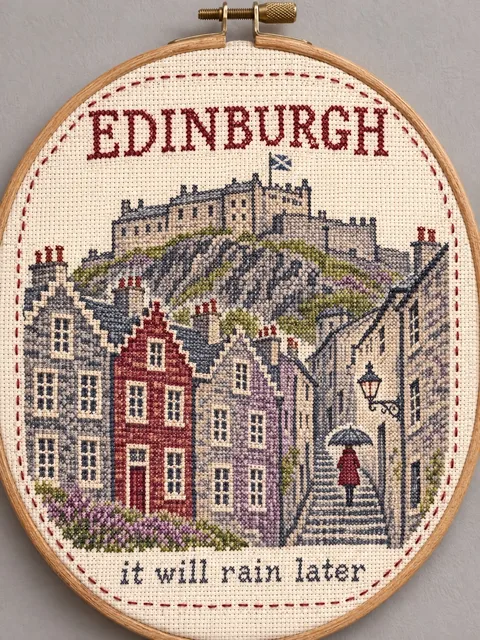
Image · GPT image 2
Photo and Memory Sketch Field-Journal Page
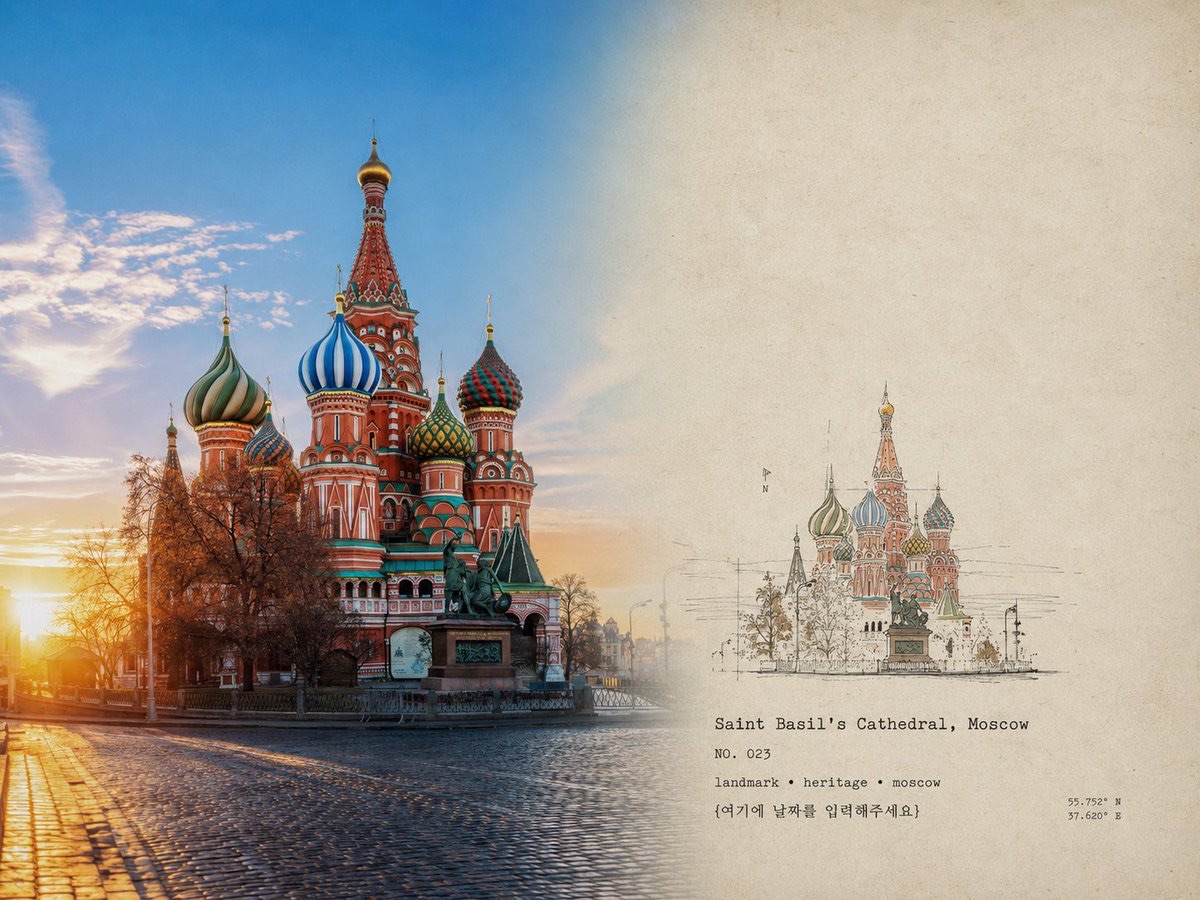
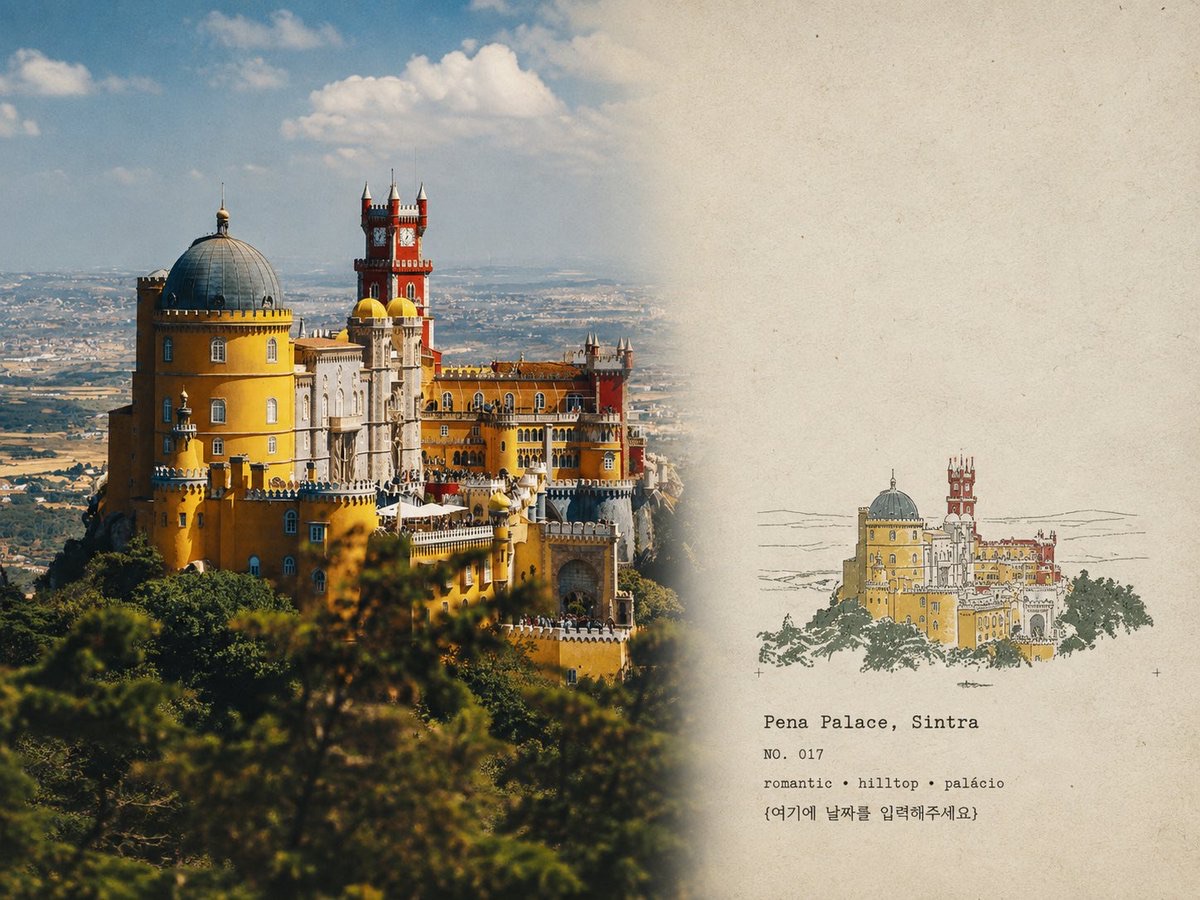
Arrange a single photo into an archival-style 4:3 landscape field-journal page: preserve the original photo on the left, add a simple topographic or architectural memory sketch based on the photo on the right, and pair it with vintage paper, a limited palette, and archival text.
 simeon-sanai@Naiknelofar788
Prompt
Use the uploaded photo as the primary source. Output each photo individually, never as a collage.

Create a refined 4:3 landscape editorial field-journal page.

LEFT 60% — ORIGINAL PHOTO
Preserve the photo with maximum fidelity: subject, architecture, terrain, people, vegetation, perspective, lighting, shadows, colors, and textures. Do not redraw, distort, replace, or alter the main subject. Only subtle professional color grading and fine film grain.

RIGHT 40% — ARCHIVAL PAPER
Use warm aged ivory paper with subtle fibers and natural grain. Keep plenty of clean whitespace.

Create a small hand-printed topographic/architectural memory sketch based only on the most recognizable elements of the photo—main architecture, skyline, mountains, trees, roads, shoreline, or terrain. Keep it minimal, not a full illustration.

Use 2–4 muted colors extracted from the photo, with authentic handmade print imperfections: uneven ink, broken lines, paper show-through, dry ink, rough edges, and slight misregistration.

Add small archival typewriter text:

LOCATION NAME
NO. [NUMBER]
KEYWORD · KEYWORD · KEYWORD
[YEAR]
{여기에 날짜를 입력해주세요}

Overall feeling: quiet, sophisticated, architectural, documentary, tactile, vintage field notebook.

Avoid: dividing lines, split-screen effect, seals, postcards, logos, stickers, tourist templates, smooth vectors, cartoon style, 3D effects, oversaturation, excessive detail, excessive text, and any alteration of the original photograph.
How to use
Usage: Provide a clear travel, architecture, or nature photo, and replace the layout text such as the place name, number, keywords, and year.
Details
- Type
- Image
- Model
- GPT image 2
- Source
- simeon-sanai
- License
- © the author
- Published