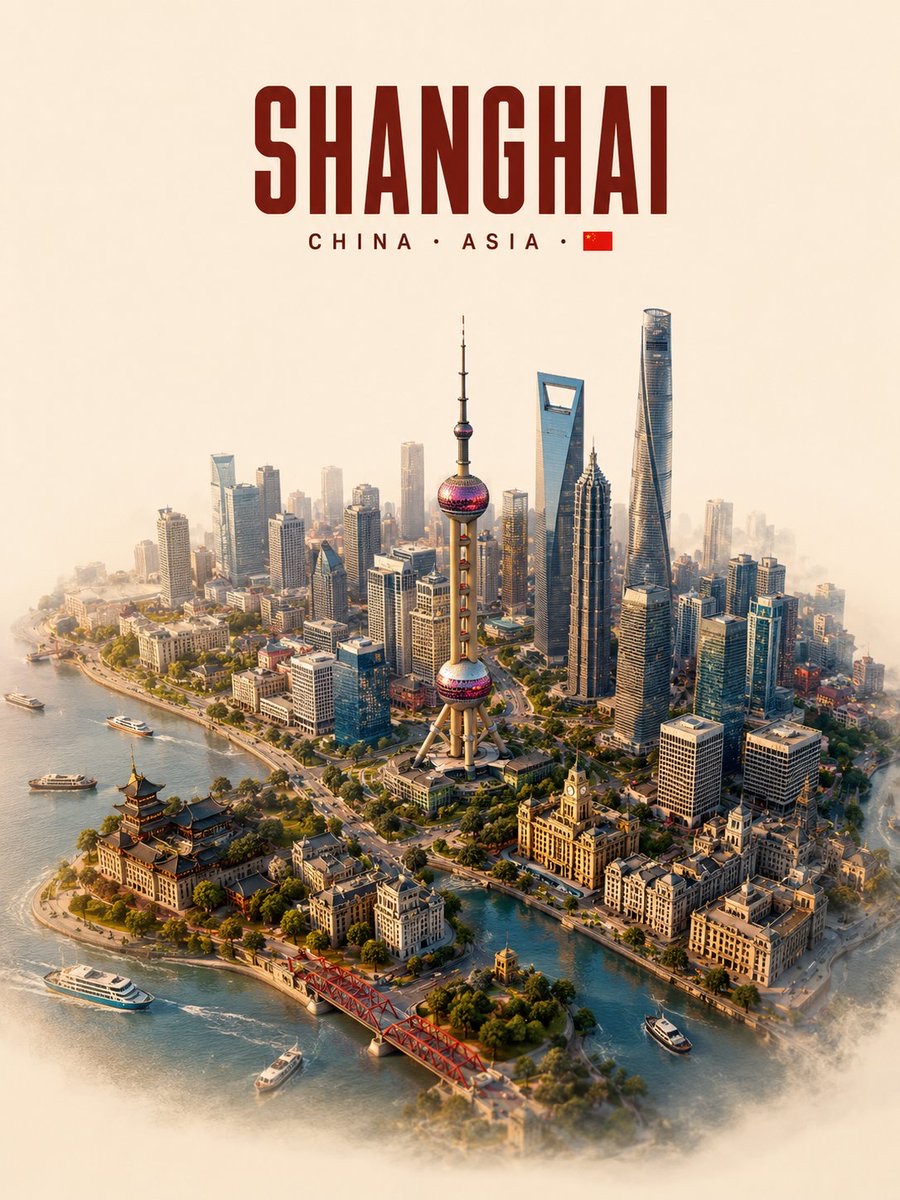
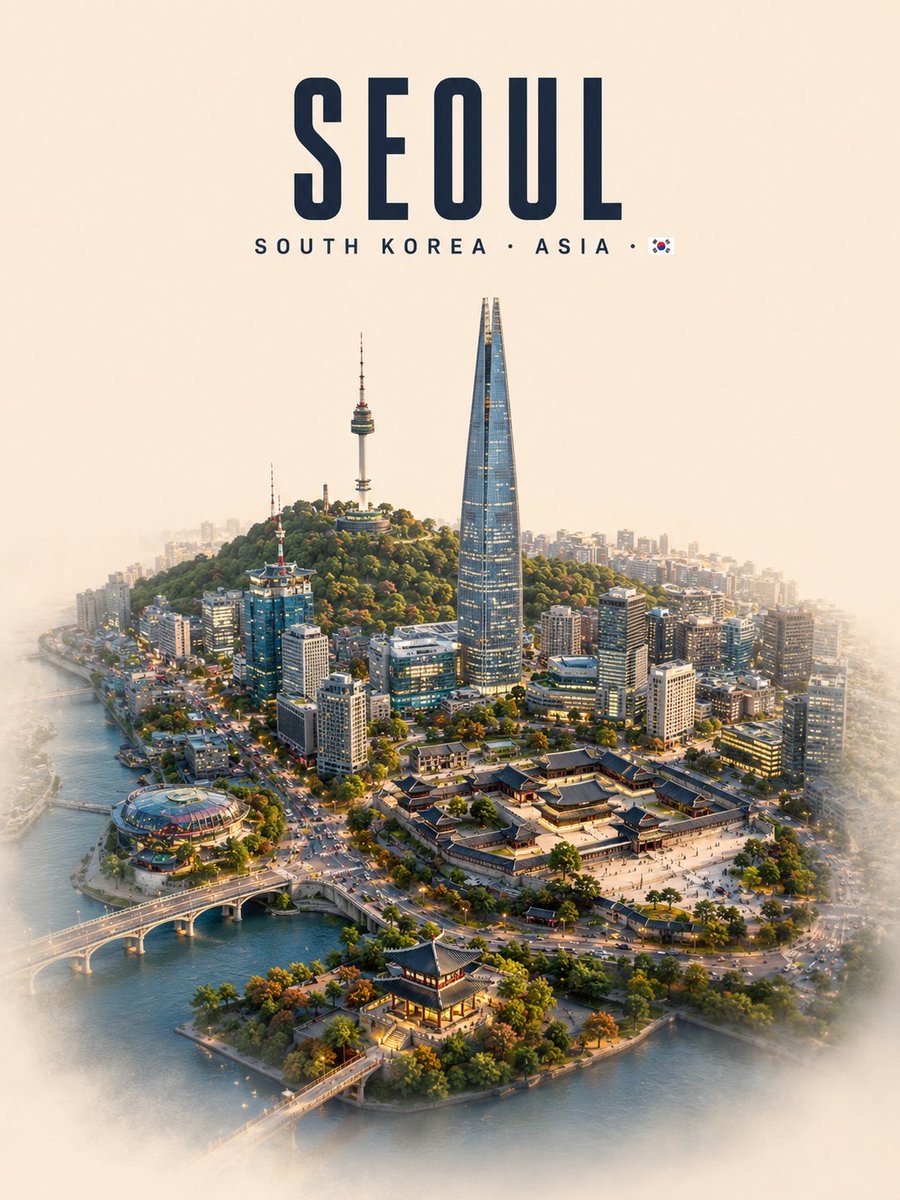
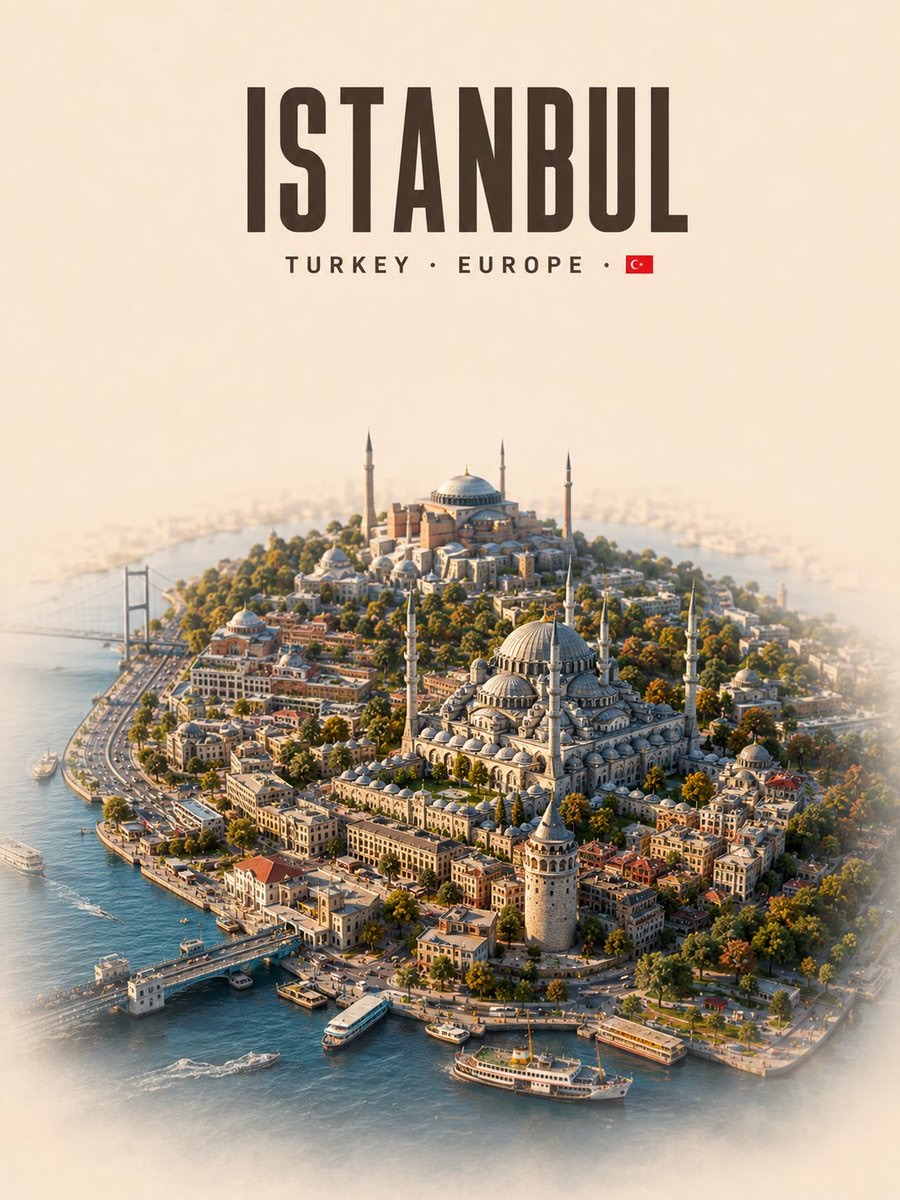
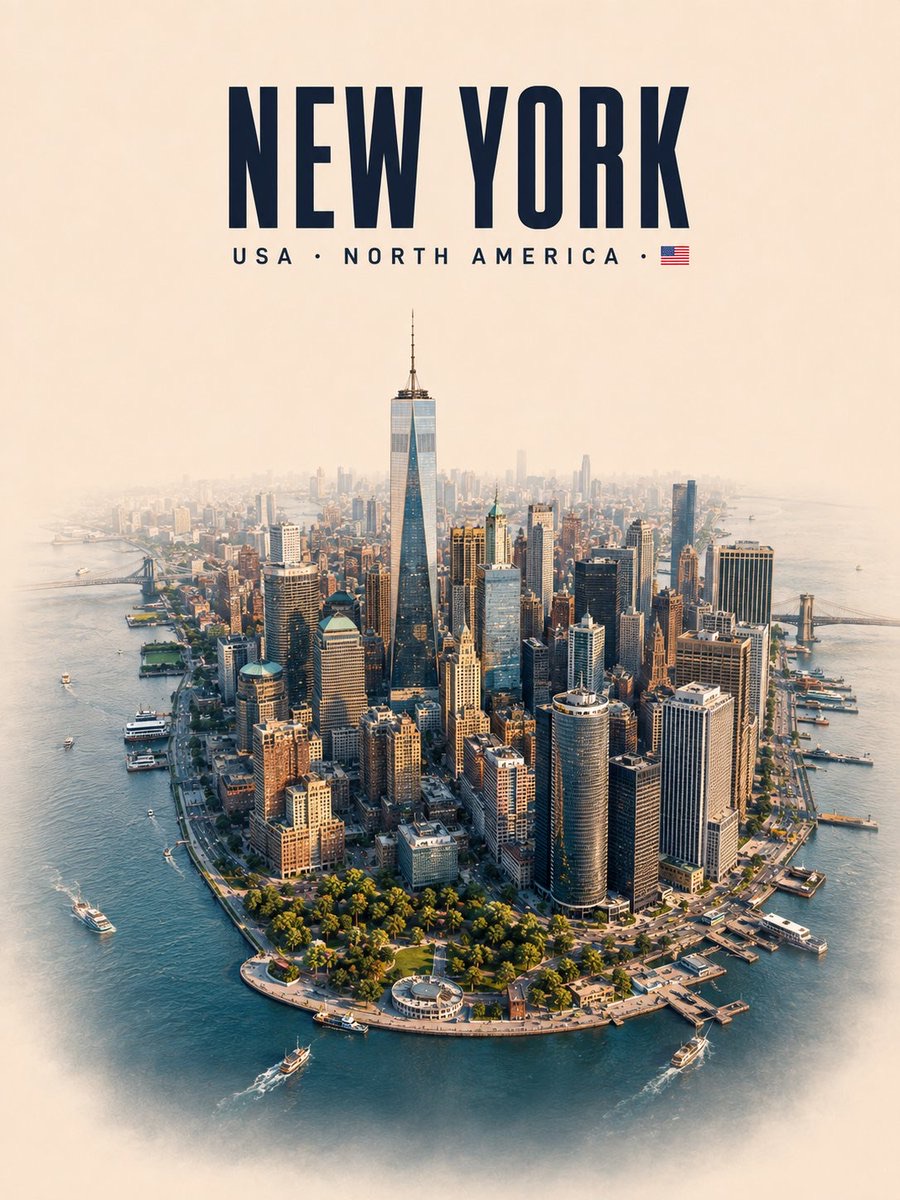
Image · GPT Image 2
Destination Isometric Miniature Map
Turn a specified destination into a vertical 3D isometric miniature scene with authentic landmarks, plausible geographic relationships, and cinematic depth, leaving softened edges suitable for image-to-video generation.
 Saul Goodman@Goodmanprotocol
Prompt
Create a premium vertical 3:4, high-detail 3D isometric miniature diorama of [DESTINATION], designed as a cinematic master frame for future image-to-video animation.

Focus on the smallest recognizable geographic and cultural core of the destination. Keep the complete terrain footprint visible and uncropped, with plausible geography and natural spatial relationships.

Include 5–8 authentic iconic elements, with 1–2 dominant hero landmarks and appropriate natural features. Preserve recognizable silhouettes, proportions, materials, and locations. No duplicates or invented landmarks.

Create strong foreground, midground, and background depth for aerial glide, push-in, and parallax. Connect landmarks with authentic streets, architecture, terrain, vegetation, water, and environmental details so everything feels like one continuous miniature world.

Use a realistic premium architectural-model aesthetic with refined materials, realistic textures, soft shadows, ambient occlusion, cinematic lighting, and subtle atmospheric depth. Avoid cartoon, low-poly, toy-like, or souvenir styling.

I2V EDGE CONTROL: softly blend and optically dissolve the left, right, and bottom terrain edges using subtle haze, depth-of-field, shadow, or environmental blending. Avoid hard cutout edges, thick sidewalls, pedestals, or sticker-like outlines.

Place the diorama in the lower 70%, leaving generous warm off-white negative space above.

Header at top center, exactly:

[DESTINATION]
[COUNTRY · CONTINENT · FLAG]

Use bold condensed uppercase typography. No additional text, logos, borders, or watermarks.

FINAL: recognizable destination + authentic landmarks + plausible geography + cinematic depth + realistic miniature craftsmanship + I2V-ready softened edges.
How to use
Usage suggestion: Replace [DESTINATION] with the specific destination and add accurate country, continent, and flag information. After generation, you can use the image as the first frame for image-to-video animation, with a push-in, aerial glide, or parallax effect.
Details
- Type
- Image
- Model
- GPT Image 2
- Source
- Saul Goodman
- License
- © the author
- Published