Image
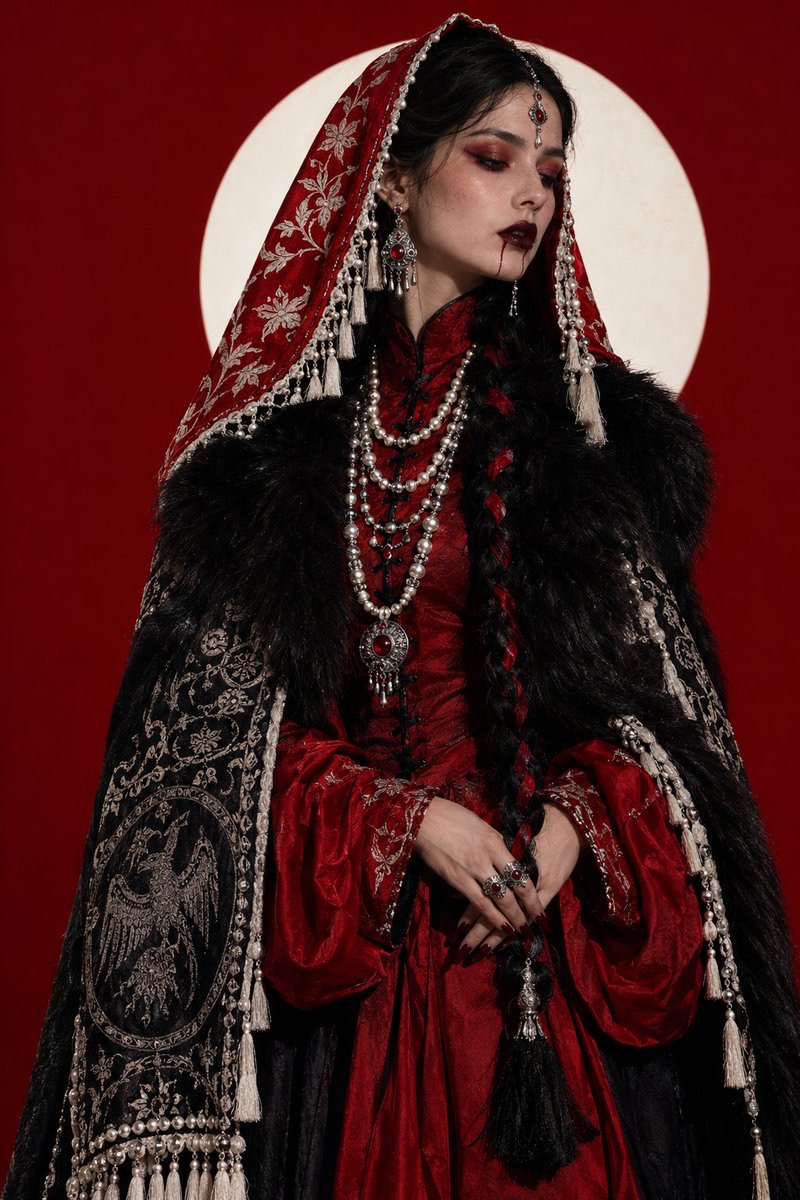
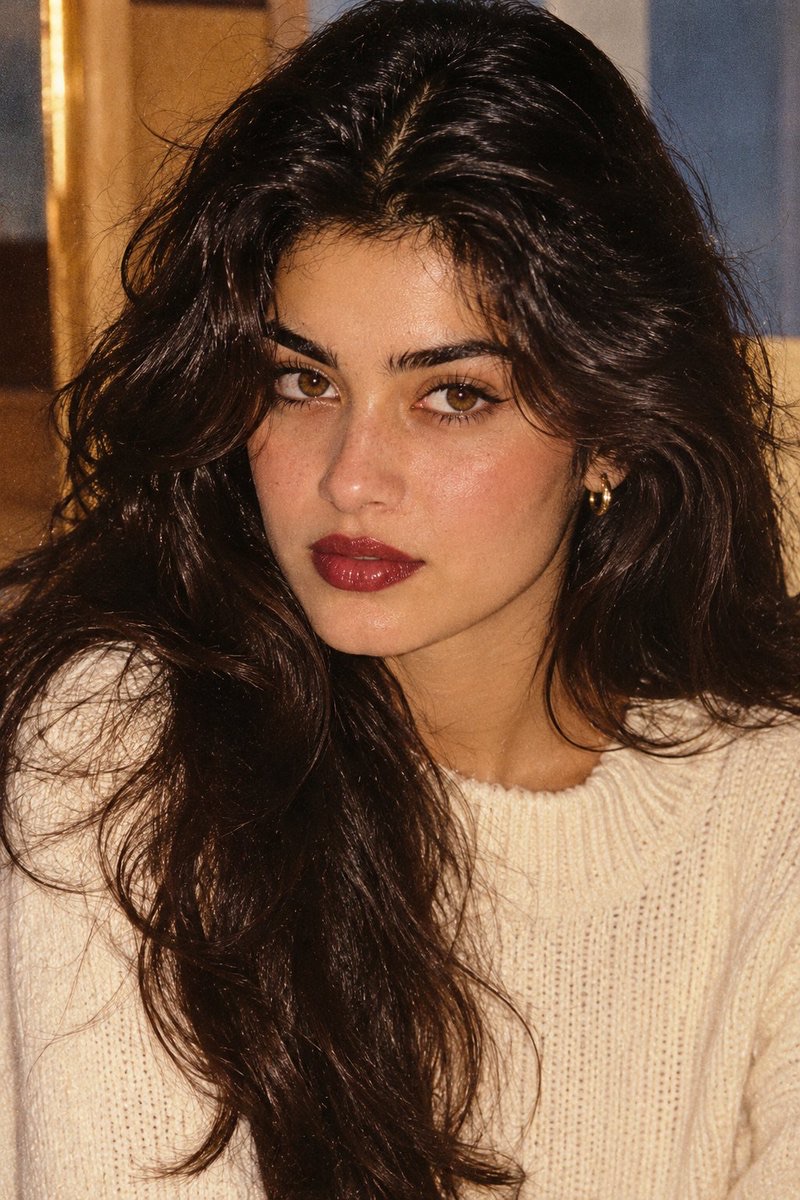
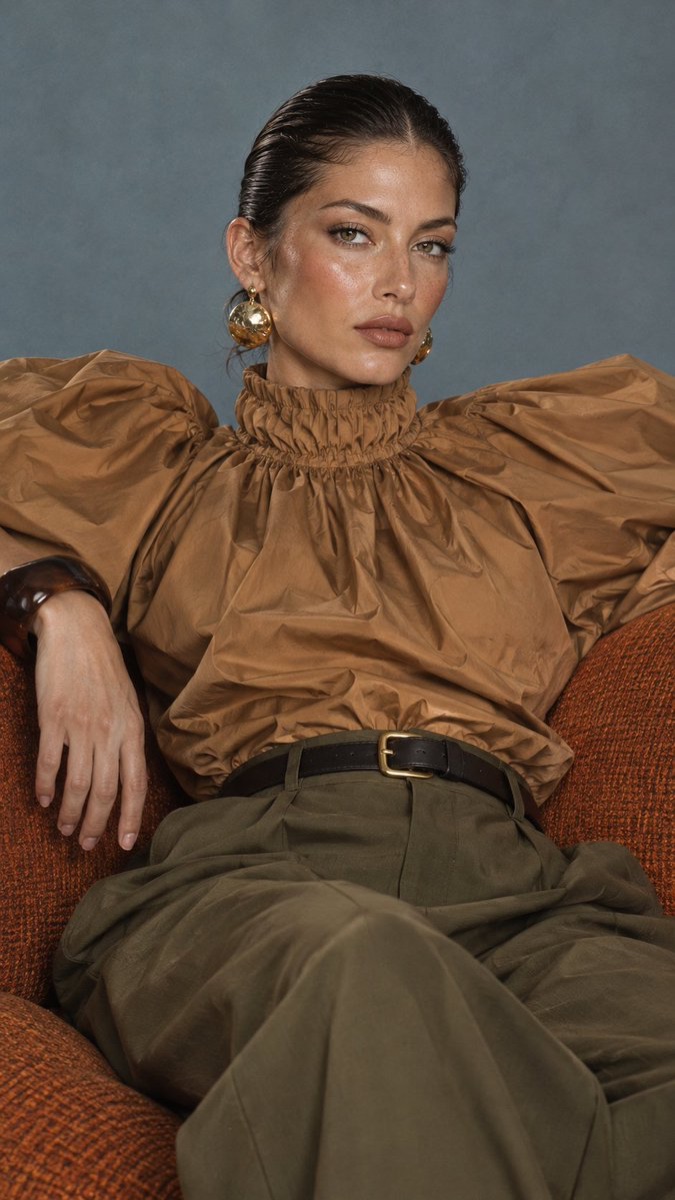
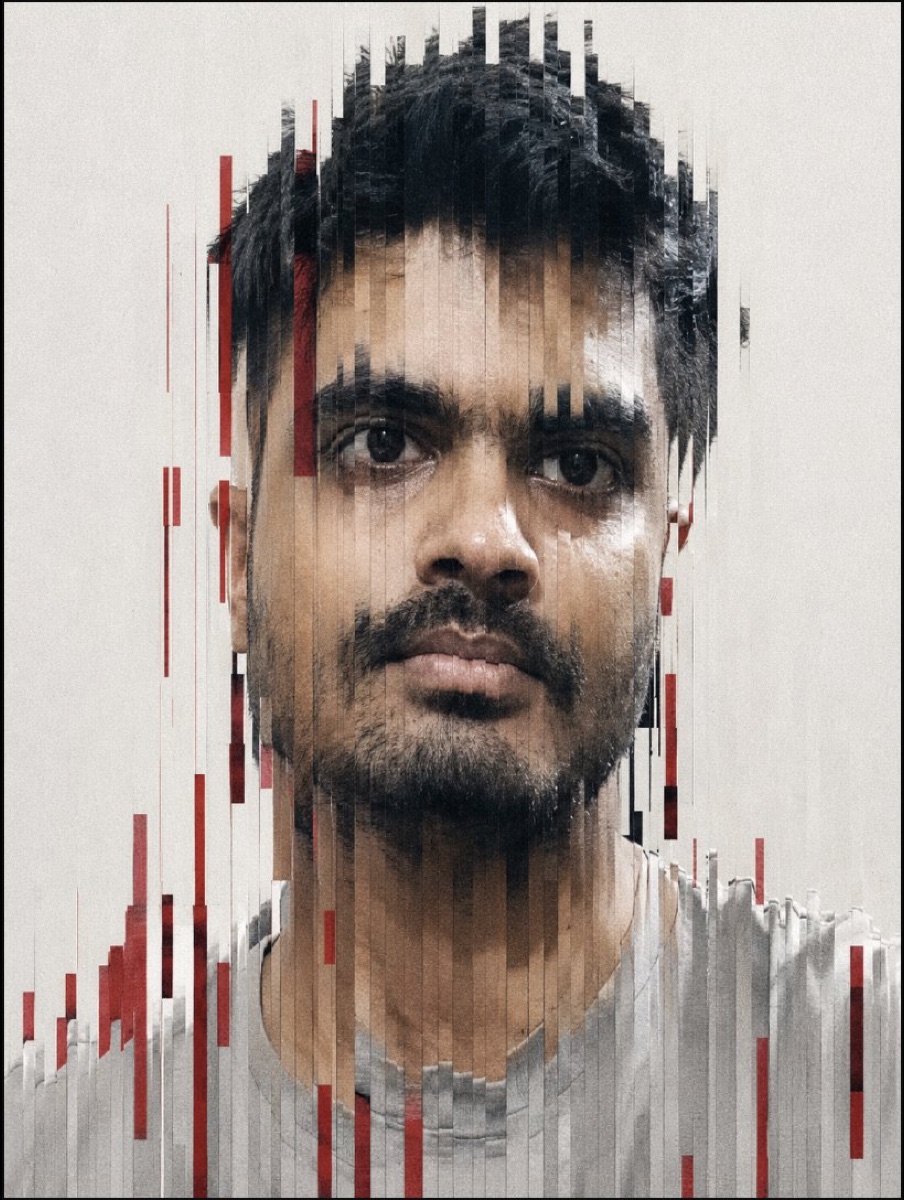
深红纵向故障时装肖像
将用户上传的人像参考图转化为保留面部特征的高级时装肖像,并叠加克制的纵向切片故障艺术效果。
 Tanvir 🫎@Tanvir48992
Prompt
[Create a high-fashion editorial portrait using the uploaded photo as the visual reference. Keep the subject’s recognizable facial features, natural proportions, hairstyle, and overall appearance consistent with the reference.

Use a tight, centered head-and-shoulders composition with a direct, confident gaze and a neutral, slightly intense expression. Photograph the subject as if using a professional portrait lens, with the eyes as the primary point of focus and a softly blurred, pale-gray background.

Apply a sophisticated vertical glitch effect across the portrait. Break the image into dozens of narrow vertical strips with varying lengths and subtle horizontal offsets. Keep many strips aligned with the original face while randomly shifting others to create a controlled digital scan-line distortion. Let some fragments extend beyond the natural silhouette of the hair, face, and shoulders.

Preserve realistic skin detail beneath the distortion, including natural pores, fine facial hair, subtle tonal variations, and realistic highlights. Add moderate analog-style film grain, fine digital noise, and restrained compression texture for an artistic photographic finish.

Use a restrained neutral color palette with soft gray and off-white surroundings. Introduce deep crimson-red accents through selected glitch fragments and vertical bars, creating sharp visual contrast without overwhelming the portrait.

Lighting should feel like soft professional studio illumination: gentle highlights on the face, controlled shadows, and enough contrast to maintain facial depth. Avoid excessive saturation or cartoon-like rendering.

The final image should feel like a premium contemporary fashion photograph merged with experimental digital art—minimal, elegant, gritty, slightly imperfect, and visually striking.

Composition: vertical portrait, 3:4 ratio, high resolution, centered subject, clean negative space, realistic photography blended with refined glitch aesthetics.]
How to use
使用建议:上传一张清晰的人像参考照片后输入提示词;确保照片中人物授权可用于生成,并按需调整故障条带密度与深红色强调程度。