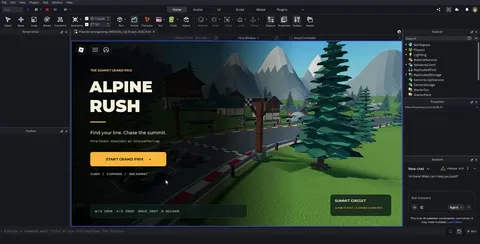
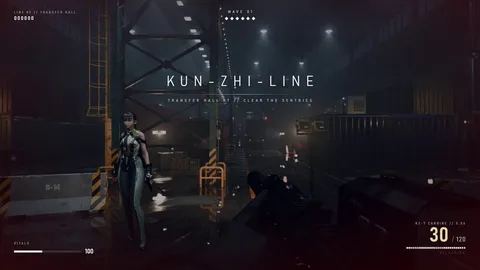
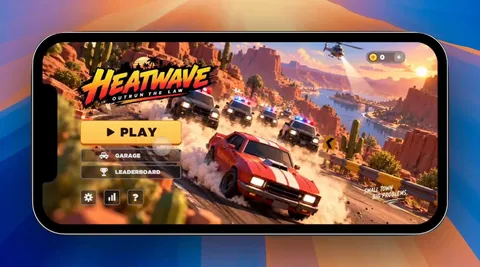
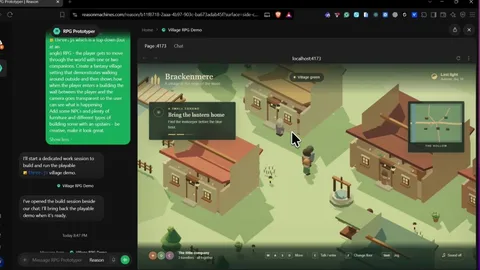
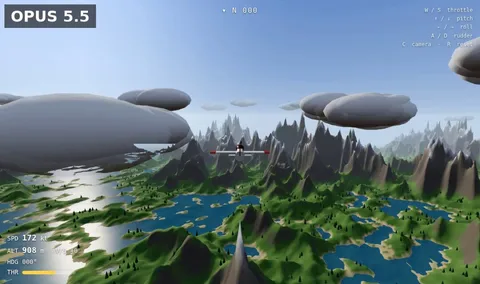
Browser-Based 3D Flight Simulator
Build a polished, playable browser-based 3D flight simulator game from scratch.
The goal is to create a small but genuinely playable flight-sim experience, not a static 3D scene.
GAMEPLAY
- Create an airport with a detailed runway, taxiway, terminal/buildings, grass/terrain, runway markings/lights, sky and clouds.
- Place a recognizable passenger airplane at the airport.
- The player must be able to control the aircraft with the keyboard.
- Implement throttle, pitch, roll, yaw and braking.
- The aircraft must have basic believable flight physics, momentum and acceleration.
- The player should be able to accelerate down the runway, take off, fly around the airport, approach the runway and land.
- Add a simple objective: take off, complete a short flight around the airport and land safely.
- Include crash/failure detection and a restart option.
CONTROLS
Display controls clearly:
- W/S: Pitch
- A/D: Roll
- Q/E: Yaw
- Shift/Ctrl: Throttle
- Space: Brake
CAMERA
- Use a smooth third-person chase camera behind the aircraft.
- Keep the aircraft clearly visible during flight.
- Camera should smoothly follow movement and respond subtly to acceleration.
HUD
Create a polished aviation-style HUD showing:
- Airspeed
- Altitude
- Heading
- Throttle
- Vertical speed
- Flight status
- Current objective
Include a compact controls/help panel that can be hidden.
START + RESULTS
Create a start screen with:
"FLIGHT SIMULATOR"
and a prominent "START FLIGHT" button.
After a successful landing, show:
- Flight completed
- Landing quality
- Flight time
- Final score
- Play Again
VISUAL QUALITY
Make it feel like a real game:
- Cohesive stylized 3D visuals
- Detailed aircraft
- Attractive airport environment
- Good lighting, shadows and materials
- Clouds/atmosphere
- Airport buildings, vehicles, signs, trees and other environmental details where appropriate
- Avoid an empty or obviously unfinished scene
FEEDBACK
Add useful feedback for:
- Throttle/engine state
- Takeoff
- Landing
- Speed warnings
- Altitude
- Crashes
- Successful landing
TECHNICAL
- Build the complete working game in the browser.
- Do not leave placeholder buttons or fake interactions.
- Prioritize responsive controls and smooth performance.
- Use whatever appropriate web/3D technologies are available.
IMPORTANT:
Do not spend the entire task making a beautiful static scene. The aircraft MUST actually be controllable and the complete loop must work:
START → ACCELERATE → TAKE OFF → FLY → APPROACH → LAND → SCORE → PLAY AGAIN
Before finishing, run the game in the browser and test the entire gameplay loop yourself. Fix broken controls, physics, visual bugs and interaction issues you find.
LanguageOriginal
LicenseRights reserved by the author
PublishedSeptember 5, 2026